Legacy code is hard to understand precisely because you lack context: the architectural decisions, the constraints at the time, the business rules baked into the logic. AI can help, but only if it has the same context.
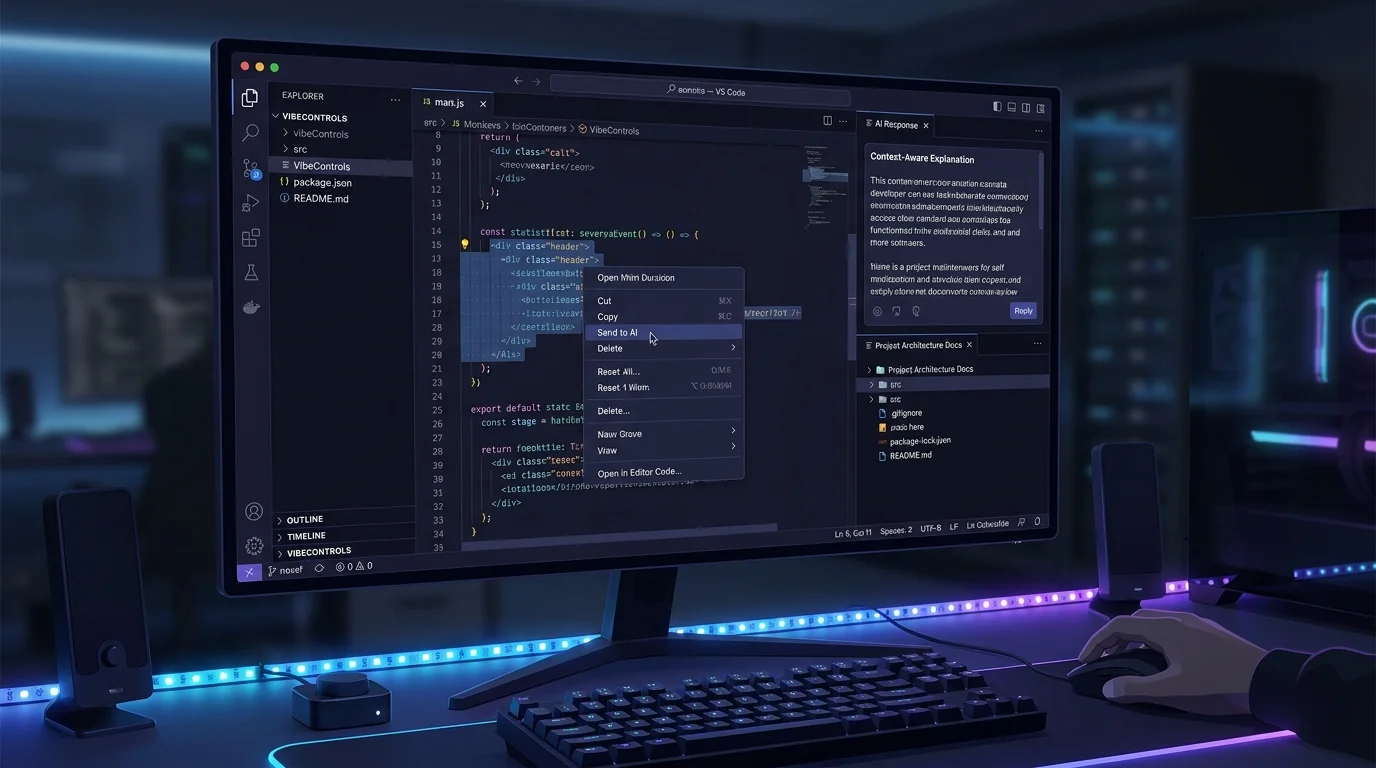
The VibeControls VS Code extension solves this by connecting your editor to your active Vibe. When you right-click a highlighted function and choose "Send to AI", the extension pulls your project's AI Context (README, architecture docs, coding standards) and prepends it to the prompt before dispatching.
The AI response is aware of your stack, your patterns, your constraints — not just the snippet you highlighted. It explains the function in terms of your actual architecture, not a generic description.
You can also create and run sessions from VS Code without leaving your editor, start tunnels for whatever port your dev server is running on, and launch VibeDeck actions — all from the Explorer sidebar. The extension is a thin UI layer over the same VibeControls API, so nothing is duplicated: workspace, sessions, Vibes, and AI contexts are all shared with the web app and CLI.
Do it yourself
Highlight code in VS Code, send it to your AI provider with your active Vibe's project context attached, and read the grounded response right inside the editor.
Open the Extensions view in VS Code, search for VibeControls, and click Install.
You should see: The VibeControls extension is installed and its Explorer sidebar views appear.
Ready to make this your story?