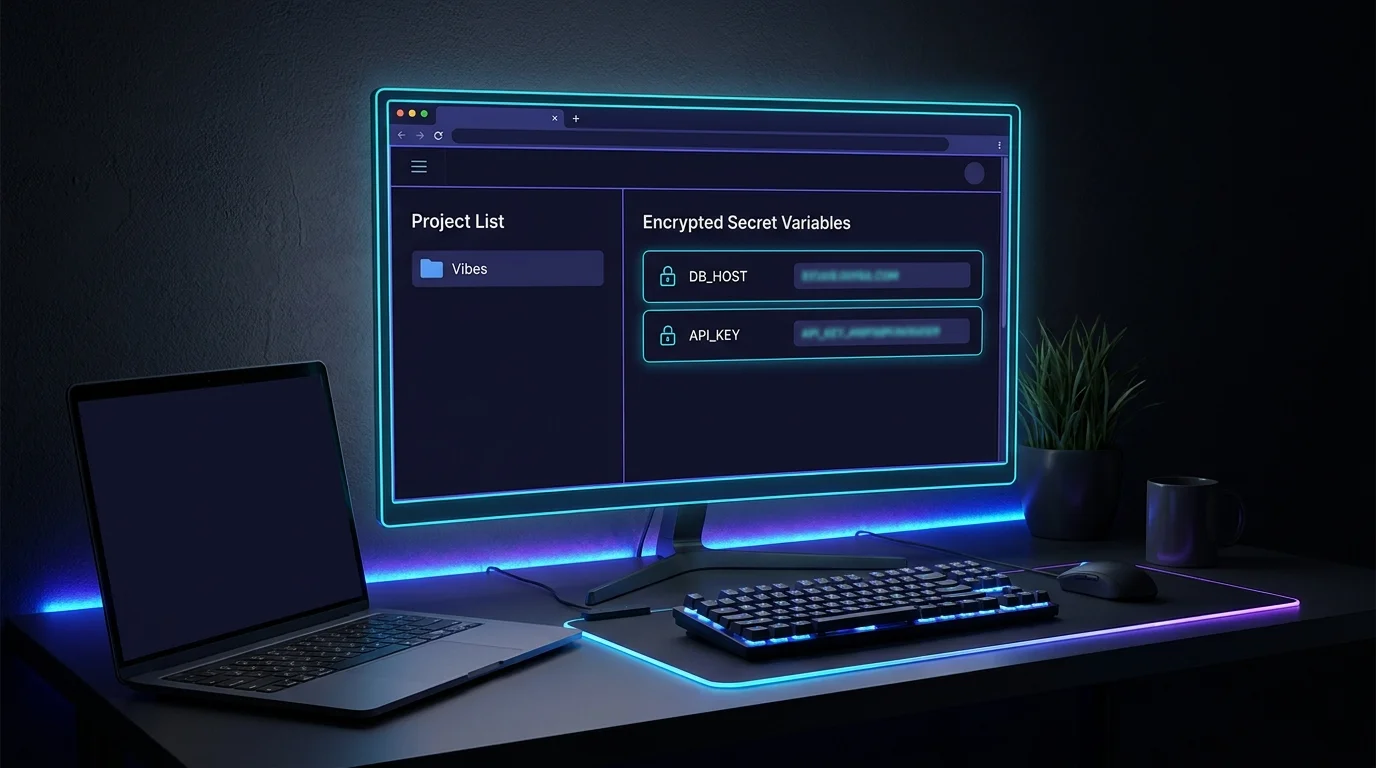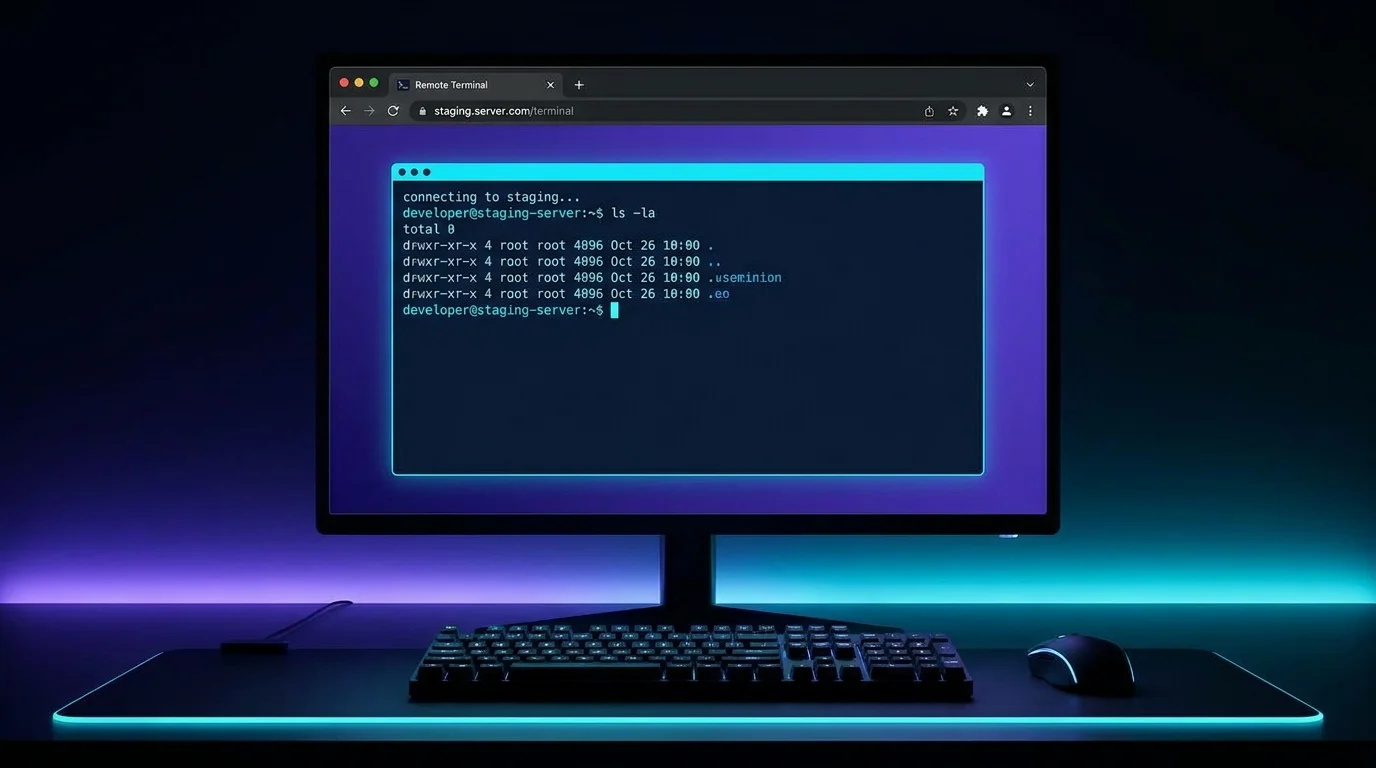
Every developer's machine is a tangle of tmux windows, shell history, and half-remembered SSH aliases. VibeControls collapses all of it into one place.
Install the agent with a single command — the in-product installer is "curl -fsSL https://app.vibecontrols.com/install | bash" (or install the package directly with "npm install -g @vibecontrols/agent" / "bun add -g @vibecontrols/agent"). Run "vibe start" and it prints a tunnel URL and an API key. Paste those into "Add Agent" in the VibeControls dashboard and moments later your laptop is a live, managed agent — with a health heartbeat, a plugin inventory, and a terminal you can open from any browser tab.
Optionally install the VibeControls CLI separately ("npm install -g @vibecontrols/cli") for workspace management — "vibecontrols auth login" to authenticate, and the full 175+ subcommand suite for managing agents, vibes, sessions, and more across your team. The agent and CLI are separate packages with different roles: the agent runs locally on each machine, while the CLI is your control plane client.
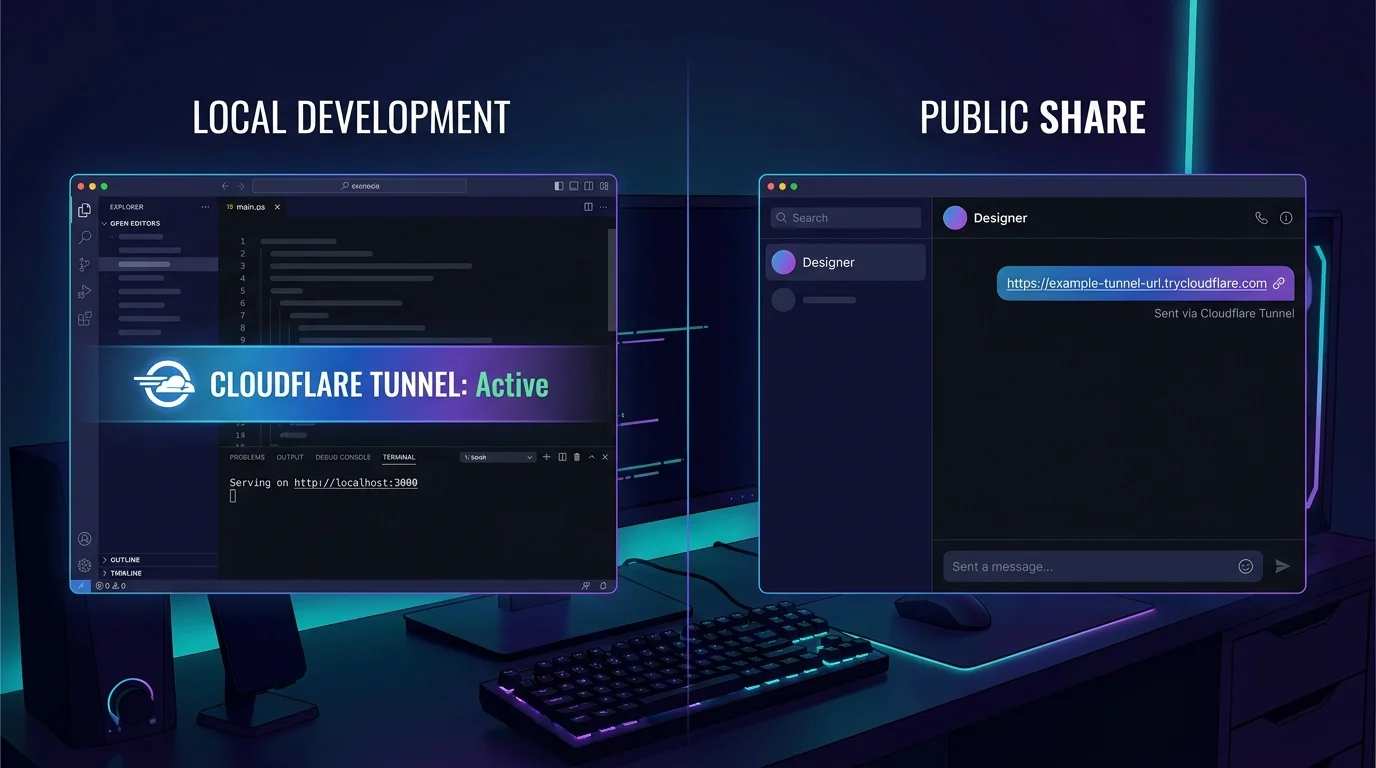
From the moment the agent is running you can start named sessions, expose local ports as public URLs, attach your current project as a Vibe, and route any AI provider through the workspace. No YAML, no .env juggling, no separate tooling for each concern.
When you close the laptop lid, sessions persist. When you reopen, the agent re-registers automatically. Run "vibe autostart install" once and it survives reboots too.
Do it yourself
Turn your laptop into a live, managed VibeControls agent with a health heartbeat, plugin inventory, browser terminal, and public tunnels — in under a minute.
Open your terminal and install the VibeControls agent globally with a single command.
npm install -g @vibecontrols/agentYou should see: The install finishes and the vibe command is available on your PATH.
Ready to make this your story?