Frontend reviews shouldn't require a staging pipeline. When you need a designer to see your in-progress UI or a client to approve a workflow, spinning up a staging deploy is overkill — and often breaks because production config doesn't match dev.
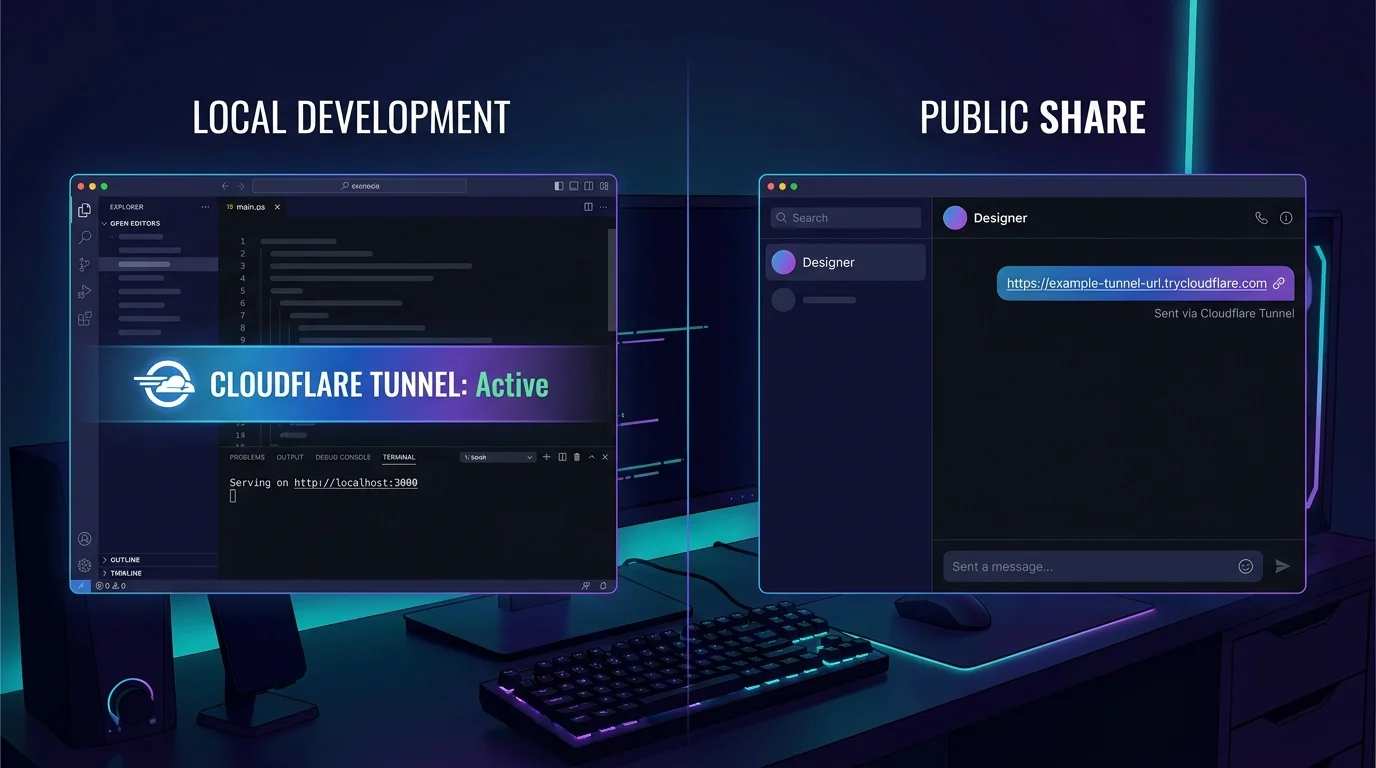
VibeControls tunnels solve this with a two-click flow: open the Tunnels panel, click "New Port Forward", pick your local port. VibeControls hands you a *.trycloudflare.com public URL over HTTPS. Share the link.
The designer opens it in any browser on any device and sees your actual live dev server — hot-reload, console errors, and all. No build step, no environment mismatch, no "why does it look different in staging?"
You can generate a public-access token with a 4-hour expiry for short review sessions, or keep the tunnel open for longer collaboration. When you're done, delete the tunnel from the dashboard and the URL goes dead. Clean, simple, reversible.
Do it yourself
Turn any local dev server into a secure, shareable HTTPS link with a self-expiring public access window, then kill the link the moment you're done.
Head to the Tunnels panel from the VibeControls dashboard. This is where all your port forwards live.
You should see: You see your list of active tunnels and a button to create a new one.
Ready to make this your story?