Managing environment variables across projects is a constant source of "it works on my machine" bugs. A miscopied .env, a stale value, or accidentally reusing a production secret in a dev session — any of these can cost hours.
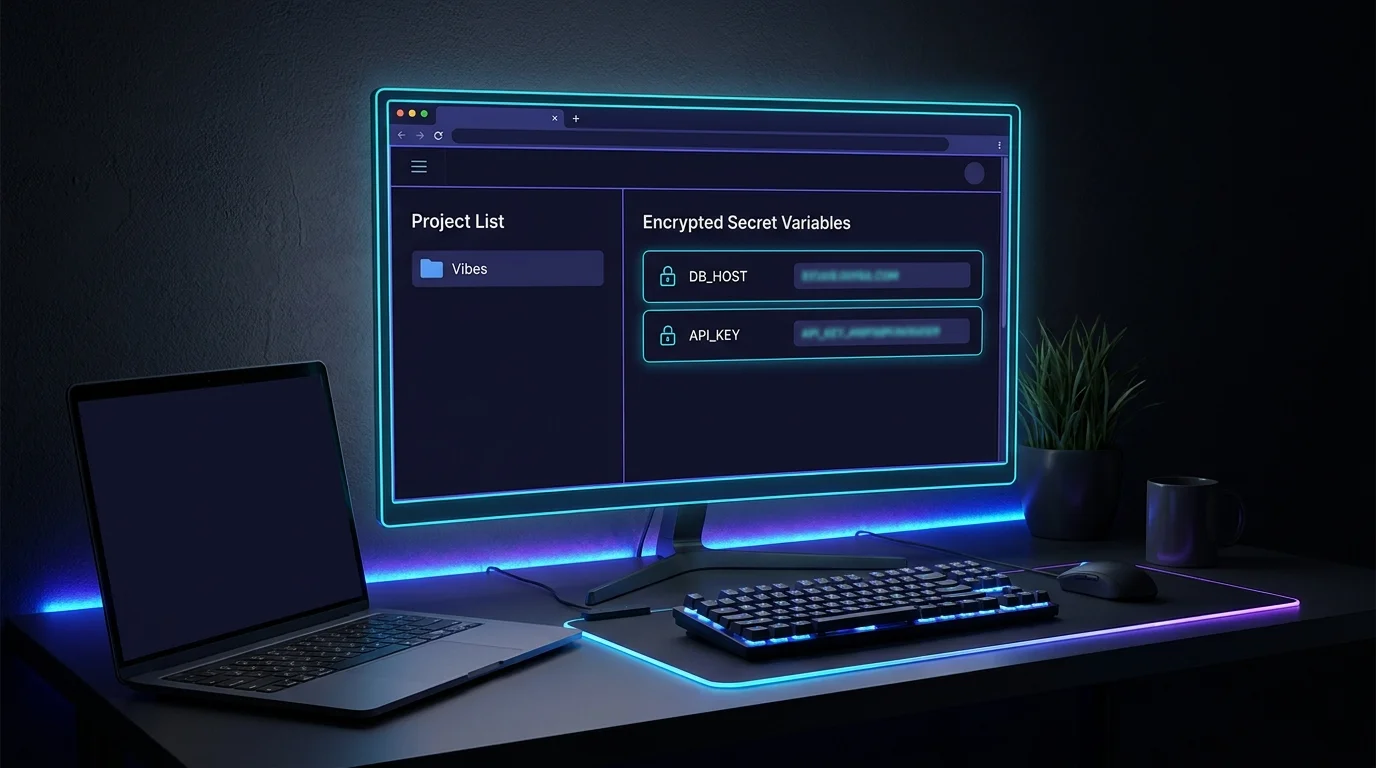
VibeControls solves this at the workspace layer. Create a Vibe for your project and open the Environment tab. Add variables — plain or secret. Secret values are AES-256-GCM encrypted at rest and never shown in plaintext after the first save.
When you start a terminal session under that Vibe, the agent injects those variables automatically. Switch to a different Vibe — different variables. Parent Vibes can define shared base config (like a staging database URL) and child Vibes override only what's different.
The result: your dev, staging, and production contexts are isolated namespaces, not three identically-named files you have to symlink before every run. It's environment hygiene that requires zero discipline to maintain.
Do it yourself
Store per-project environment variables — plain or encrypted secret — on a Vibe so every terminal session you start under it gets them injected automatically.
Open the Vibes page and click Create. Give the Vibe a name that matches your project.
You should see: Your new Vibe appears in the list and opens its detail view.
Ready to make this your story?