You're on your work laptop, and you need to check a log on the staging server — but your SSH config lives on your home machine. Or you're at a conference on a borrowed laptop with no tooling installed. Or you just want to avoid switching windows.
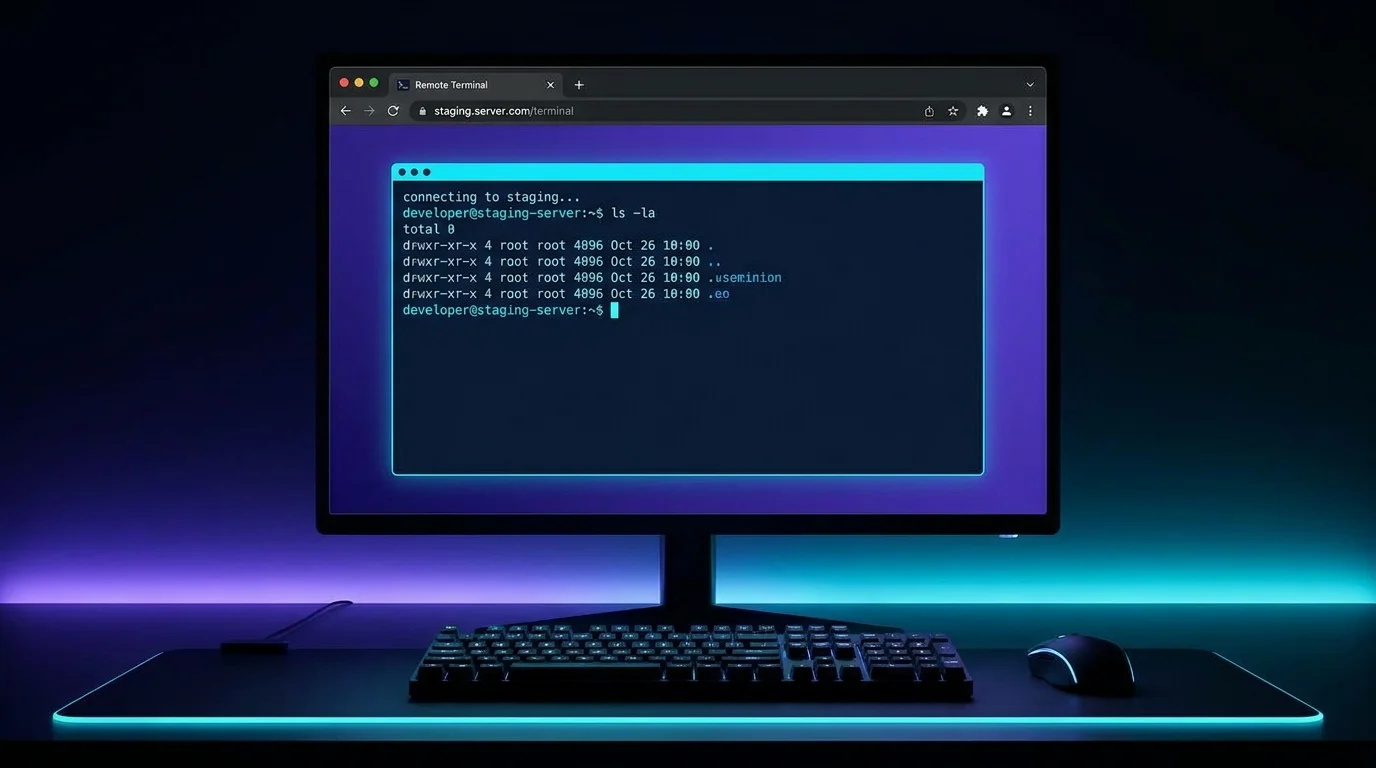
VibeControls browser terminals solve all three scenarios. Every session you start on any registered agent becomes accessible via a browser URL. Click "Open Terminal" and a full, interactive ttyd-powered terminal opens in a new tab — fully functional, copy-paste intact, keyboard shortcuts working.
Sessions are persistent. Close the tab and come back later — the session is still running, still in the same state. tmux, Zellij, and WezTerm provider plugins mean your layout and split-panes survive reconnects too.
For teams, this removes the "SSH into the box" prerequisite from every runbook. Anyone with the right workspace role can access the terminal without needing to know the IP, port, or SSH key — VibeControls handles the authentication at the workspace edge.
Do it yourself
Open a fully interactive, persistent terminal for any of your registered machines right inside a browser tab — no SSH required.
Open the Agents page and pick the machine you want to reach. Make sure it shows as healthy and reachable so it can host your browser terminal.
You should see: The agent appears as ready, with its default terminal provider available.
Ready to make this your story?