Teams waste hours reformulating the same AI prompts — "review this code for security issues", "generate test cases for this API endpoint", "explain this function" — from scratch every day, usually without the project context the AI needs to give useful answers.
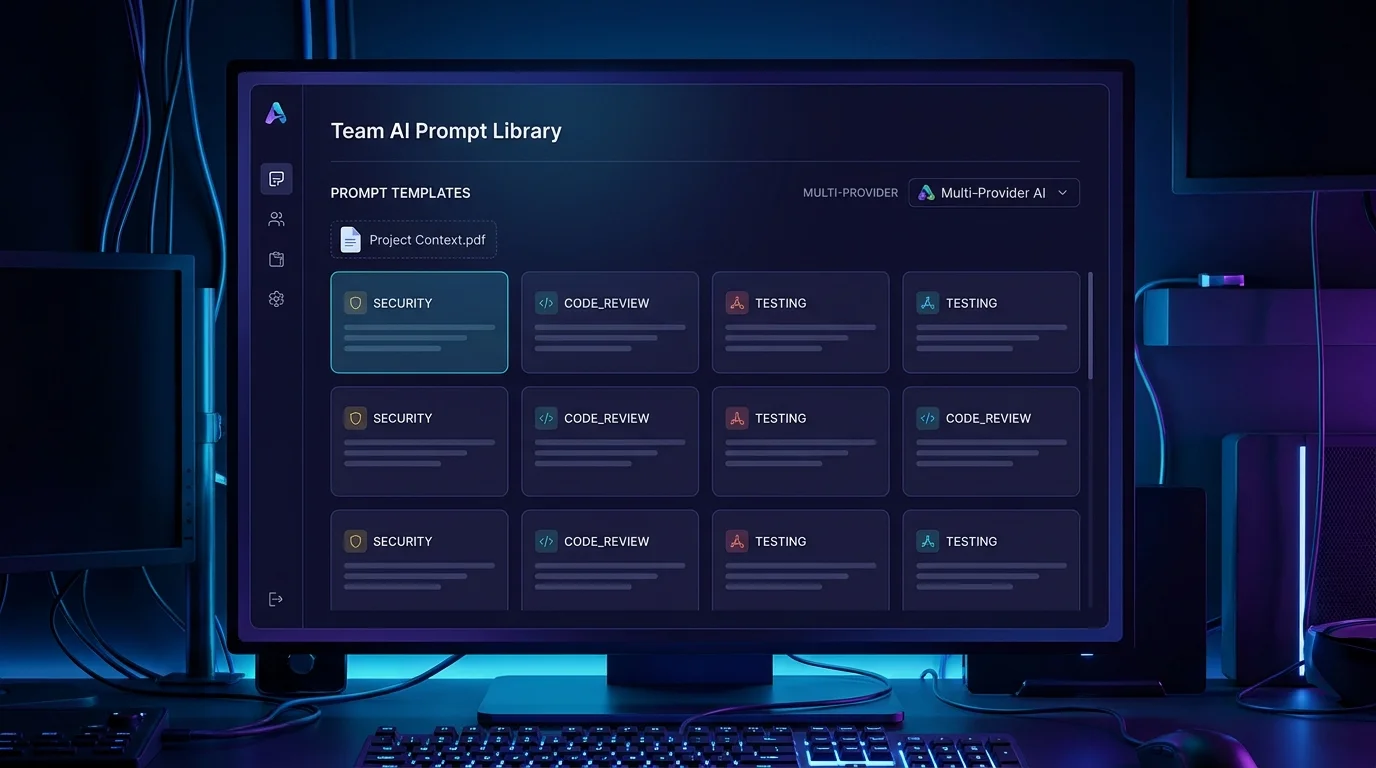
VibeControls AI Prompts solves this in two steps. First, create an AI Context: paste in your project's README, architecture diagram, coding standards, or any background the AI should know. Name it "My Project Context" and save.
Then create a Prompt template: the actual instruction with {{variable}} placeholders for anything that changes run-to-run. Attach your Context, choose a supported category such as Review, Testing, Documentation, or Deployment, and add tags that help your team find it.
Now every workspace member with access can find the prompt in the library and reuse its variables and shared context. To dispatch it, select an online agent with an AI-provider plugin configured for the work; the rendered prompt carries the selected values and attached context. No chat history juggling, no repeated "here's how our codebase works" preamble.
Prompt categories and tags make it easy to find the right template. Dispatch is intentionally agent-backed today; an in-app queue for overnight batch runs is not yet available.
Do it yourself
Build a shared, project-aware AI prompt library: create reusable context, write tagged prompt templates with variables, share them workspace-wide, and dispatch them through an online agent with an AI provider.
Open the Contexts tab and add a reusable context from your project material, such as a README, architecture notes, or coding standards.
You should see: Your project context is saved and ready to attach to any prompt, so every run carries the right background.
Ready to make this your story?