Web dashboards are great until you need to automate. The moment a workflow belongs in a deploy script or a cron job, teams start scripting against raw APIs with hand-rolled auth — and every script becomes a small, unaudited bypass of the platform.
The VibeControls CLI closes that gap. Run "vibecontrols auth login" and it prints a device-code URL — approve it in any browser, on any machine, and the token is stored locally under ~/.config/vibecontrols-cli/. Run "vibecontrols workspace set " once and every subsequent command is scoped to that workspace.
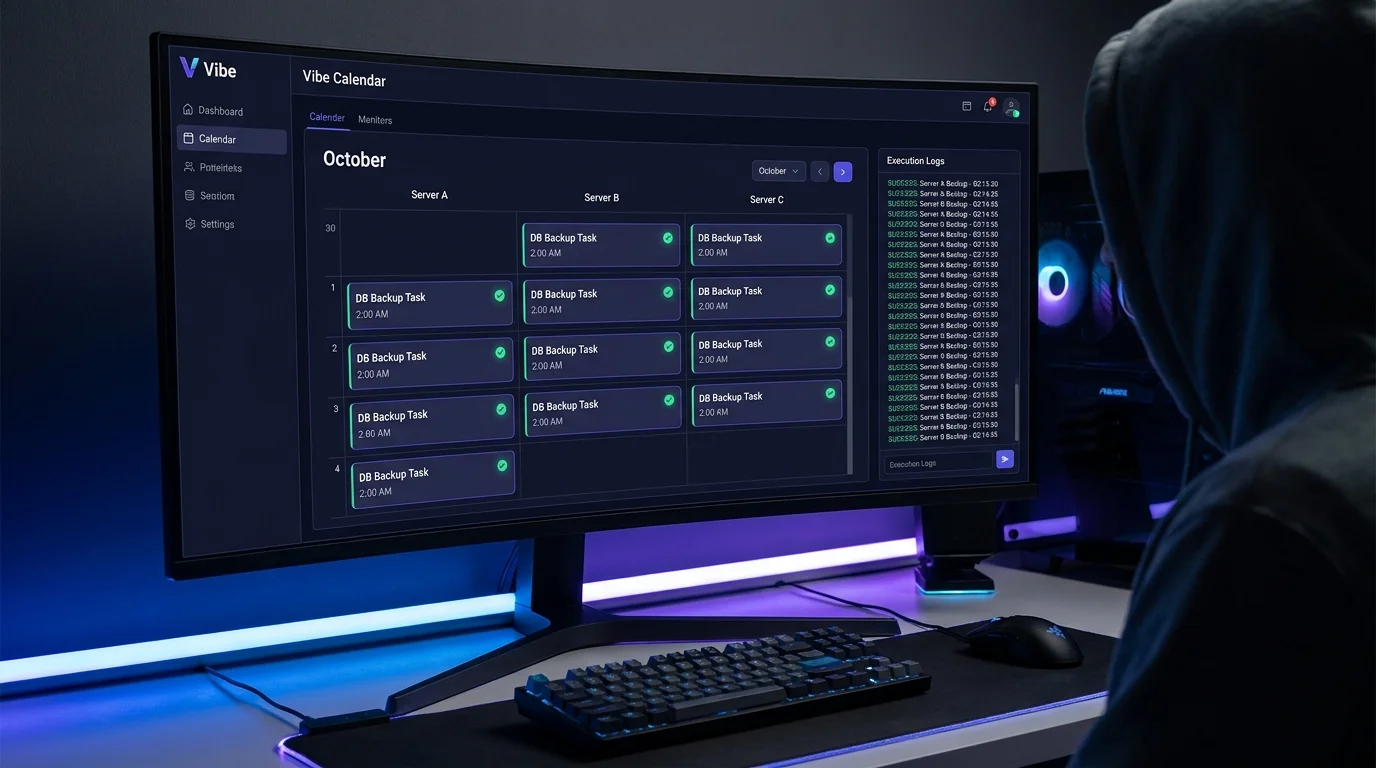
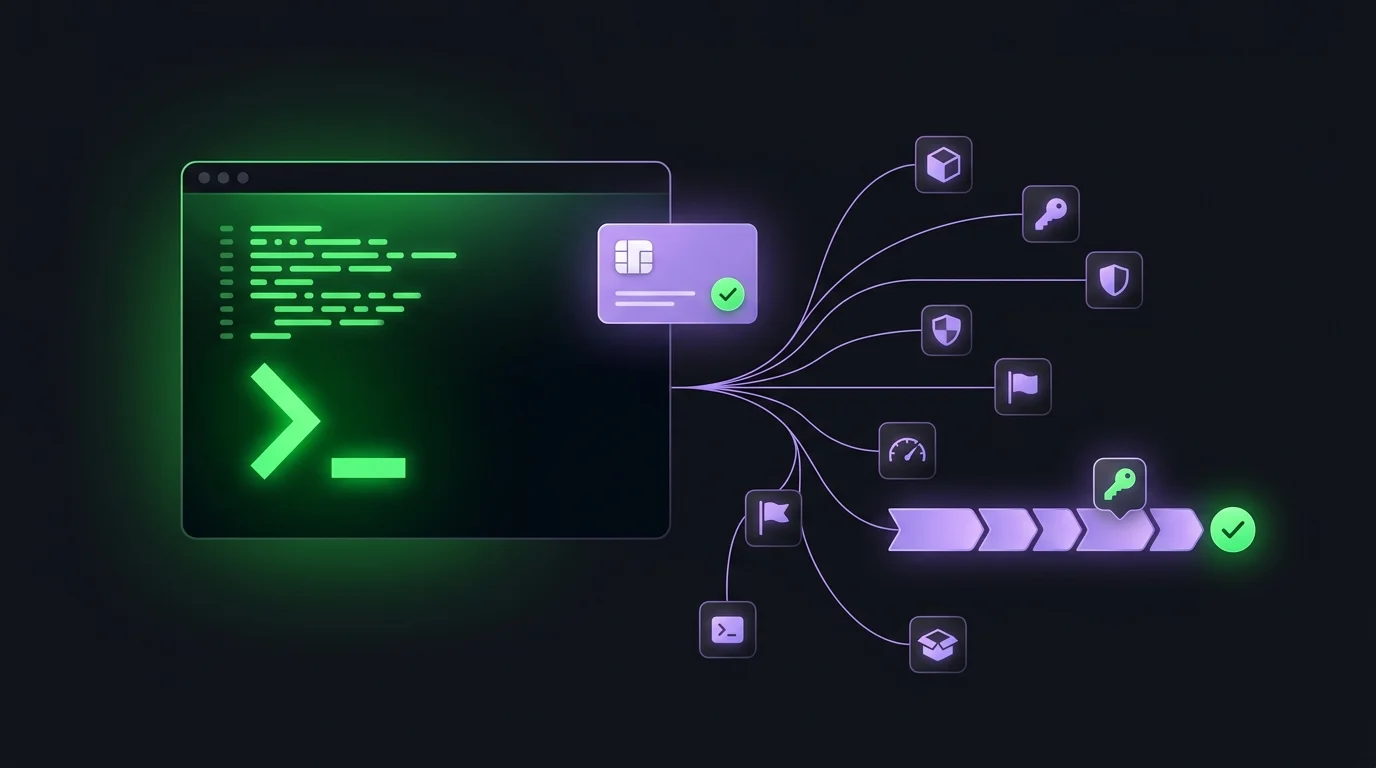
From there, the full surface is mounted as 23 command modules: the vibes/agents/sessions core, sandboxes, RBAC, tags, files, scheduler, notifications, feature flags, billing, devportal, health, and more. "vibecontrols vibes list" returns the same vibe set you'd see in the web app, in machine-readable output. "vibecontrols rbac check read project" prints a permission decision you can use as a gate in a pipeline.
For CI, skip the browser entirely: mint an API key in the devportal and the same commands run headless. "vibecontrols sandbox create" in a deploy script provisions an isolated environment and exits non-zero on failure, so your pipeline reacts correctly. Revoke the key in the devportal and CI access is cut immediately.
Crucially, there is no CLI bypass. Every command goes through the same public gateways, the same RBAC enforcement, and the same quotas as the web UI — and lands in the same audit log. Automation uses the governed surface, not a side door.
Do it yourself
Drive the entire VibeControls platform from your terminal and CI pipeline — logging in, scoping a workspace, listing vibes, provisioning sandboxes headlessly, and gating deploys on RBAC checks, all through the same gateways, quotas, and audit as the web app.
Install the VibeControls CLI globally so the `vibecontrols` command is available everywhere on your machine.
npm i -g @vibecontrols/cliYou should see: One binary with all 23 command modules is installed and ready to run.
Ready to make this your story?