First-week developer onboarding typically involves: hunting down the .env, figuring out which tmux session to attach to, reading a 300-line setup wiki, asking three people for credentials, and hoping the wiki was updated after the last infrastructure change.
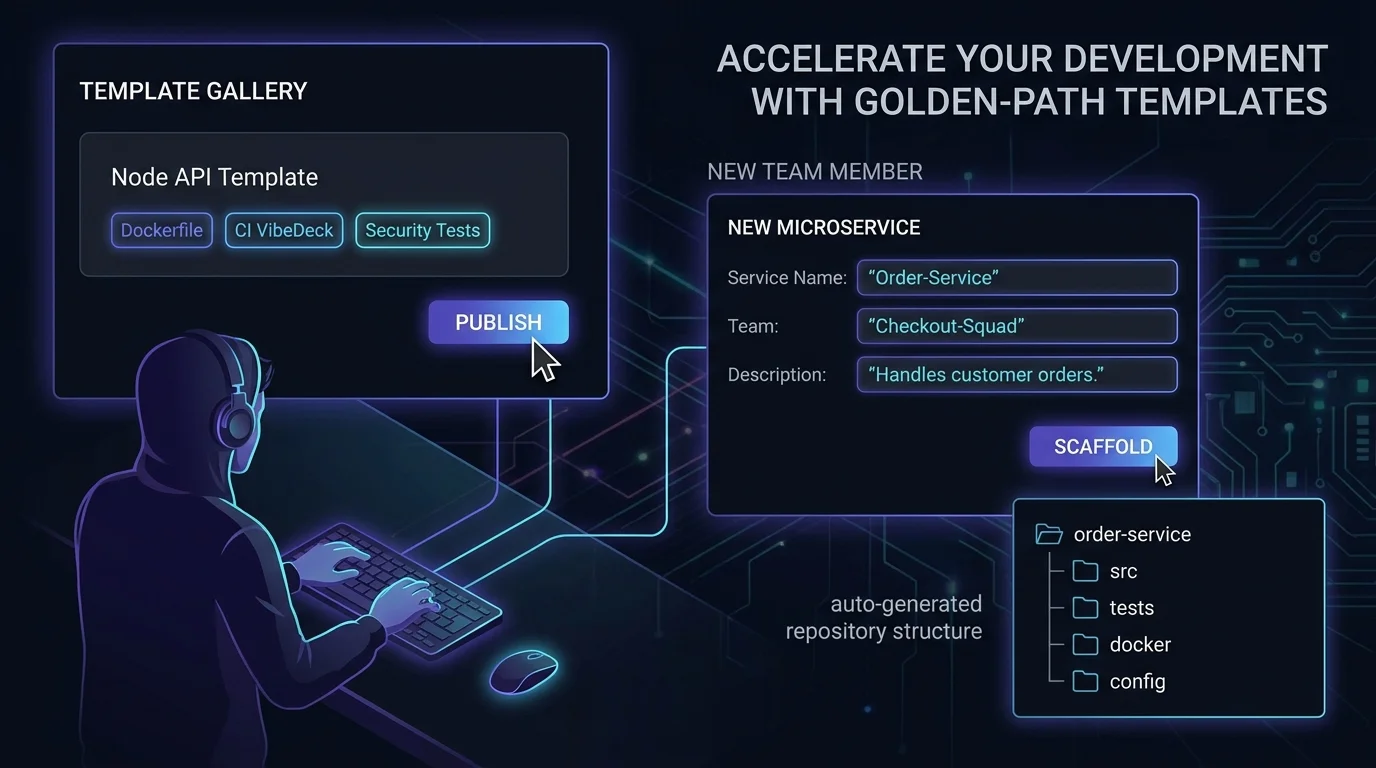
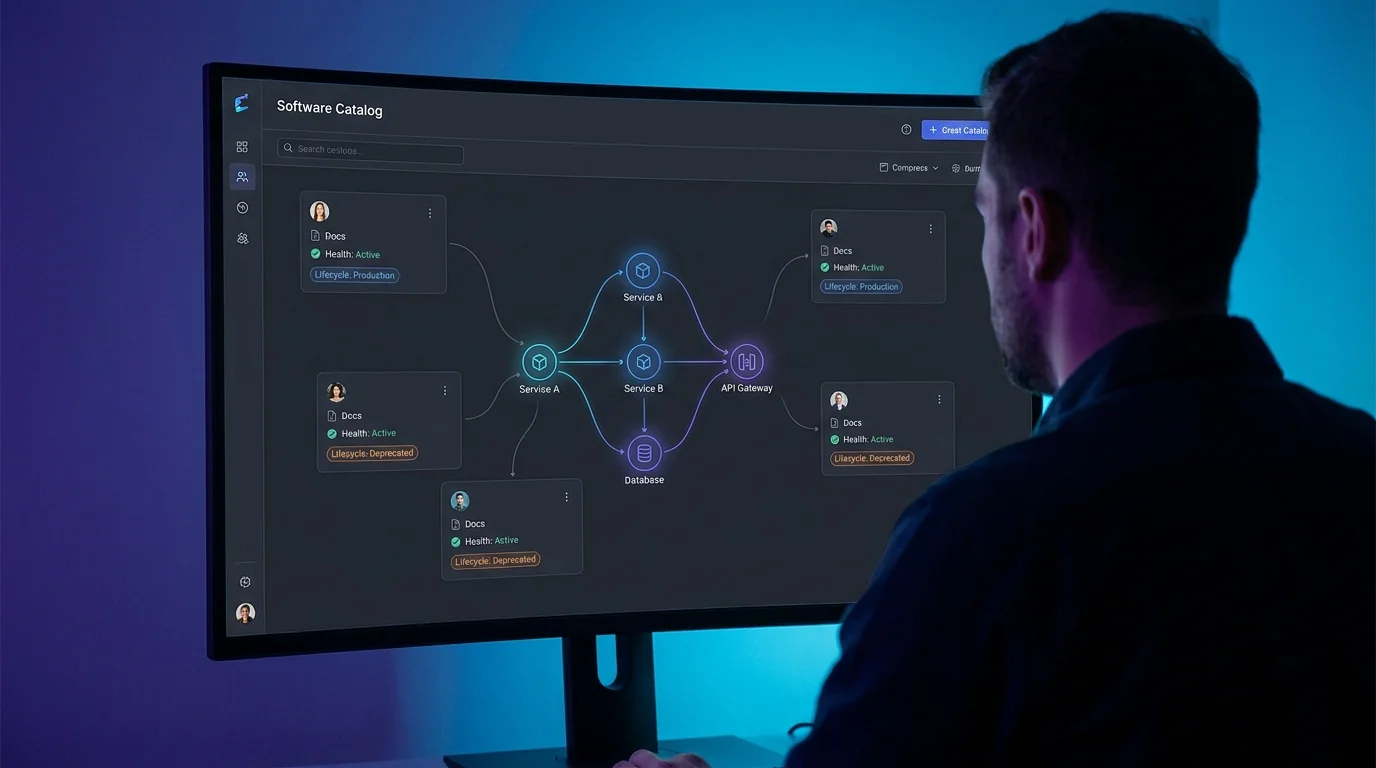
When your projects are Vibes in VibeControls, that story is completely different. The Vibe carries the environment variables (encrypted), the documentation, the shared sessions, the VibeDeck for common operations, and the AI context for the codebase.
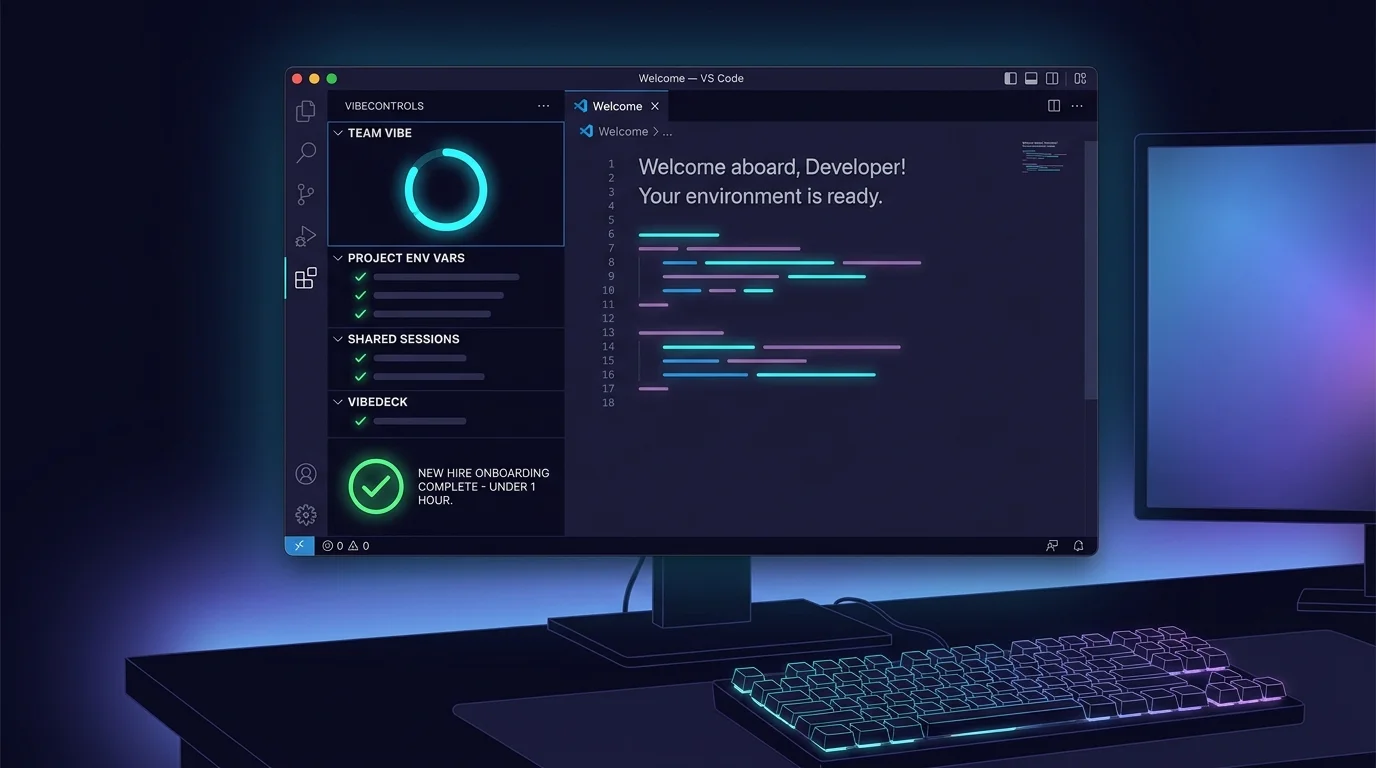
The new hire installs the CLI, runs 'vibe start', and opens VS Code. The VibeControls extension shows them the team Vibe in the sidebar. They bind their local project folder to it. Done.
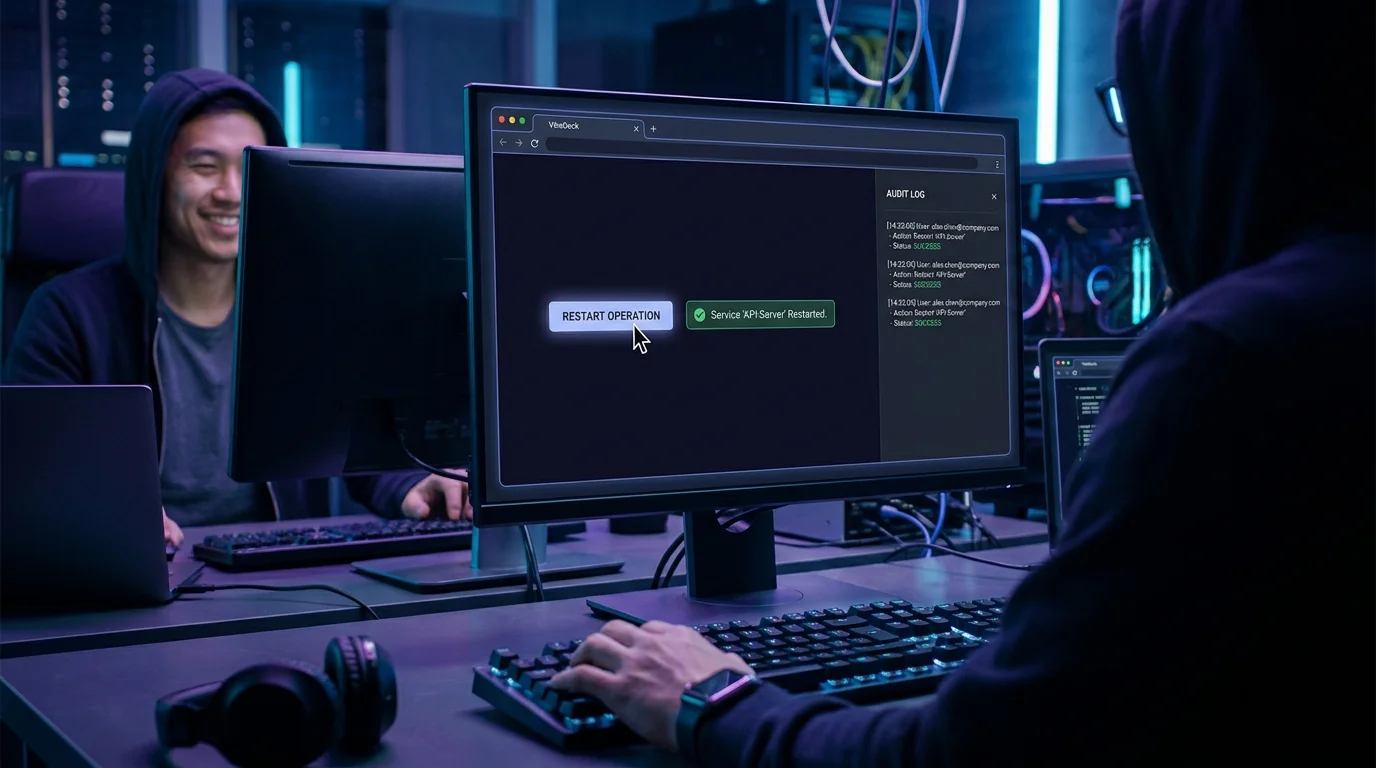
The environment variables flow in. The documentation is embedded in the Vibe detail view. The team's active sessions are visible. The VibeDeck with "Run tests", "Start dev server", and "Check DB" is ready to use. The AI context is attached to prompts.
The onboarding ceremony is now: install CLI, bind Vibe, start coding. The wiki doesn't drift because the source of truth is the Vibe, not a document.
Do it yourself
A new hire installs the CLI, registers their laptop, binds their local project folder to the existing team Vibe in VS Code, and instantly gets the team's environment variables, docs, sessions, VibeDeck actions, and AI context.
Open your terminal and install the VibeControls CLI globally with npm.
npm install -g @vibecontrols/cliYou should see: The vibe command is now available on your machine.
Ready to make this your story?