Rolling out a new tool to a fleet of machines is the classic DevOps grind: SSH into each box, install the binary, chase down missing dependencies, and hope every server ends up on the same version. Six months later, half the fleet has drifted.
VibeControls makes capabilities installable. The plugin catalog organizes everything in three tiers: meta plugins define a capability interface (session-manager, tunnel, ai, storage, plan, security), provider plugins implement it (tmux, Cloudflare, Claude, Plannotator), and standalone tool plugins add features outright (ssh, git, graphiql, code-server, backup). All of it distributes via npm as @vibecontrols/vibe-plugin-* packages.
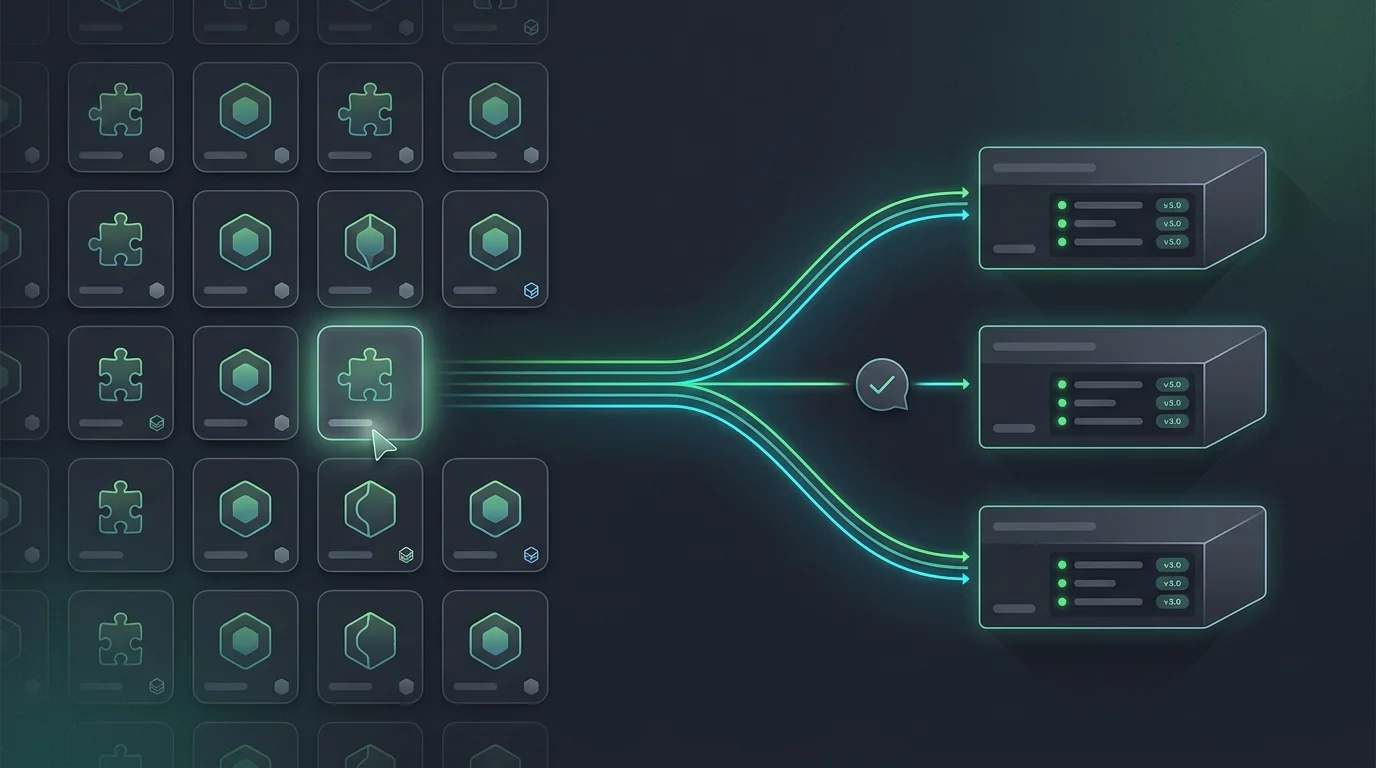
Installation is one click from the catalog page — pick the plugin, pick the agent. The agent runs a prerequisite check first: if a dependency is missing, you're shown exactly what needs installing and asked to approve it (sudo is prompted only when actually required). Once loaded, the plugin mounts its REST routes and UI surfaces, and the per-agent inventory shows it healthy with its version.
The rest of the lifecycle is just as governed. Update pulls the new npm version and the agent reloads the plugin. Remove unmounts it cleanly — meta plugins that depended on it degrade gracefully instead of breaking sessions mid-flight. And a failed prerequisite never leaves a half-loaded plugin masquerading as healthy.
Want the Cloudflare tunnel provider on three staging agents? Three clicks from the catalog page, watch each inventory go green, done. The team gets tunnels and nobody opened a single SSH connection. And when the catalog doesn't have what you need, AI Builder can author a custom plugin — but for everything that already exists, install beats build.
Do it yourself
Roll out a new capability to your whole fleet by installing a plugin from the catalog onto your agents, approving any prerequisites, and watching each agent's inventory go green.
Open the Plugins page and explore the catalog, organized into three tiers: meta plugins, provider plugins, and standalone tools. Use the search box or category filters to find the capability you want to roll out.
You should see: You see a searchable grid of plugins grouped by tier, each card showing what the plugin does and its npm package.
Ready to make this your story?