
Workspace Defaults and Preferences
Set the default agent, session type and vibe type once, tune agent heartbeats and reconnects, and keep new work consistent.
These images are illustrations of the concept, not screenshots of the actual product.
Overview
Workspace defaults and preferences is the VibeControls concept for deciding, once, how new work starts across a workspace. Instead of choosing an agent, a terminal session type and a vibe type every time someone opens a session or creates a project, the settings page stores sensible defaults for the whole team, along with the agent behavior most people never need to touch.
Teams that share a fleet otherwise drift apart: one person starts sessions in one terminal multiplexer, another binds projects to a different machine, and heartbeat and reconnect behavior varies from box to box. Central defaults make new sessions and vibes predictable, while the design still leaves room for per-vibe overrides where a project needs them.
The illustration shows Settings with Save and More buttons in the header and a banner explaining its purpose. A list on the left divides settings into Notifications for alert preferences, Workspace for agent, session and vibe defaults, Code Editor for the default IDE and per-vibe overrides, and Advanced for logging, telemetry and secrets. The Workspace section is open. Its General Defaults card sets the default agent, shown as a coding agent on a named machine, the default session type, the default vibe type, and switches for auto-starting sessions and automatic git sync. An Agent tuning card sets the heartbeat interval in seconds, the maximum sessions per agent, an auto-reconnect switch and a box for default environment variables written as key and value pairs.
These defaults are designed to feed the rest of the product. The heartbeat interval shapes how quickly the health page notices a quiet agent, the session cap limits how much work one agent takes on, and the default agent and session type decide what happens when someone starts a session from the overview or from a vibe. Notification preferences and webhooks, on neighboring settings pages, decide who hears about it.
What this concept shows
- Settings sections for notifications, workspace defaults, code editor and advanced options
- Default agent picker showing a coding agent and the machine it runs on
- Default session type and default vibe type dropdowns
- Switches to auto-start sessions and to sync git automatically
- Agent tuning for heartbeat interval, maximum sessions per agent and auto-reconnect
- Default environment variables entered as key and value pairs
- Save and More actions in the page header
How it works
- Open Settings and choose the Workspace section from the list on the left.
- Pick the default agent, session type and vibe type under General Defaults, and decide whether sessions auto-start and git syncs automatically.
- Adjust agent tuning, such as the heartbeat interval, the session cap and auto-reconnect, only where the defaults do not fit.
- Add any default environment variables and save the settings for the whole workspace.
Who it's for
- Workspace administrators setting up a team fleet
- Platform engineers standardizing agent behavior
- Team leads onboarding new developers
- Individual developers who want new sessions to start the same way every time
Illustrations
1 illustration of this concept. Select one to view it full size.
Workspace Settings and Agent Tuning
This illustration shows the Settings page, opened from the bottom of the sidebar. The header has Save and More buttons and a banner explaining that these options tune behavior and set defaults for the whole workspace. A list on the left offers four sections with short descriptions: Notifications for alert preferences, Workspace for agent, session and vibe defaults, Code Editor for the default IDE and per-vibe overrides, and Advanced for logging, telemetry and secrets. Workspace is selected. Its General Defaults card, applied when a new session or vibe is created, holds dropdowns for the default agent, session type and vibe type, with auto-start sessions switched on and automatic git sync switched off. The Agent tuning card, noted as settings most users keep, has number fields for the heartbeat interval and maximum sessions per agent, an auto-reconnect switch and a box for default environment variables. Values are sample data.
Topics
- workspace settings
- default agent settings
- default terminal session type
- agent heartbeat interval
- max sessions per agent
- auto-reconnect agent
- default environment variables
- team defaults for developer tools
- notification preferences
Related concepts
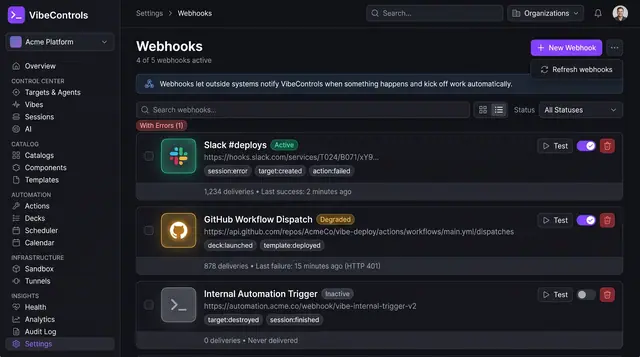
Webhooks and Event Subscriptions
Send signed notifications to chat, CI and your own services when agents, sessions and vibes change, and see which deliveries fail.
2 illustrations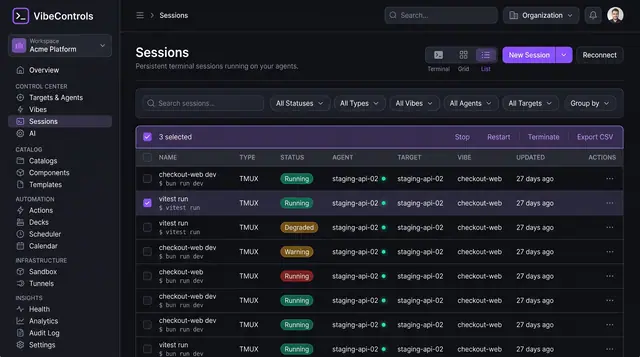
Persistent Browser Terminal Sessions
Keep long-running terminals alive on your own machines, then find, watch and control them from any browser.
2 illustrations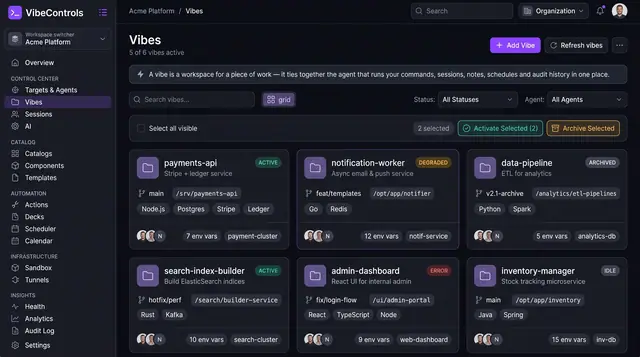
Project Workspaces and Notes
Vibes tie a piece of work to its repo branch, folder, bound agents, environment variables and notes, so context travels with it.
3 illustrations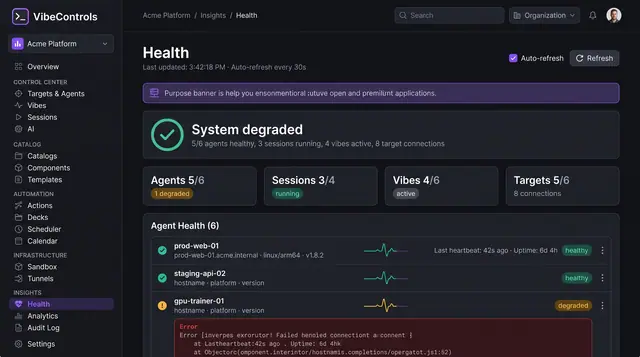
Fleet Health and Live Logs
See which agents, sessions, vibes and targets are healthy, then stream a struggling agent's logs to find out why.
2 illustrations