Game Build Farm and Certification Board
Last night's builds by platform and stage, beside each platform's certification checklist, blocking bugs and submission window.
These images are illustrations of the concept, not screenshots of the actual product.
Overview
Game Build Farm and Certification Board is a VibeControls concept for game studios that ship one game to several platforms at once. It puts last night's builds and each platform's certification progress on one board, so build engineers and producers can see before the morning standup what broke, on which machine, and whether the submission date still holds.
In a game studio, a patch can go out on PC, console, handheld and mobile, with the game servers updated alongside. Each target runs an overnight pipeline of compiling, content cooking, packaging and smoke testing on a shared farm of build machines. When a cook fails, the cause is often mundane, such as a machine that ran out of disk, yet it surfaces only after someone digs through logs. Certification requirements and the bugs that block them are tracked elsewhere, so build and certification status are rarely read together as the submission window closes.
The illustration shows a sample season patch opened from the Scheduler, with the nightly run's time range, the number of build machines and an amber countdown to the close of the submission window. A Build stages by platform matrix gives each platform and the game servers a row of Compile, Content cook, Package and Smoke test results, smoke tests shown as passed against total, then the build machine, the run duration and that machine's free disk. In the sample, the console row is highlighted: its content cook failed, packaging was skipped, smoke tests did not run, and its machine has almost no disk left. A card beneath explains that a write failed because the output volume was full, with Open build log and a button to rerun the stage on a different machine. A Rerun failed stages button sits at the top of the board.
Beside the matrix, Certification by platform totals the checklist items met and the blocking bugs, which are linked from the matching PlanMagnet release. The console card lists two linked bugs and reads blocked, the handheld has one open item and one fix to verify, mobile has a store review checklist still open, PC needs no certification, and the game servers, which are deployed rather than submitted, read deploy ready. The board is designed to receive those certification-blocking bugs from the PlanMagnet release where they are planned, and to post build and checklist status back to that release's checklist, so producers see the same answer in both places.
The board sits under the Scheduler in the Automation section, next to Actions, Decks and the Calendar, so the design treats the nightly run as one more scheduled job, with its failed stages rerun from the board itself.
What this concept shows
- A platform-by-stage matrix of last night's builds, covering Compile, Content cook, Package and Smoke test for each platform and the game servers
- The build machine, run duration and free disk on every row, so a nearly full machine stands out next to a failed stage
- Smoke test results shown as passed against total, with a partial pass marked in amber
- A failure card naming the platform, stage, machine and error, with Open build log and a rerun on a different machine
- A Rerun failed stages button at the top of the board
- A countdown to the close of the submission window in the board header
- Per-platform certification cards with checklist progress and states for blocked, verify fix, checklist open, no certification and deploy ready
- Certification-blocking bugs linked from the matching PlanMagnet release, with build and checklist status designed to post back to its release checklist
How it works
- Open last night's builds for the patch from the Scheduler and check the time left before the submission window closes.
- Scan the Build stages by platform matrix for failed, skipped or not-run stages and for machines low on free disk.
- Select the failing row to read the stage, machine and error in the card beneath, and open the build log if the cause is unclear.
- Rerun the failed stage on a different build machine, or use the Rerun failed stages button at the top of the board.
- Review Certification by platform for checklist progress and the blocking bugs linked from the PlanMagnet release.
- Chase the blocked and verify-fix platforms before the window closes, with build and checklist status designed to post back to the PlanMagnet release checklist.
Who it's for
- Build and release engineers at game studios
- Producers tracking platform submissions
- QA and certification leads
- Technical directors
- Game server and live-ops engineers
Illustrations
1 illustration of this concept. Select one to view it full size.
Nightly Builds Beside Certification by Platform
This illustration shows a board reached from the Scheduler, titled for last night's builds of a sample season patch. Under the title sit the nightly run's time range, a count of build machines and an amber countdown to the close of the submission window, with a Rerun failed stages button at the top right. The Build stages by platform table has rows for PC, console, handheld, mobile and game servers, with columns for Compile, Content cook, Package, Smoke test, Machine, Duration and Disk free. The highlighted console row shows a failed content cook, a skipped package step, smoke tests not run and a machine with a few percent of disk free, in red. A card beneath reports a write that failed on a full output volume, with Open build log and a rerun on another machine. On the right, Certification by platform totals checklist items and blocking bugs linked from a PlanMagnet release, with a state card per platform. All data is sample data.
Topics
- game build farm dashboard
- nightly build status by platform
- content cook failure
- game certification checklist
- console certification tracking
- platform submission window
- build machine disk space monitoring
- multi-platform game release
- smoke test results by platform
- certification blocking bugs
- game patch release management
Related concepts
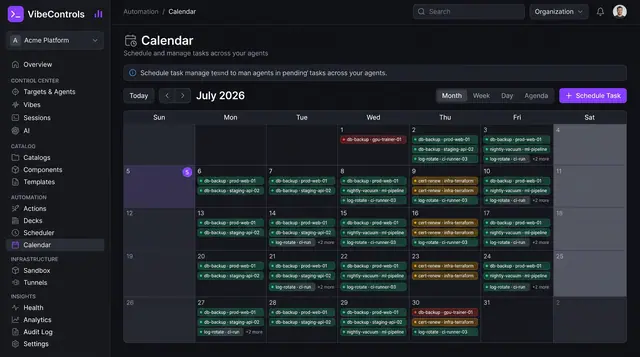
Scheduled Jobs and Calendar
See every scheduled job across your agents on one calendar, then open any job to check its schedule, run history and logs.
2 illustrations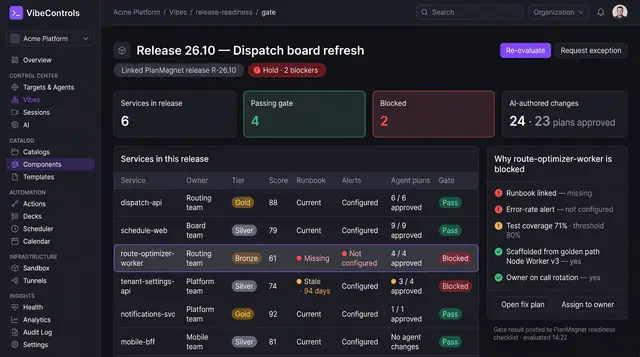
Release Readiness Gate
Hold a release until every service it touches meets its scorecard, with the reasons stated and a fix plan one click away.
1 illustration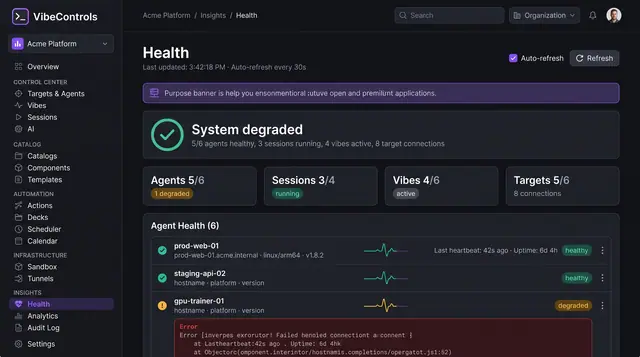
Fleet Health and Live Logs
See which agents, sessions, vibes and targets are healthy, then stream a struggling agent's logs to find out why.
2 illustrations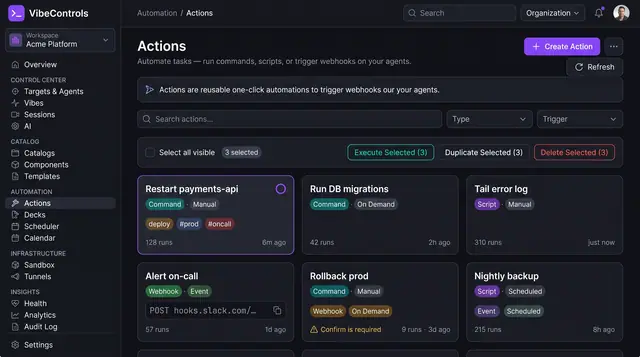
Actions and One-Click Ops Decks
Turn commands, scripts and webhooks into reusable actions, then pin them to one-click decks your team and on-call rotation can run.
3 illustrations
Part of an industry solution
This concept appears in a cross-product solution on burdenoff.com — see how it works alongside other Burdenoff products to solve a problem in that industry.