Incident response at 3 AM is not the time to dig through a runbook for the restart command. Every second you spend reading docs is a second the service is down.
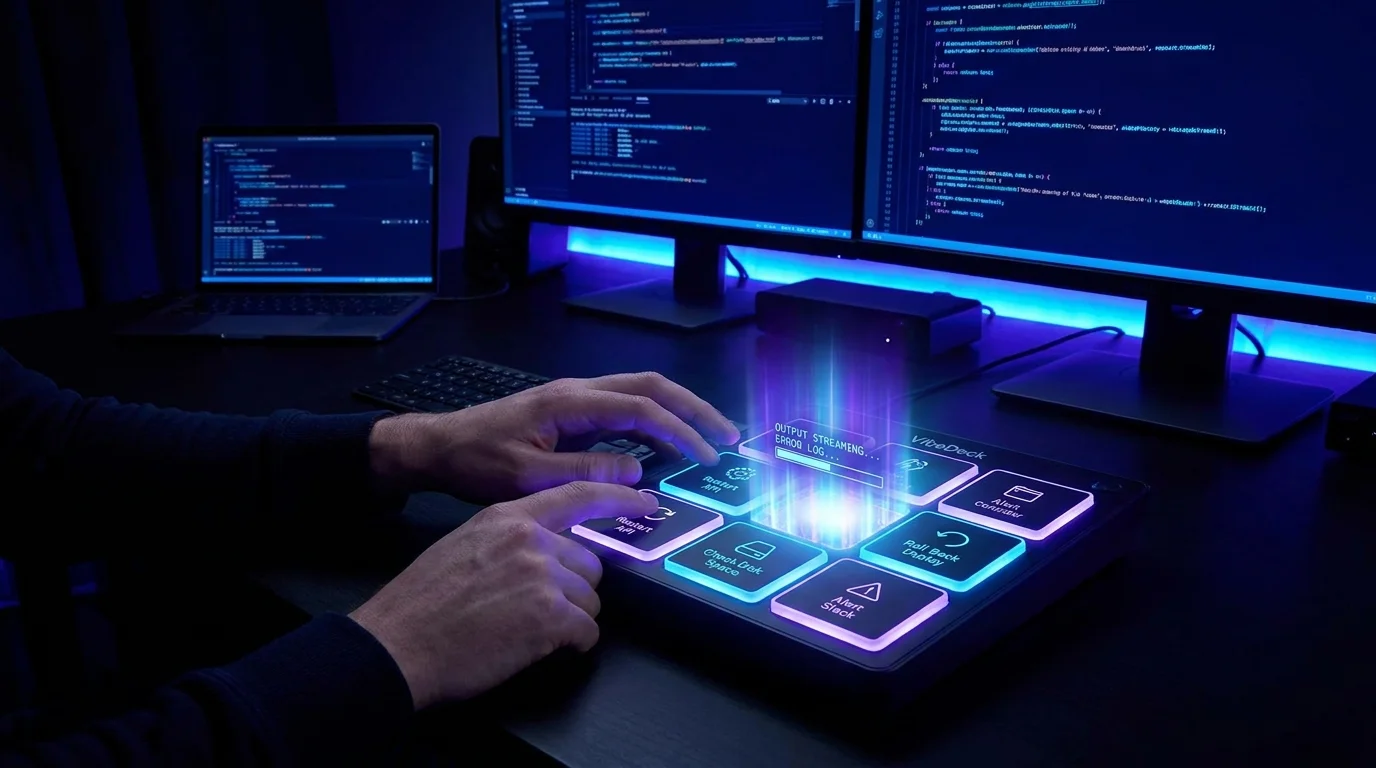
VibeControls VibeDeck gives on-call engineers a pre-configured StreamDeck-style button grid for your operational actions. During normal hours, when you have context, you build the deck: add a COMMAND tile for "Restart API", a WEBHOOK tile for "Alert Slack #incidents", a SCRIPT tile that pulls the last 100 lines of the error log, another that rolls back the deploy by reverting the last container tag.
Each tile runs on a specific agent — the right command on the right server. Output streams back to the browser in real time. If the restart succeeds, you see the green exit code. If not, you see the error immediately.
Share the deck with your team via a public link with execution enabled. Now every on-call engineer has the same runbook-in-a-button, regardless of who's carrying the pager. Consistency reduces MTTR.
Do it yourself
Build a one-click incident response deck with command, script, and webhook tiles that run on a specific server agent, watch live output and exit codes, then share it with your team via a public execute-enabled link.
Open Actions and create three actions: a COMMAND like "Restart API", a SCRIPT that pulls the last 100 lines of the error log, and a WEBHOOK that alerts your Slack channel.
You should see: All three actions appear in your actions list, ready to be wired to deck tiles.
Ready to make this your story?