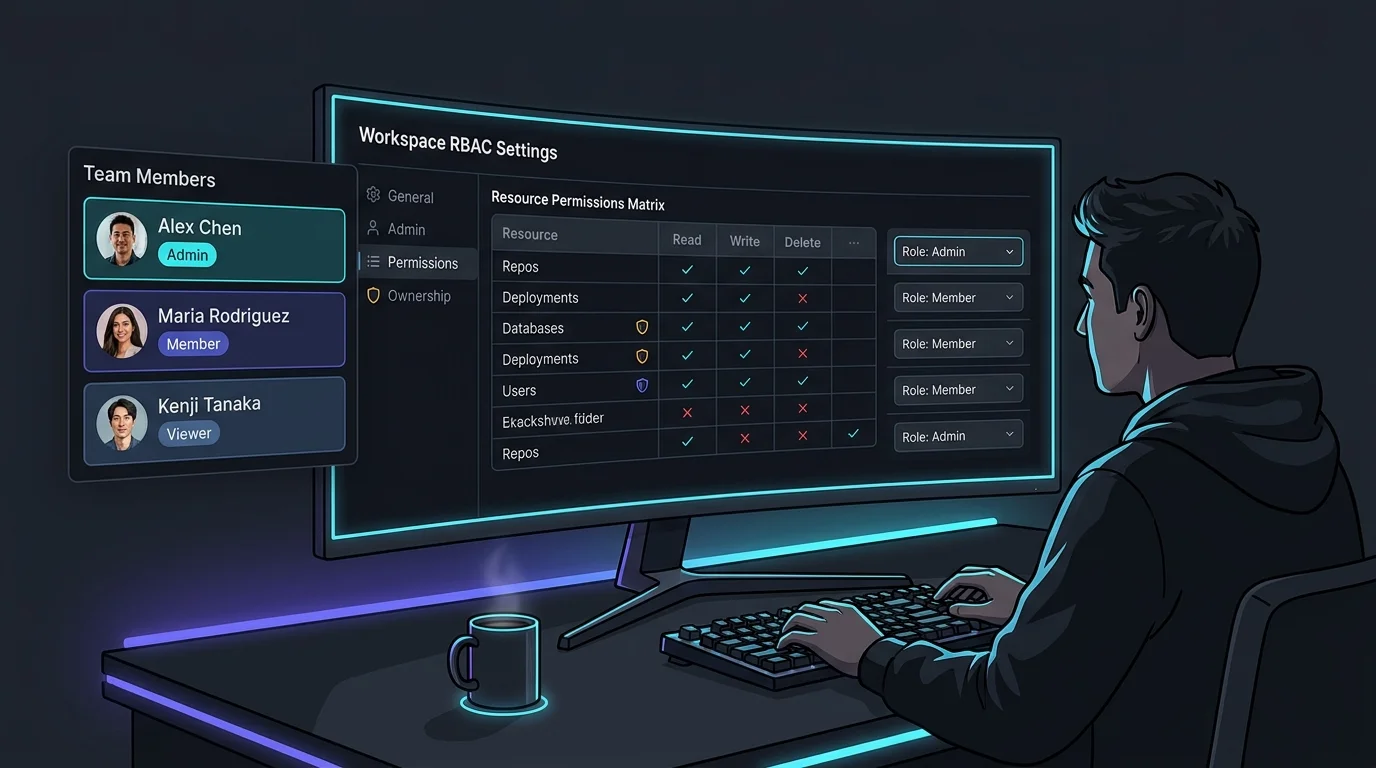
Access control systems are usually either too coarse (everyone is admin) or too complex (200-line policy files nobody understands). VibeControls takes a third path: a small set of workspace roles — Owner, Admin, Member, Viewer, and Guest — with a simple ownership model that matches how engineering teams actually work.
Viewers can see everything — agents, sessions, vibes, operations — but can't change anything. Good for stakeholders, auditors, or new team members who need visibility before getting permissions. Guests get an even narrower, scoped view for external collaborators.
Members can create and manage the resources they own: their own agents, vibes, sessions, configurations, notes. They can't touch resources owned by others unless those resources are explicitly shared. This is the right model for a team where everyone has a lane.
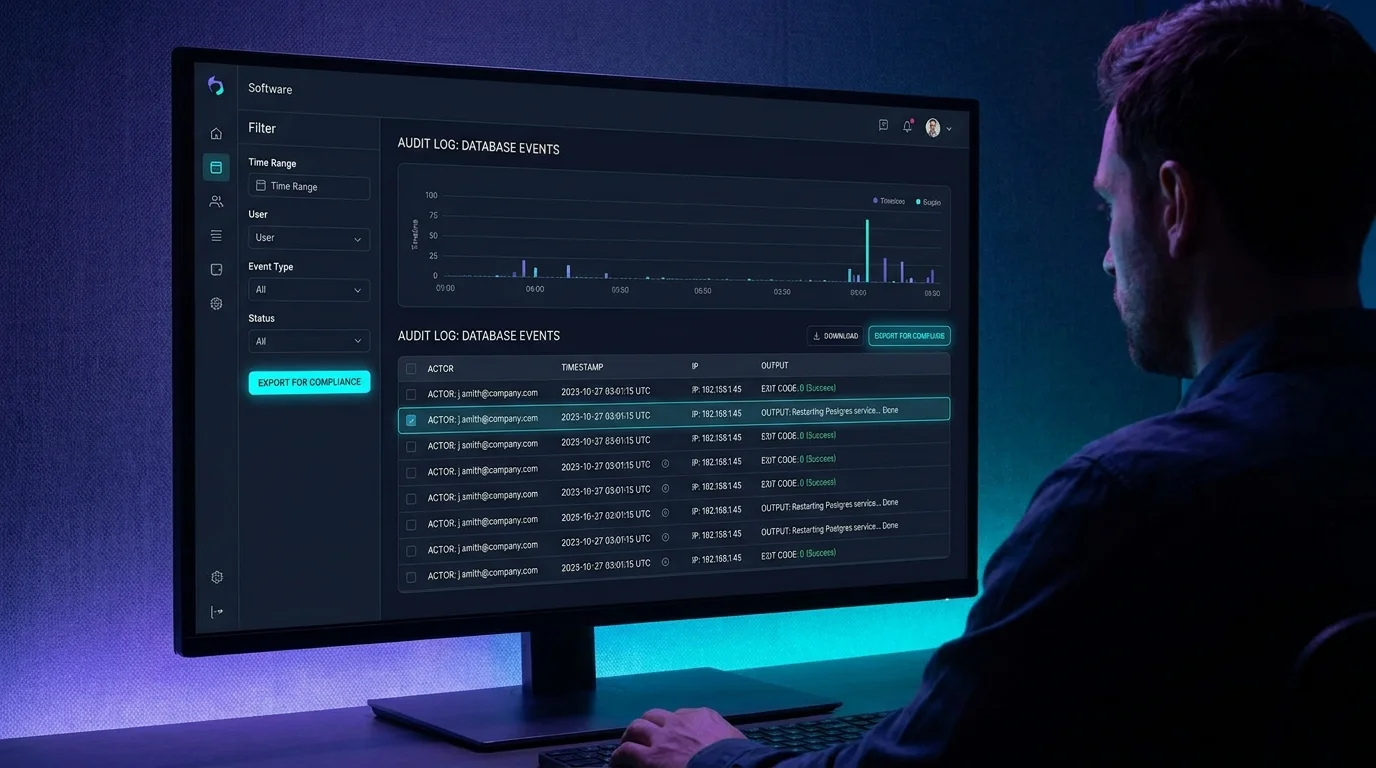
Owners and Admins have full control over all workspace resources — typically one or two people per workspace, with the Owner sitting at the top of the chain. Admin operations are all captured in the audit log so "with great power comes great accountability" is enforced by the system.
Per-vibe visibility adds a layer on top: resources attached to a Vibe can be visible only to the owner (PRIVATE) or to anyone with Vibe access (SHARED_WITH_VIBE). Teams that work on shared projects get shared visibility without everyone needing Admin.
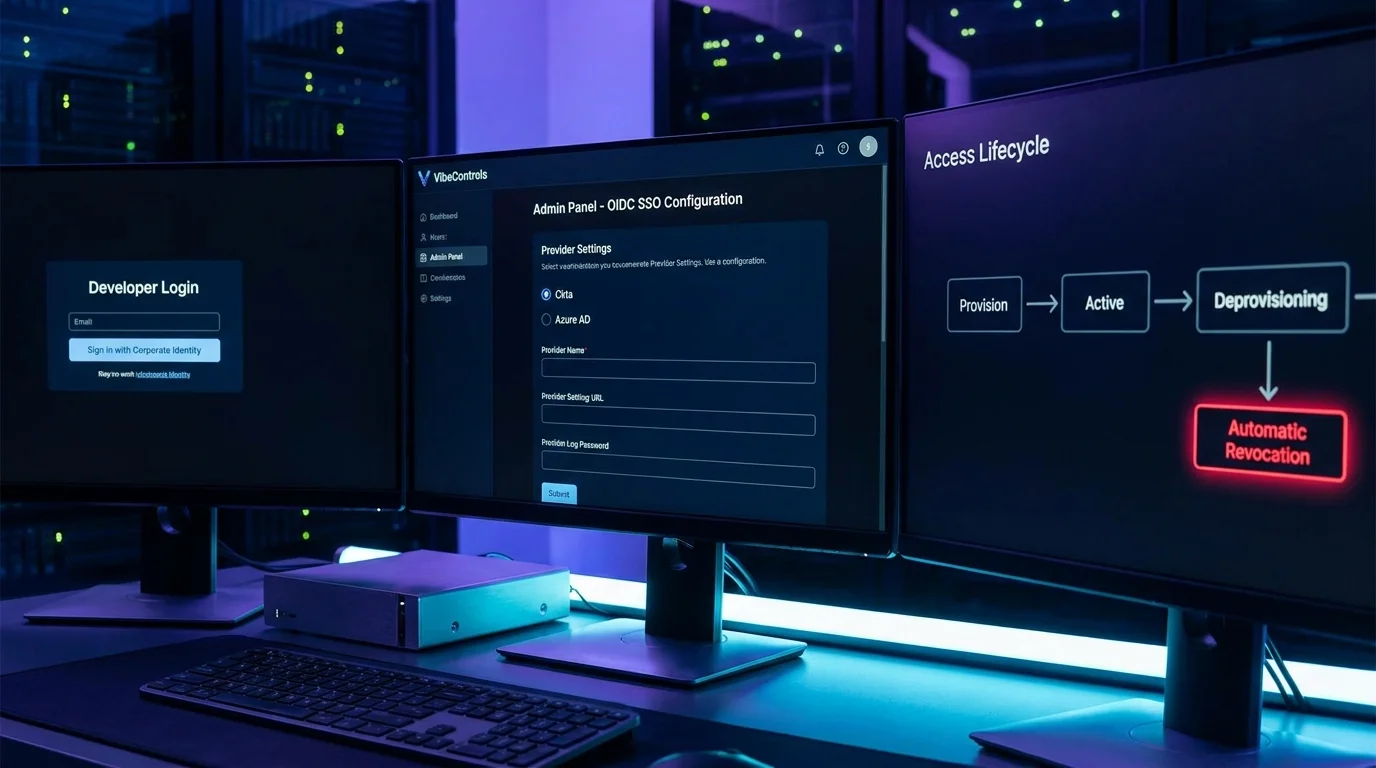
Invite a member, set their role, and they inherit the right permissions immediately. Remove a member and their access is revoked on the next gateway check — every request is re-evaluated, so a removed member is locked out the moment they next touch the platform.
Do it yourself
Invite a teammate, assign their workspace role, control per-vibe visibility, and review every admin action so the right people get exactly the right access.
Open Workspaces from the app navigation and use the invite control to send an invitation to your teammate's email.
You should see: The person receives an invitation and joins your workspace as a member.
Ready to make this your story?