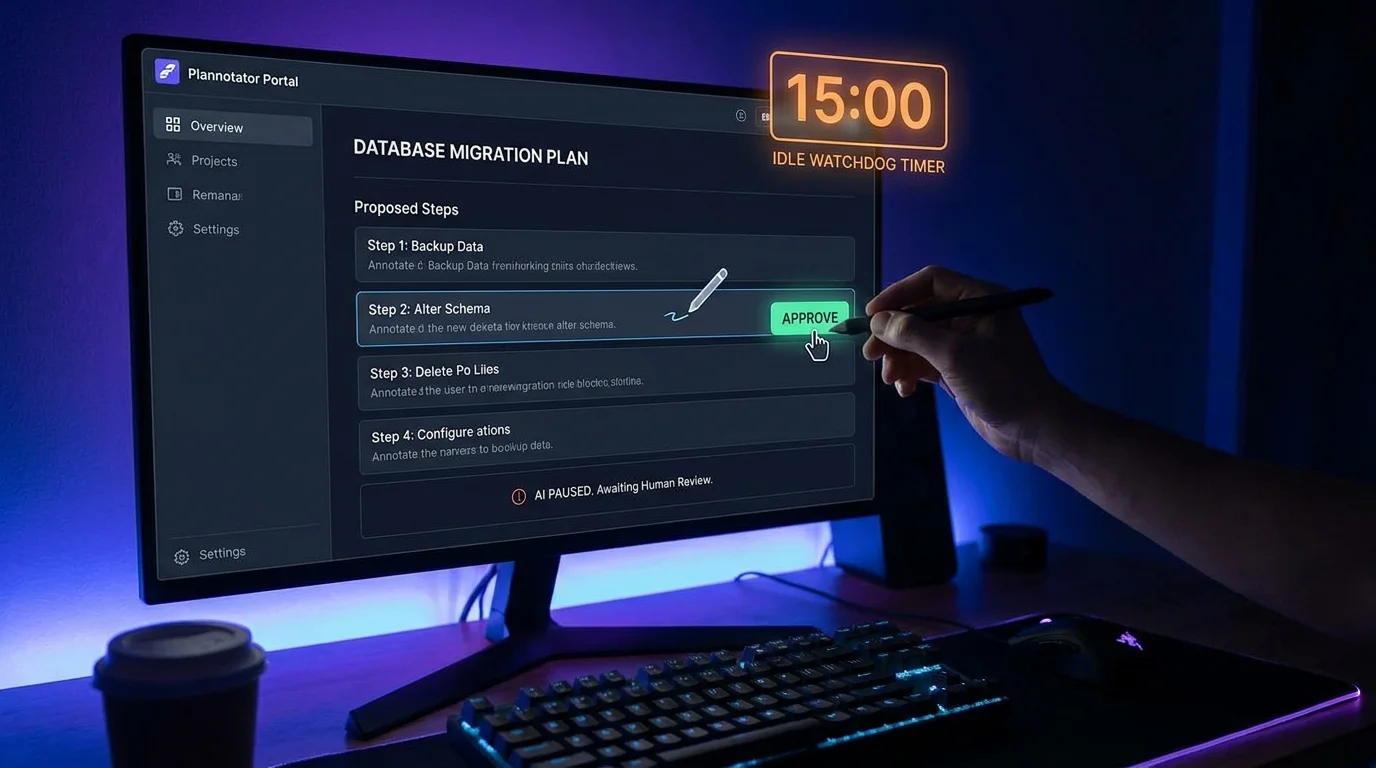
AI coding tools can benefit from a deliberate planning surface, but the useful boundary is clear: VibeControls connects a registered agent to the plan provider; the configured AI CLI and provider control when and how a plan is produced.
On an online agent, install the Plan orchestrator and Plannotator provider. The Plan workspace can install the local Plannotator binary, detect supported Claude Code, OpenCode, Codex, Pi, or Gemini CLIs, and configure that CLI's hook. Once configured, VibeControls embeds the provider workspace through the agent tunnel so you can inspect its active plan sessions without separately exposing the agent.
Use the provider workspace to review a plan and its annotations according to the provider and CLI you configured. VibeControls does not currently provide a workspace-level blast-radius threshold, automatic approval ledger, or idle-plan watchdog; those execution and approval semantics remain with the selected CLI and plan provider.
Do it yourself
Connect a supported AI CLI on your agent to the Plannotator plan workspace, then inspect the plan sessions the configured provider creates.
On a healthy, online agent, open the Plugins page and install the plan plugin. You can also run the install command from your terminal.
You should see: The plan provider (Plannotator) becomes available to your agent and appears as a selectable provider.
Ready to make this your story?