Managing developer tooling credentials separately from corporate identity is a compliance liability. When a developer leaves, the IT checklist has 30 line items — Jira, GitHub, Slack, CI/CD, staging databases, and a long tail of "miscellaneous tools". VibeControls should not be on that list.
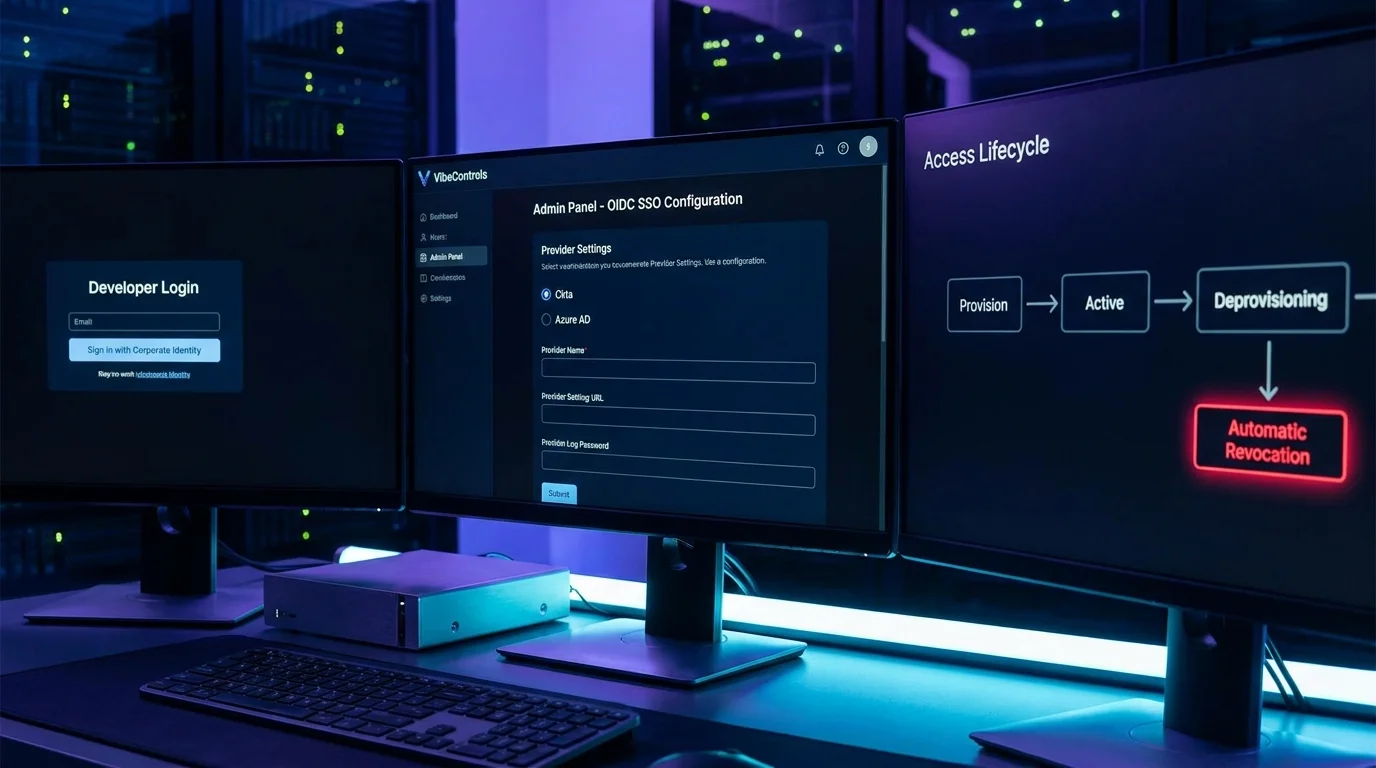
SSO is configured once at the platform/tenant level by your identity administrator — connect your provider (Okta, Microsoft Entra ID, Google Workspace, or any compliant OIDC provider) and it governs VibeControls login alongside the rest of the platform. Developers log in via the corporate login button, are authenticated against your IdP, and their VibeControls identity is tied to their corporate account.
When you deprovision the engineer in your IdP, their VibeControls session tokens are revoked on next refresh. No manual de-provisioning step, no window of continued access.
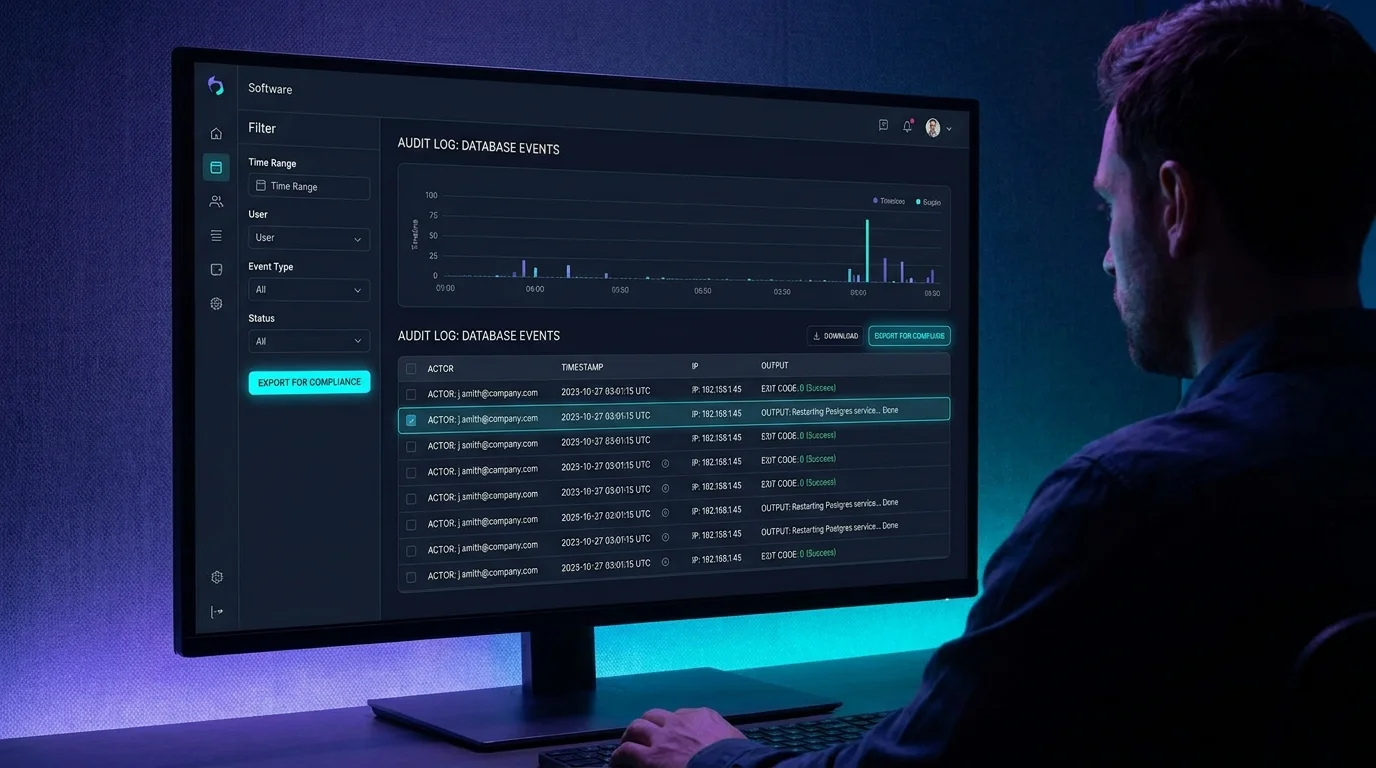
For the CLI, developers use OAuth device-code flow to authenticate without password prompts. For service-to-service automation, API keys are issued separately and are visible in the workspace audit trail.
Combined with RBAC (Owner, Admin, Member, Viewer, and Guest workspace roles), VibeControls gives enterprise IT teams the credential governance and lifecycle management they require without compromising developer velocity.
Do it yourself
Connect your corporate identity provider so every engineer signs in to VibeControls with their company login, with CLI device-code auth and API keys for automation.
As your organization's admin, open the workspace Admin Console and go to SSO Configuration. You'll see tabs for SAML, OIDC, Clients, and Test.
You should see: The SSO Configuration page opens with the SAML, OIDC, Clients, and Test tabs ready to set up.
Ready to make this your story?