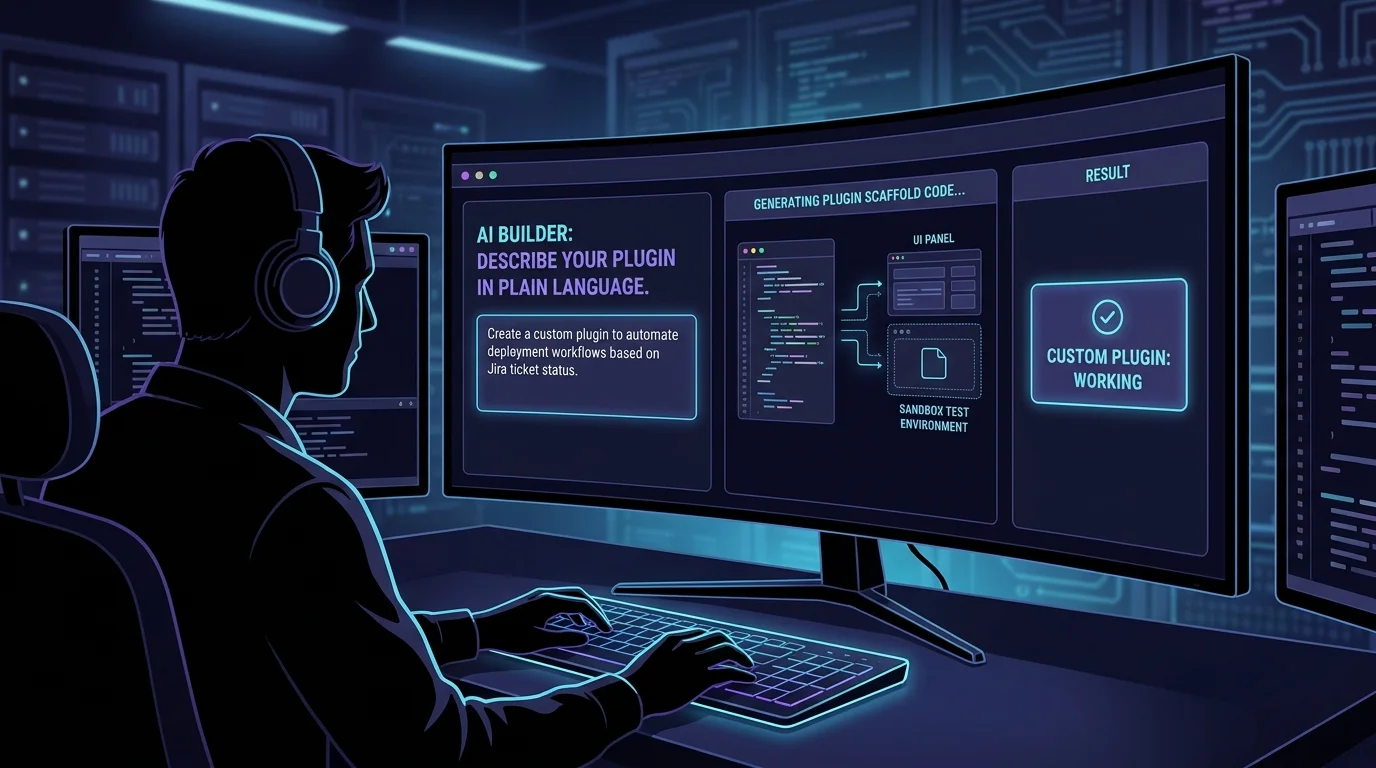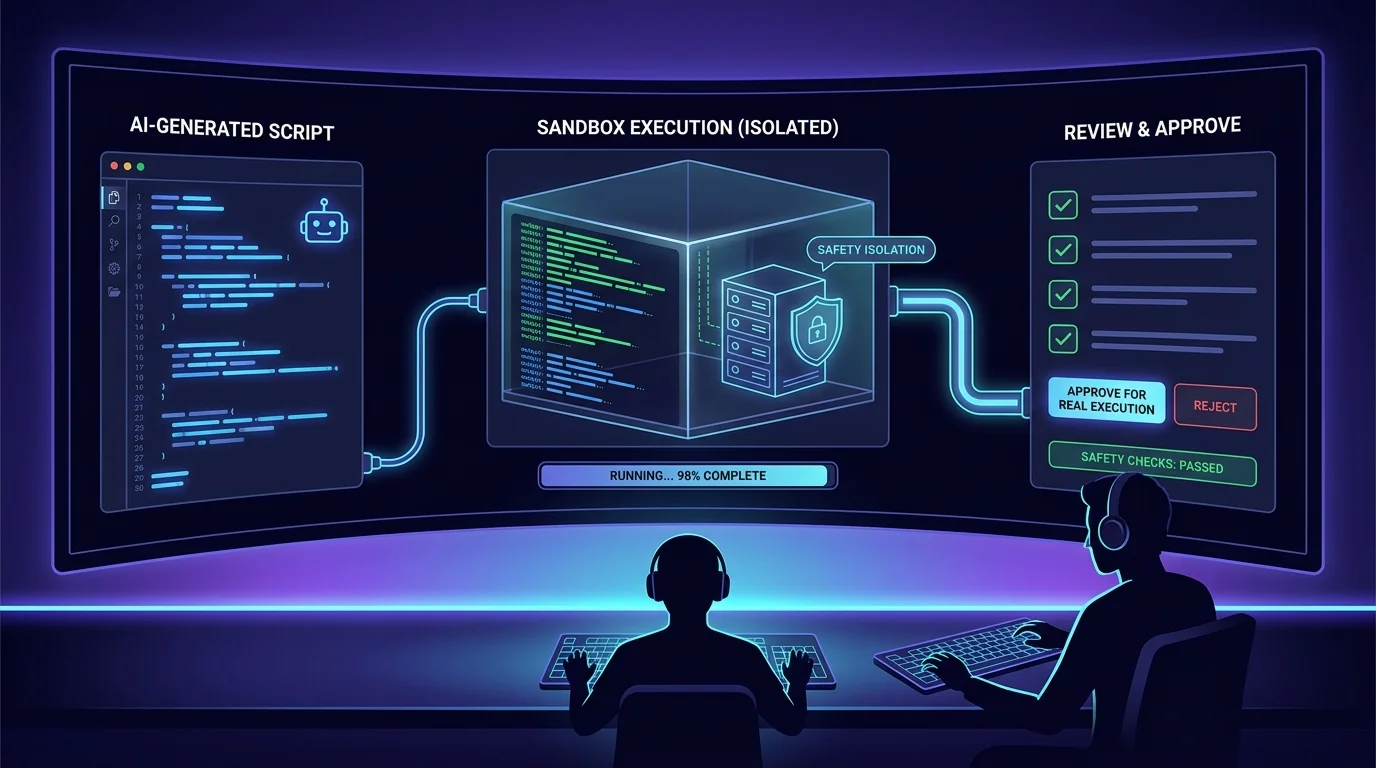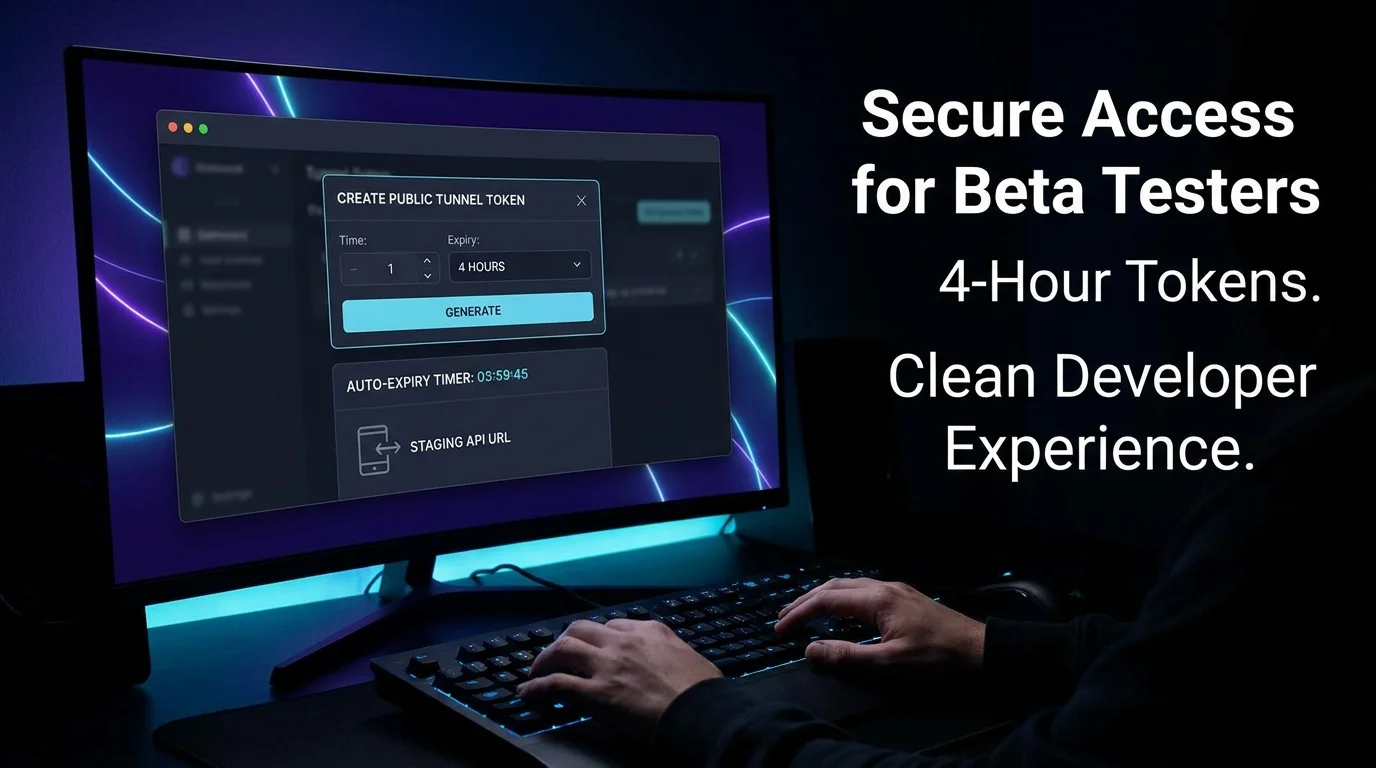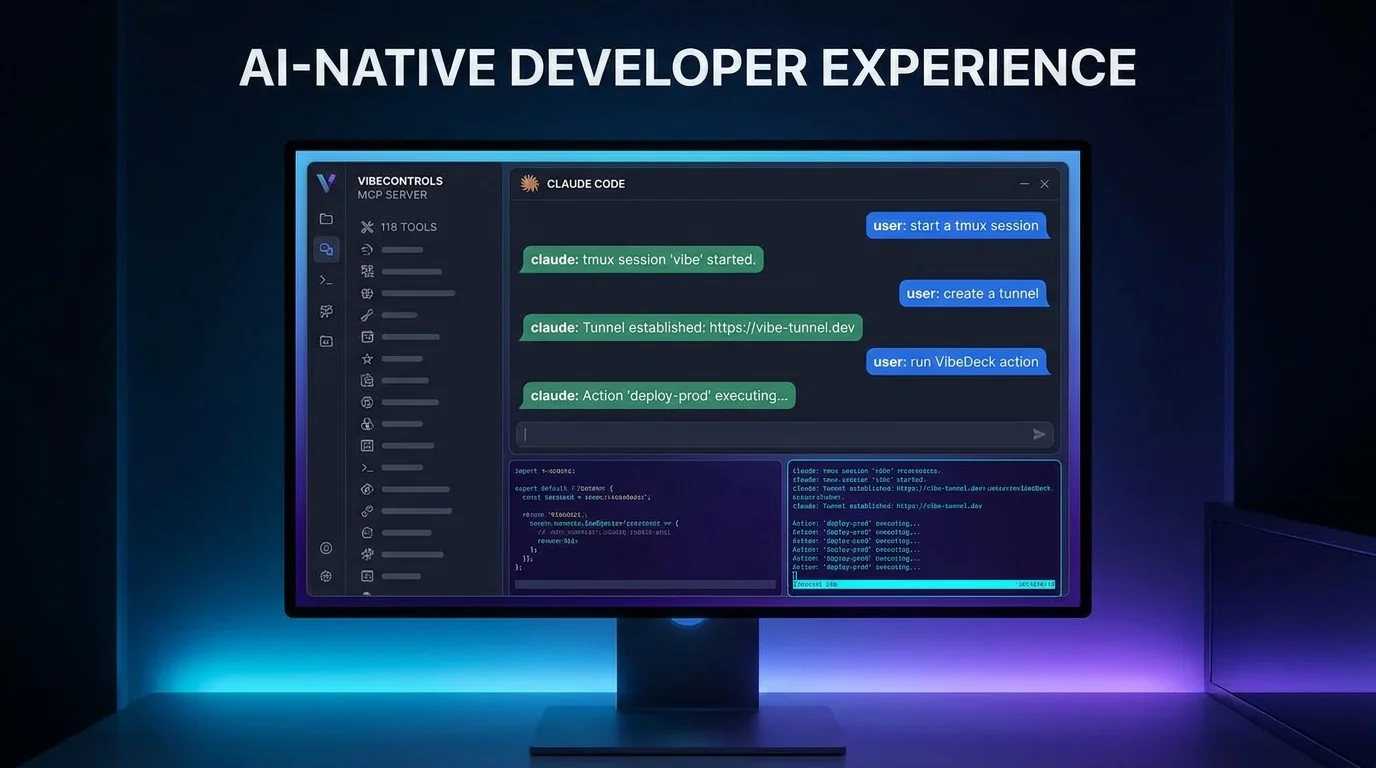
AI-native development is about more than writing code faster — it's about letting AI manage the environment while you focus on the problem. VibeControls' MCP server makes your entire dev environment controllable by AI.
Add the VibeControls MCP server to your Claude Code settings with a one-line config. Authenticate via device-code flow once. Claude now has access to 600+ tools across 22 modules: start or stop sessions, list and create vibes, run VibeDeck tiles, create and delete tunnels, manage agents, query the audit log, trigger scheduled jobs, and more.
Ask Claude to "start a tmux session named dev on my local agent and run npm install" — it does it and streams the output back. Ask it to "forward port 8080 to a public URL and give me the link" — it creates the tunnel and returns the URL. Ask it to "run the integration tests VibeDeck tile and show me the output" — it executes the tile and pastes the result.
VibeControls MCP also exposes 7 resources (your workspace inventory, agent status, session list) and 7 prompts (common operational query templates) for context. Claude can reason about your environment state, not just take blind actions.
For teams using Claude Code at scale, this means the AI agent that writes your code can also manage the environment that runs it.
Do it yourself
Connect the VibeControls MCP server to Claude Code so Claude can drive your sessions, tunnels, vibes, and VibeDeck tiles through natural-language commands.
Open Claude Code's MCP configuration and add the VibeControls MCP server with a single one-line entry. Save the config and restart Claude Code so it picks up the new server.
claude mcp add vibecontrols -- npx -y @vibecontrols/mcpYou should see: Claude Code boots the vibecontrols-mcp server and shows its full catalog of tools, resources, and prompts as available.
Ready to make this your story?