The VibeControls plugin SDK is powerful, but writing a plugin from scratch still requires understanding the manifest format, lifecycle hooks, REST route conventions, and UI panel integration. Most developers who could benefit from a custom plugin never build one.
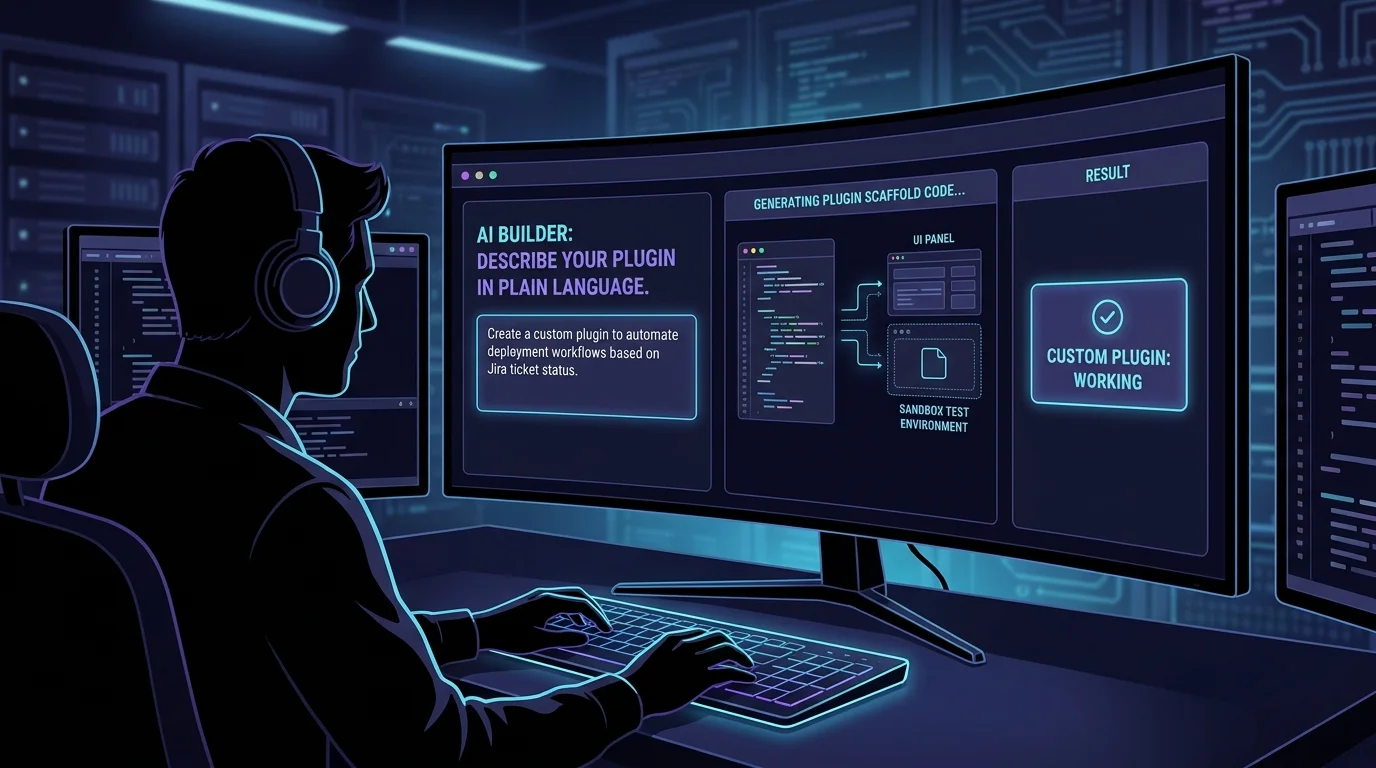
AI Builder lowers the barrier to zero. Open the AI Builder interface and describe what you want: "a VibeDeck-style panel with a button that runs our Alembic database migration script on the deployment target, captures stdout and stderr, and displays pass/fail status with the migration names that ran."
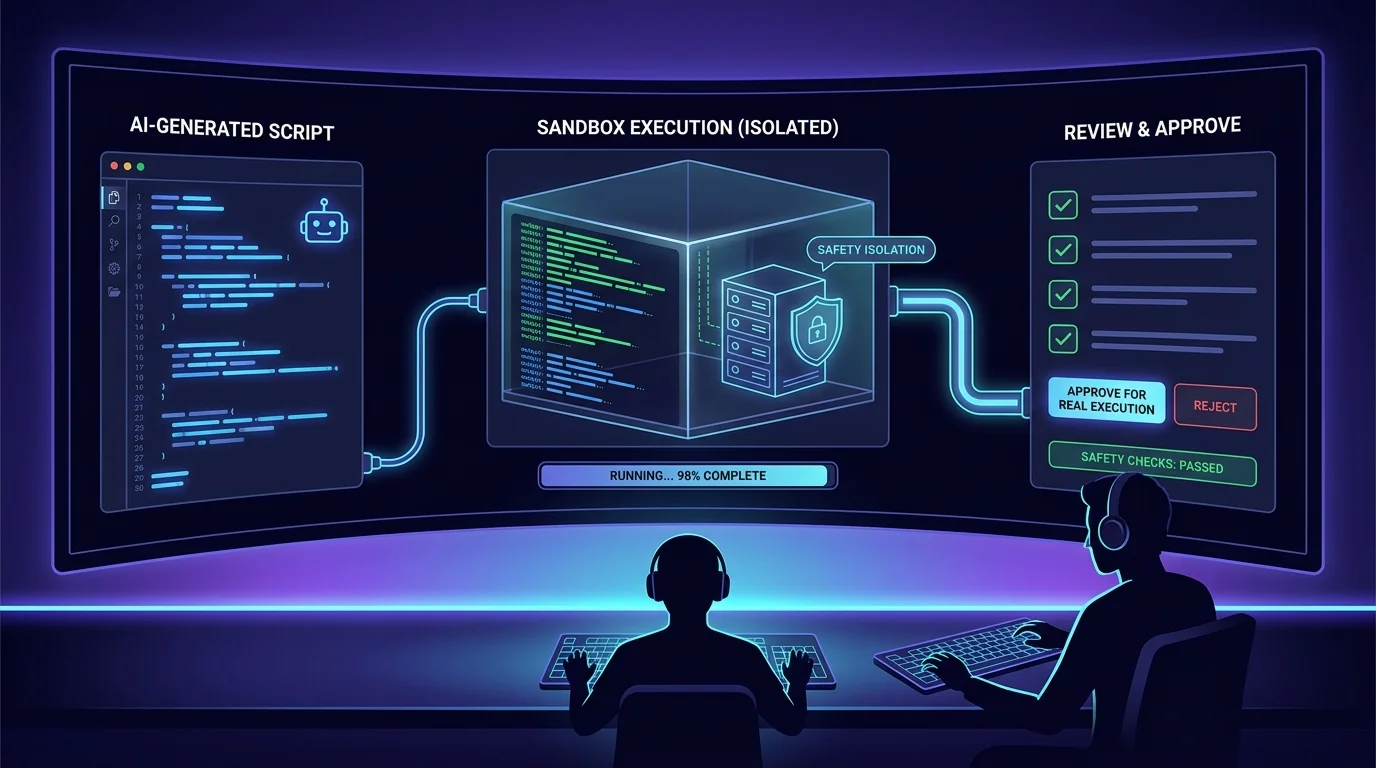
The AI Builder generates the complete plugin scaffold: the VibePlugin manifest, the action handler, the REST route, and the UI panel. It also creates a sandbox test environment — an isolated execution context where you can run the plugin against a safe replica of your environment before installing it on real agents.
Review the scaffold, edit what needs changing, and click deploy. The plugin appears in the workspace's plugin catalog and can be installed on any agent with one click.
What used to require a plugin developer and a sprint now requires a platform engineer and a sentence. Teams that could never afford bespoke tooling now build it themselves.
Do it yourself
Describe a capability in plain language, generate a complete plugin scaffold, test it in a safe sandbox, and publish it to your workspace plugin catalog in one click.
From the navigation, open AI Builder. This is the dedicated space for creating new Vibe plugins.
You should see: The AI Builder opens with a simple describe form, ready for you to define your plugin.
Ready to make this your story?