Remote pairing over screen share is a study in lag: the driver types, the watcher squints at compressed pixels, and "wait, scroll up" costs thirty seconds each time. And when a teammate just needs to see your terminal for two minutes, provisioning real access is overkill.
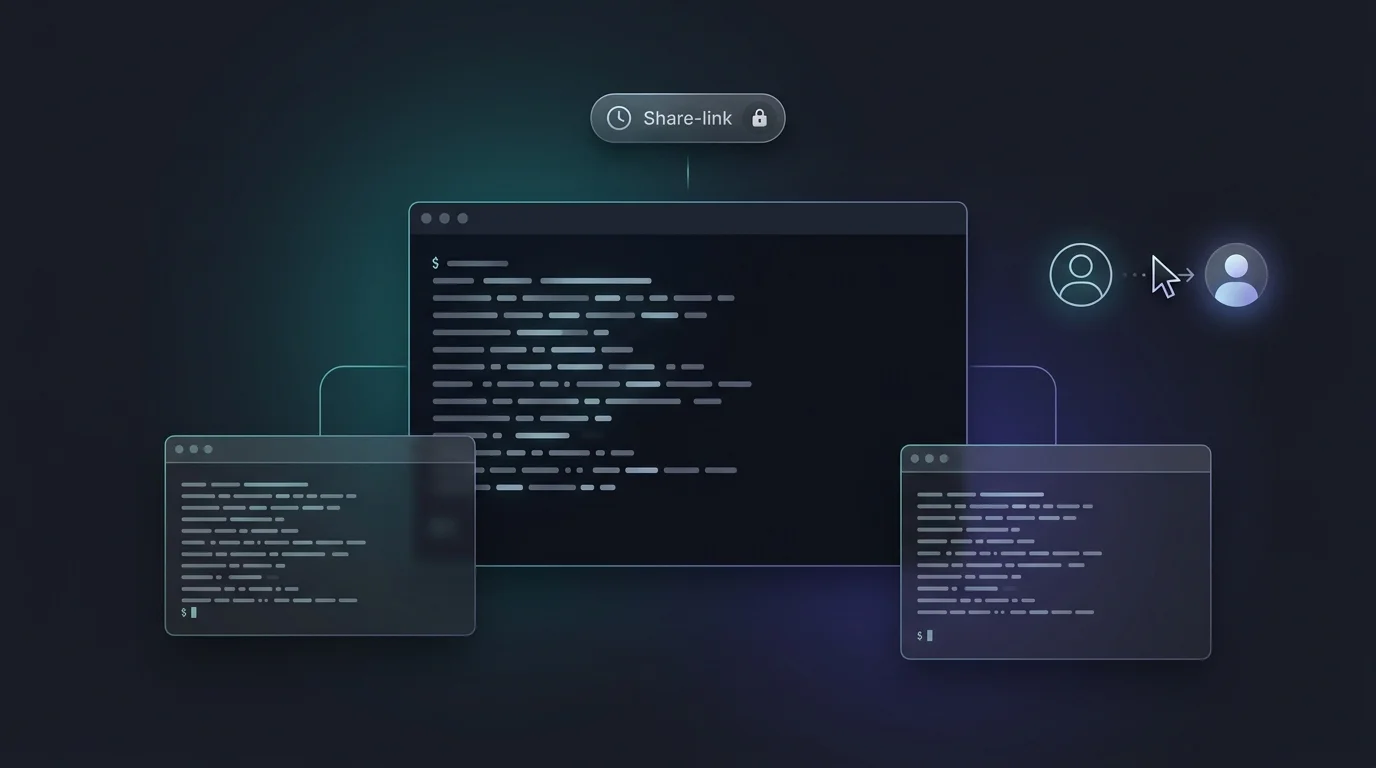
VibeControls session sharing fixes both. From any running session, open the Share dialog and pick a path: grant access to named workspace members with a viewer or interactive role, or create a share link with an expiry, an optional password, and usage limits. Drop the link in Slack.
Your teammate clicks it, lands on the shared-session page, and joins as a viewer — you see them arrive in the collaborator list in real time. Both of you are looking at the same live terminal buffer, not a video of it. No screen-share lag, no "can you zoom in", and viewers physically cannot type.
When the watcher needs to drive, they click "Request control". You get prompted, accept, and the keyboard is theirs — control changes propagate to both sides in about a second. Take it back whenever you want, or release it explicitly. If a collaborator disconnects mid-control, control reverts to you automatically.
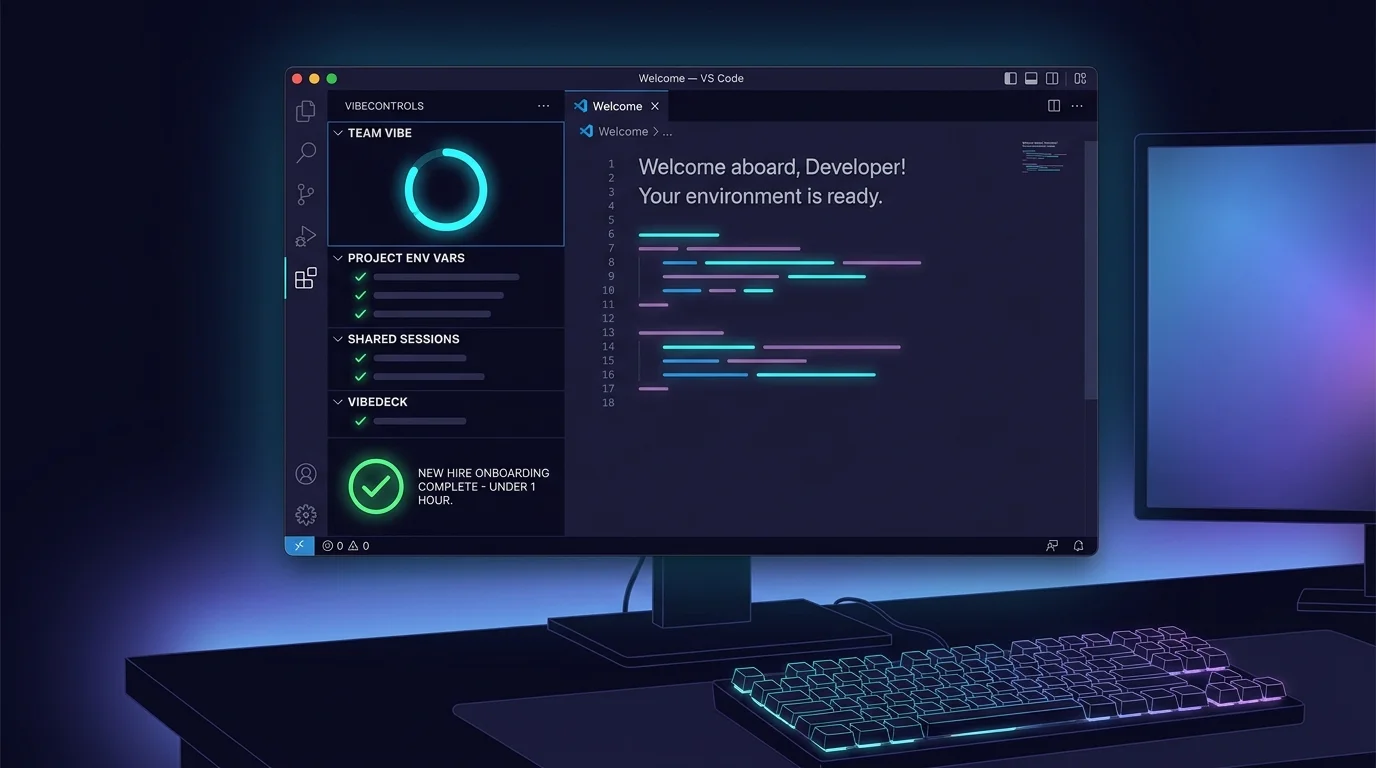
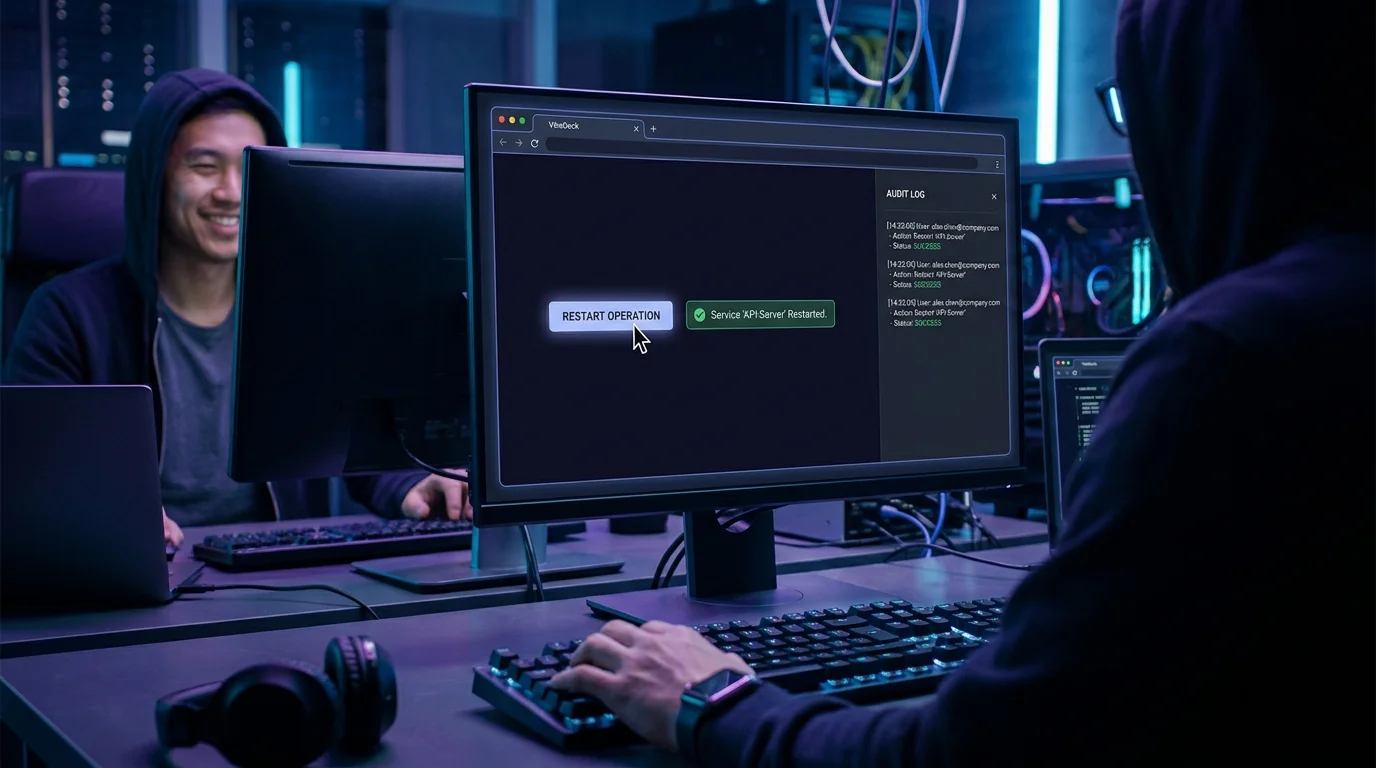
Done debugging? Revoke the link and the token stops validating immediately — no lingering access. Recipients see everything shared with them in one "shared with me" list, the same flows work from the VS Code extension, and every share, join, and control transfer lands in the workspace audit log. Pairing, incident response, code review walkthroughs, onboarding demos — one mechanism covers them all.
Do it yourself
Share a running terminal session as a password-protectable, expiring link so a teammate can join live, watch in real time, and request keyboard control with a handoff in about a second.
Go to the session you want to pair on and open its detail page so you can see the live terminal.
You should see: Your live terminal session is open and ready to share.
Ready to make this your story?