Documentation lives in three places: a Confluence nobody updates, a GitHub wiki that's two major versions behind, and the heads of the senior engineers who wrote the system. None of these is where developers actually work.
VibeControls Docs brings documentation to the Vibe — the same place where sessions, environment variables, and actions live. Create a docs site for a Vibe, then author its pages in the built-in Markdown editor. VibeControls compiles the site asynchronously in the background.
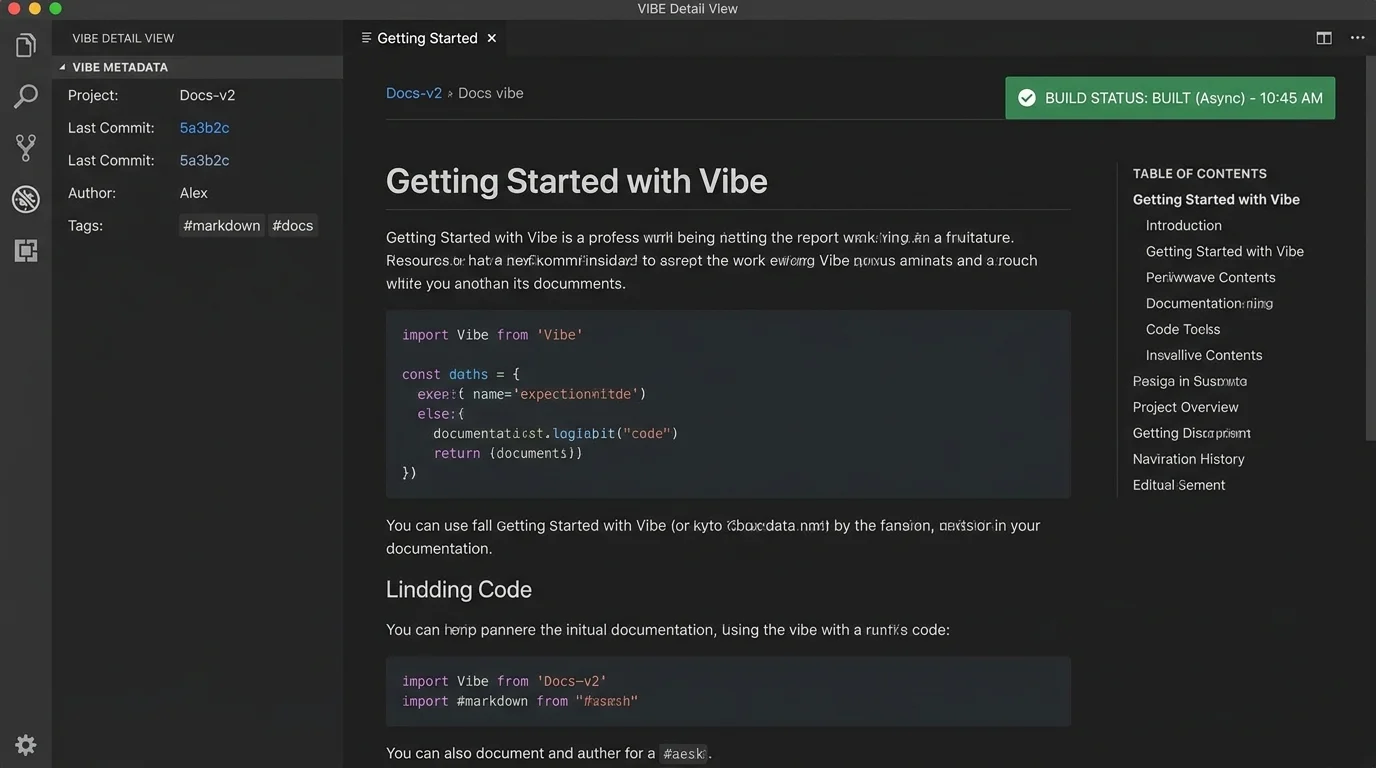
The resulting documentation site is embedded in the Vibe detail view. Anyone who opens the Vibe sees the current, compiled docs immediately — no separate URL to remember, no confluence login, no wiki drift.
The async builder means you don't block on a compilation step. Make a change to a Markdown page, trigger a rebuild, and the embedded docs update without leaving the Vibe dashboard. Each Vibe currently has one managed docs site, with page trees, build revisions, and rollback for keeping user-facing docs, API reference, and internal runbooks together.
Do it yourself
Build one managed Markdown documentation site for a Vibe, compile it asynchronously, and embed it directly alongside the project work.
Open your project Vibe and click the "Docs" tab at the top of the detail view.
You should see: The Docs panel for your Vibe opens, ready for you to set up a documentation site.
Ready to make this your story?