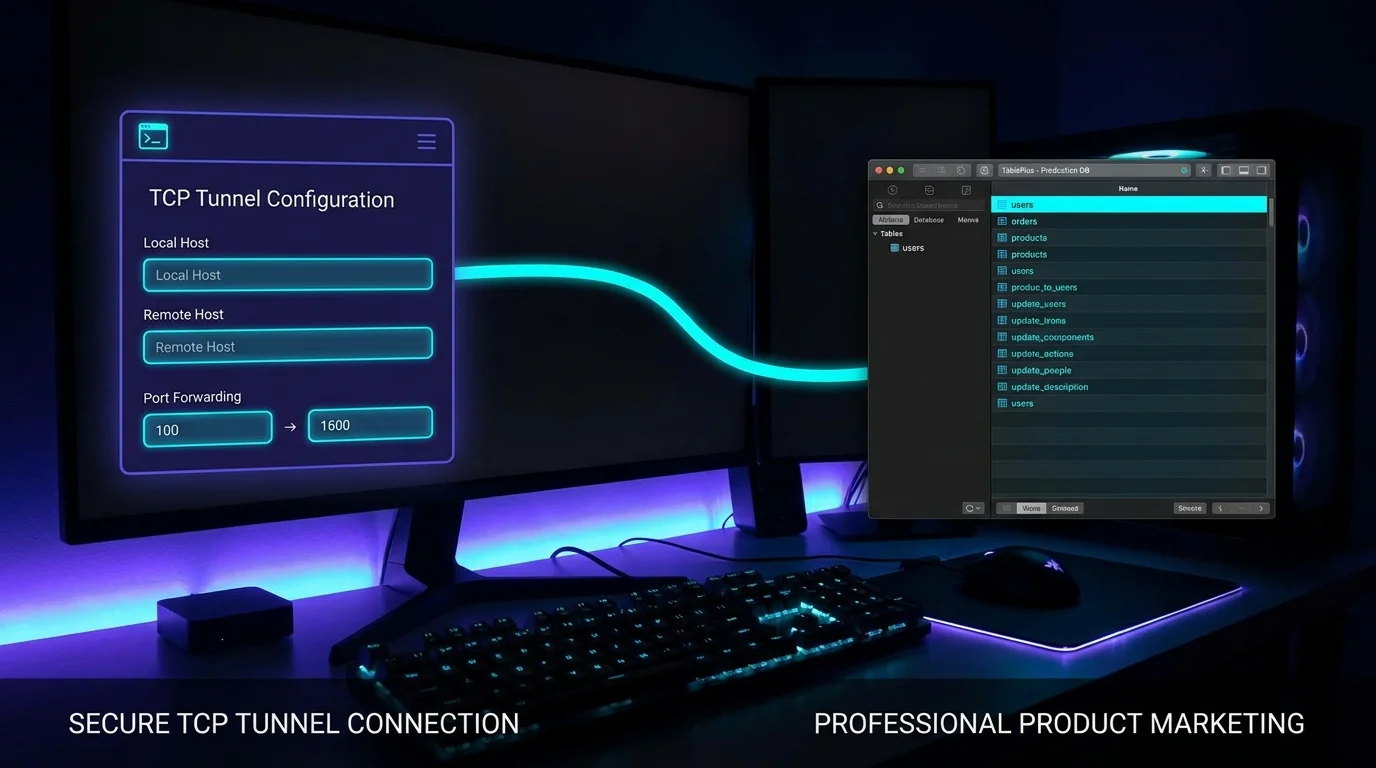
Database GUIs are designed for localhost. Getting them to work against a remote database usually means either opening the database port to the world (insecure), configuring VPN (complex), or doing everything over an SSH tunnel with a manually-maintained config.
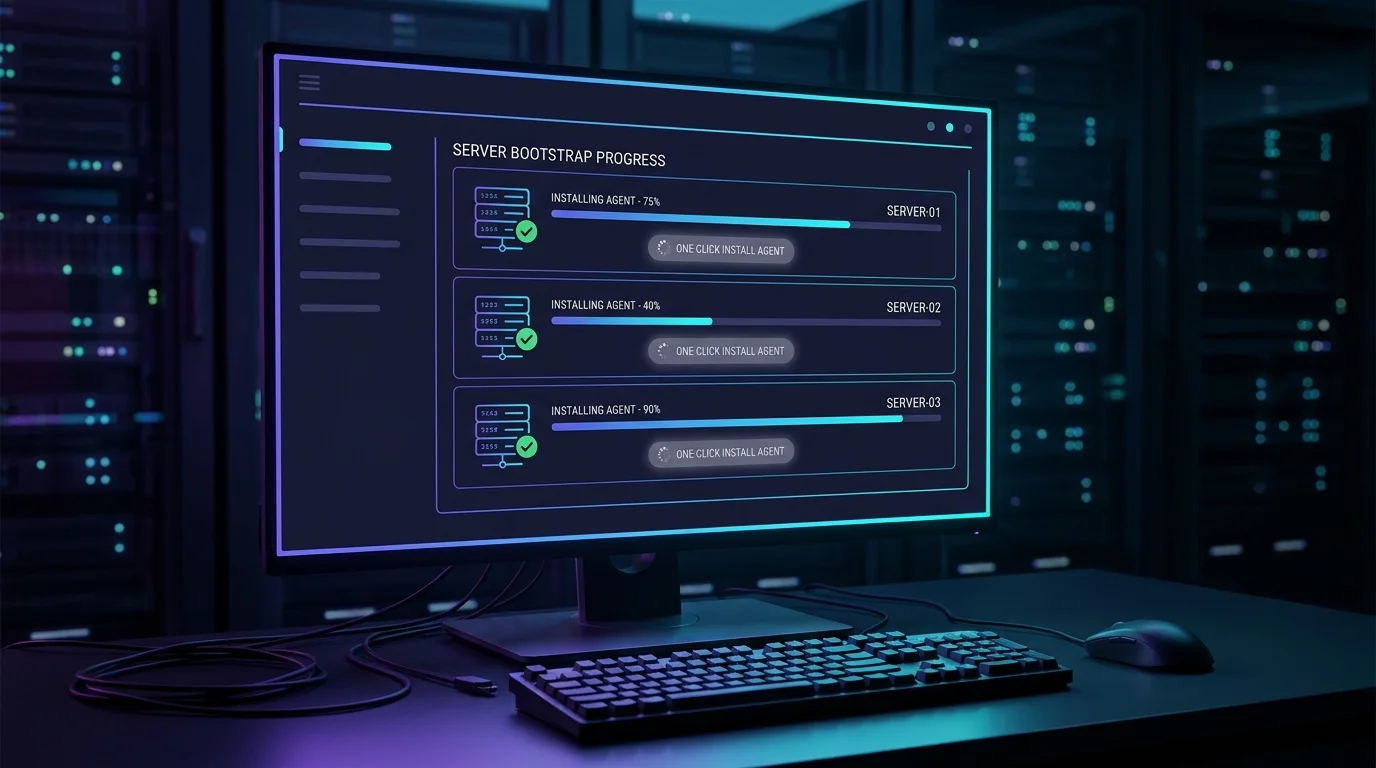
VibeControls makes raw-TCP tunneling a first-class operation. Register the database server as a target, install an agent on it, and create a TCP tunnel: the agent forwards its local database port out to a public VibeTunnels endpoint.
VibeControls routes the tunnel through VibeTunnels' frpc infrastructure and gives you a public endpoint — an assigned *.vibetunnels.com host and port. Open TablePlus or DataGrip, point it at that host:port, and connect. The GUI talks to the remote database transparently.
The tunnel is a workspace resource: it's listed in your dashboard, has a creation timestamp, and can be paused or deleted when you're done. No more SSH config entries to maintain, no more "what was that port again?" — the tunnel is there when you need it and gone when you don't.
Do it yourself
Tunnel a remote database through VibeControls so you can connect your database GUI to it over a secure, time-limited public endpoint.
Open Agents and check that the agent installed on your database server is online. Open its detail page to confirm the VibeTunnels provider is available.
You should see: Your database-server agent shows as connected, with the VibeTunnels provider ready to host TCP tunnels.
Ready to make this your story?