
Golden-Path Templates and Scaffolding
Pick a team-approved blueprint, fill in a few variables and get a new component with its build, CI, ops deck and docs already wired.
These images are illustrations of the concept, not screenshots of the actual product.
Overview
Golden-path templates are the concept for how a team turns its best working components into reusable starting points. In VibeControls, a template is a blueprint published from a real, working component: an API microservice, a React microfrontend, a Terraform module, a Python worker and so on. Instead of copying an old repository and deleting whatever does not apply, a developer picks a template, answers a handful of questions and gets a new component that already follows the team's conventions.
The problem it addresses is drift at the moment of creation. When every new service is assembled by hand, each one ends up with a slightly different build file, CI pipeline, folder layout and documentation, and platform teams spend months pulling them back into line. The design envisions the golden path as the path of least resistance: the approved way is also the fastest way, so consistency comes from convenience rather than enforcement.
The illustrated experience spans two screens. A templates gallery lists the available blueprints as cards, each with a category badge such as microservice, frontend, backend or infrastructure, a count of how many times it has been cloned, the number of variables it asks for and technology tags. Search and a category filter narrow the list. Opening a template shows its typed variables and the file tree it will generate, and the Use Template action starts a four-step wizard: basic info, configure variables, choose the GitHub destination, and review. The review step lays out the component name, description, every variable value and the destination repository before anything is created.
Templates sit in the Catalog section next to catalogs and components, so a scaffolded component is designed to join the living software catalog from day one. Because the generated file tree includes a CI workflow, a container build file and an ops deck definition alongside the source code, the new component is meant to arrive ready to build, deploy and operate with the same one-click actions and decks the rest of the fleet uses.
What this concept shows
- Gallery of team blueprints with category badges for microservice, frontend, backend and infrastructure templates
- Clone counts and variable counts on every card, so widely used and lightweight templates are easy to spot
- Technology tags, template search and a category filter to narrow the gallery
- Template detail listing typed variables marked as required, string, number, enum or boolean
- File tree preview showing the container build, CI workflow, source folders, ops deck definition and documentation a template produces
- Four-step Use Template wizard covering basic info, variables, GitHub destination and review
- Review summary with name, description, every variable value and the target repository before Create Component
- Share and Delete controls on each template for the people who maintain it
How it works
- Open Templates from the Catalog section and search or filter the gallery by category.
- Compare cards by category, clone count, variable count and technology tags, then open the template that fits.
- Inspect the template's variables and file tree to see what the scaffold will contain.
- Choose Use Template and enter the component's basic info, such as its name and description.
- Set the template variables, for example service name, port, database and runtime version, then pick the GitHub organization and repository visibility.
- Check the review summary and choose Create Component to generate the new component.
Who it's for
- Platform engineers who publish and maintain golden paths
- Developers starting new services, frontends or infrastructure modules
- Engineering leads who want new components to follow team standards
- New team members who need a working starting point on their first day
Illustrations
2 illustrations of this concept. Select one to view it full size.
Templates Gallery
This illustration shows the Templates page inside the Catalog section of the application sidebar. The header states how many ready-made blueprints the workspace has and offers a refresh button, and an info banner explains that templates are reusable blueprints a team publishes from working components, so a new component can be scaffolded in seconds instead of wired up by hand. Below sit a template search field, a category dropdown set to all categories and a count of the templates shown. The gallery is a three-column grid of cards. Each card pairs a template icon and name with a colored category badge, a clone count, a variable count, a short description and small technology tags. Sample templates include a Node API microservice, a React microfrontend, a Terraform module, a Python worker, a Go gRPC service, a Kotlin Spring Boot API, a Rust WebAssembly module and a Docker Compose stack. All counts are sample data.
Template Scaffold Wizard at the Review Step
This illustration shows a template's detail page with the Use Template wizard open on top. Behind the dialog, the title carries a microservice badge and a clone count, a link to the template's source repository, and Use Template, Share and Delete buttons. Two panels are partly visible: Template Variables, which lists each variable with its type and whether it is required, and File Tree, which previews the generated structure, including a container build file, a CI workflow, source and route folders, an ops deck definition, a package manifest and a documentation file. The dialog shows a stepper for Basic Info, Configure Variables, GitHub Repo and Review, with the first three steps checked off. The review summary lists the sample component's name and description, each variable with its chosen value, such as port, database, runtime version and an authentication toggle, and the destination organization and repository with its visibility. Back and Create Component buttons close the flow.
Topics
- golden path templates
- service scaffolding
- software templates
- project scaffolding wizard
- internal developer platform templates
- microservice starter template
- component blueprint
- developer portal templates
- new service generator
- repository template with CI
Related concepts
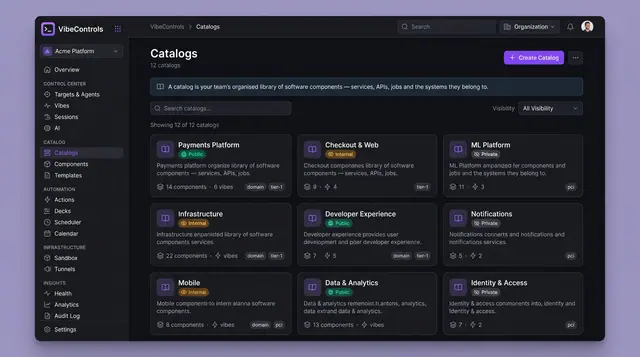
Living Software Catalog and Version Drift
Catalogs, components, dependencies and deployed versions in one place, with drift between environments called out at a glance.
4 illustrations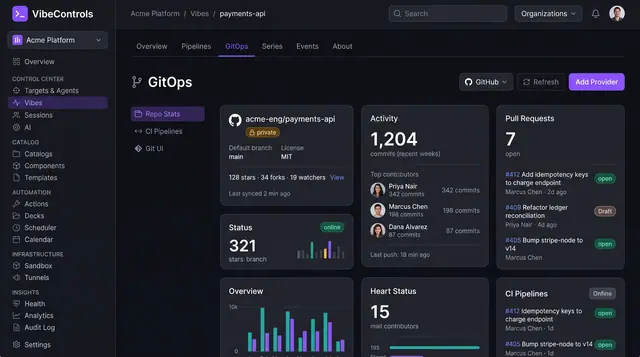
GitOps, Living Docs and Quality Scorecards
See a project's repository activity, its compiled documentation and a weighted quality score side by side, inside the vibe itself.
3 illustrations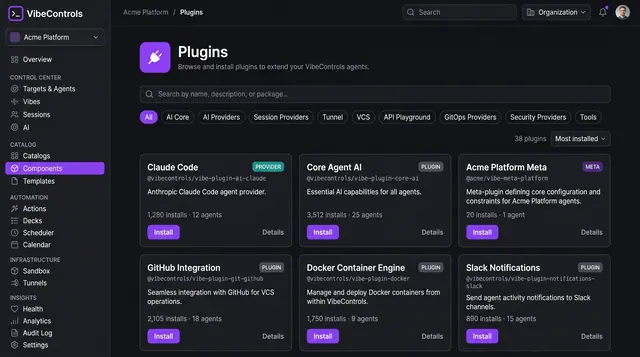
Plugin Marketplace and Fleet Rollout
Browse plugins that extend every agent, check prerequisites and versions, then roll one out across chosen machines in a single step.
4 illustrations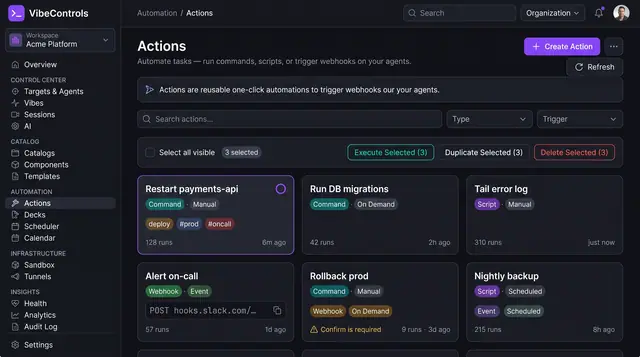
Actions and One-Click Ops Decks
Turn commands, scripts and webhooks into reusable actions, then pin them to one-click decks your team and on-call rotation can run.
3 illustrations