
Bring your own coding agents. Keep control of every machine they touch.
Claude Code, Codex, Gemini and more, running on your machines with your keys — in one console with per-session limits, an approval step, and a record of everything they did.
A coding agent needs a machine to run on, a model to call, a project to understand and a line it cannot cross — here, all four are yours to set.
Anything you can do, an agent can do through the same controls: never more, and never without leaving a record.

Everything below is labelled with where it actually stands in Vibecontrols today — shipped, in progress, or on the roadmap.
AI-native by architecture, not bolted on
Four architectural choices that make AI a first-class part of Vibecontrols rather than a chat window on the side.

One set of controls for you and your agents
Anything an agent does goes through the same permission check you do, so it can never reach further than your own access — and the record names you.

Your models, on your machines
Coding agents run on machines you own and read your key from that machine — eight providers, including OpenAI-compatible endpoints and local Ollama.
Autonomy is a dial, not a switch
Choose per session: plan only, apply edits, or full auto. Every machine also refuses remote commands until you unlock that machine yourself.

Every AI action leaves a record
A live feed of what your coding agents did, kept apart from the log of who changed what, plus a per-message cost you see before you send.
From intent to a governed action
Walk the path a request takes. Select any stage to see what happens there and what backs it.
Stage 1 of 5 · Context
The page you're on is part of the question
The thing you're looking at, plus contexts, prompts and instruction files you choose.
Open the assistant anywhere and it already knows which agent, vibe or session you mean — no ids to paste. Beyond that you pick the grounding: saved contexts, shared prompt templates, and instruction files every agent on the project reads. Nothing is guessed.
What the AI in Vibecontrols actually does
Filter by delivery status, then open any capability for the detail and what backs it. No capability is listed as shipped without something in the product behind it.
Where the AI shows up
The places AI meets the work in Vibecontrols — and how far each one has actually got.
AI workbench
ShippedThe in-app console where your coding-agent sessions live: three panes, tabs across machines, and every turn configurable.
- Tabbed live sessions across several machines, each with its own link
- Per-turn model, mode, MCP reach, working folder, file attach and voice
- Admin overlay for templates, contexts, prompts, tasks, stats and keys
See it as a real scenario
Every AI capability above shows up in a concrete Vibecontrols story. Open one to read the full walk-through.
 Run Claude Code, Codex, Gemini and OpenCode from one consoleEvery coding agent on every machine you own, in one tabbed console with per-turn model, mode and tool-reach controls.Read the story
 Bring your own model keys — and keep them on your own machineProvider keys live on the machine that uses them, including OpenAI-compatible endpoints and self-hosted Ollama.Read the story
 Decide how much rope the agent gets — per session, per machinePlan, accept-edits or full auto, on a machine that refuses remote commands until you unlock it yourself.Read the story
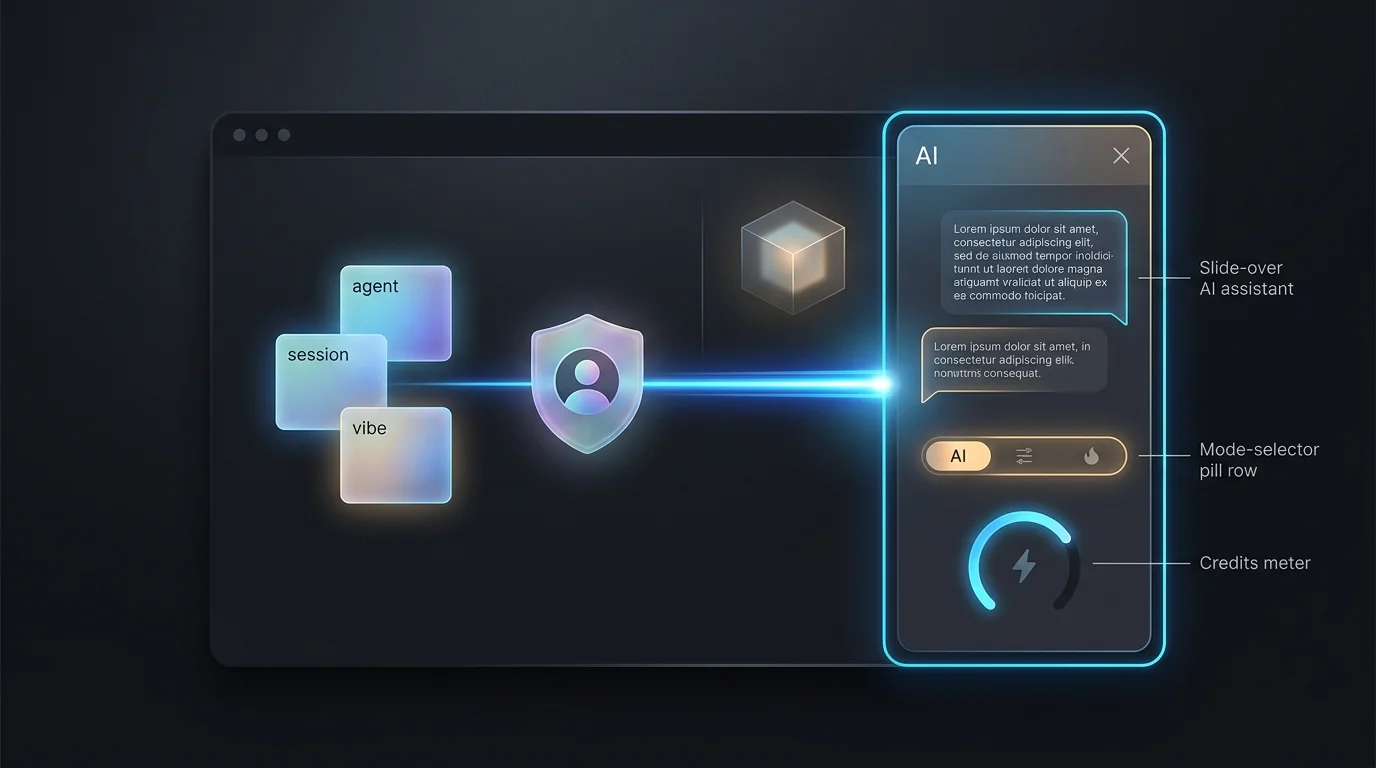 An assistant that acts as you — never beyond youPage-aware chat that takes real actions under your login, bounded by your permissions and fully recorded.Read the story
 AI spend you can see — checked before the turn, charged after itTold up front when the budget is gone, charged from the tokens actually used, and never cut off mid-answer.Read the story
 Turn what you just debugged into reusable contextSave contexts and prompts straight from a live session, scope them to a vibe, and reuse them from the composer.Read the story
 One source of truth for your AGENTS.md and .cursorrulesAuthor, scope and share the instruction files that steer every coding agent, instead of drifting local copies.Read the story
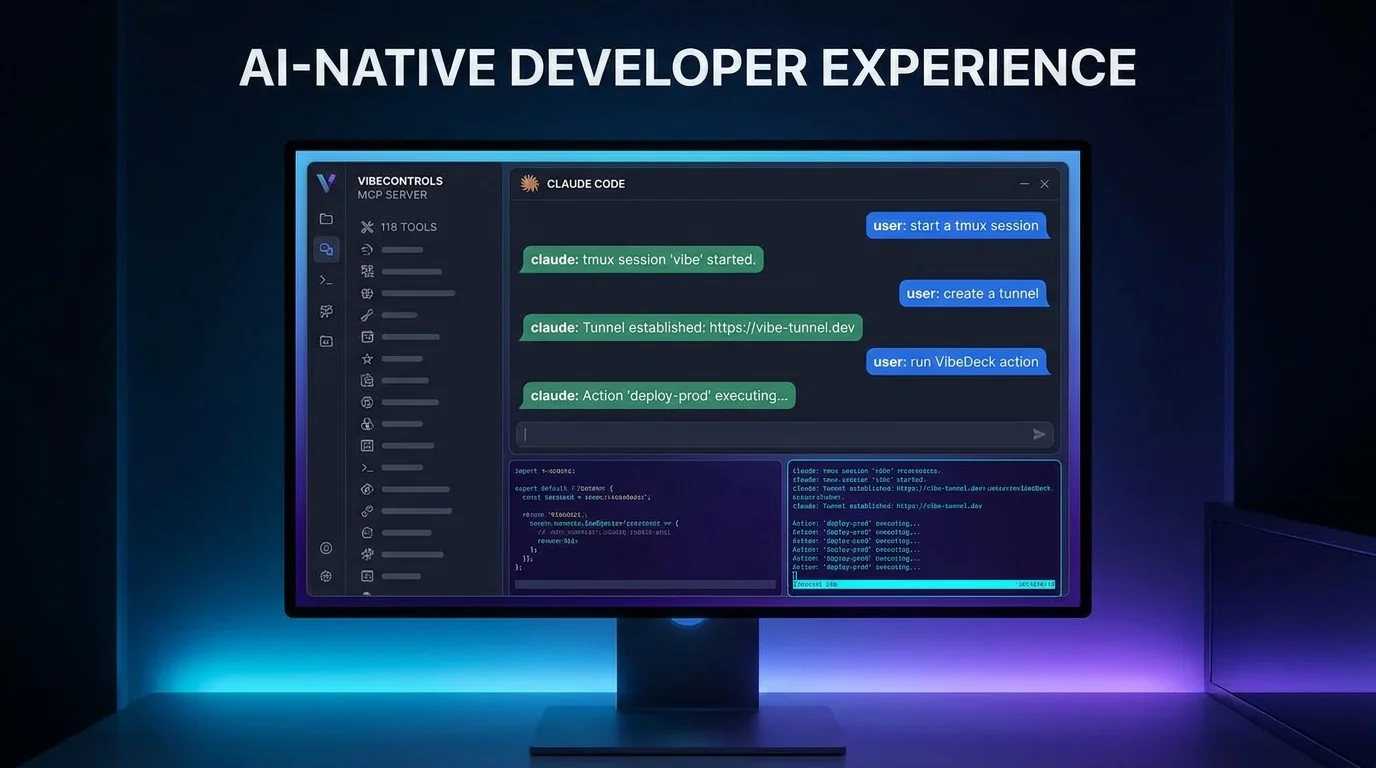 Control VibeControls from Claude Code over MCPHundreds of governed tools, so an outside agent can manage the machines and projects that run your code.Read the story
 See exactly what your coding agents did — task by taskA live feed of every AI tool run across Claude Code, Cursor, OpenCode and more, with failures and detail.Read the story
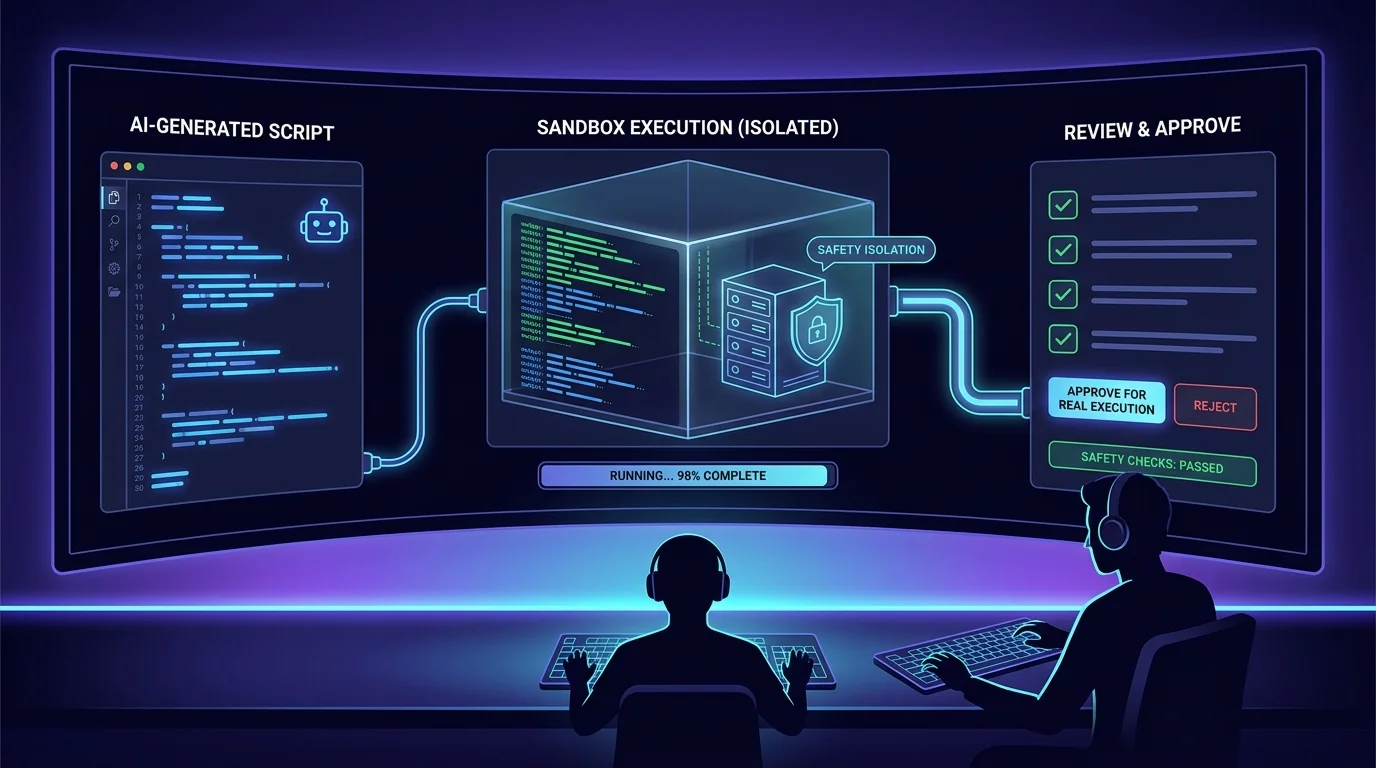 Try an AI-written script somewhere safe firstRun what the model wrote in a bounded space, read the output, then decide whether it touches anything real.Read the story
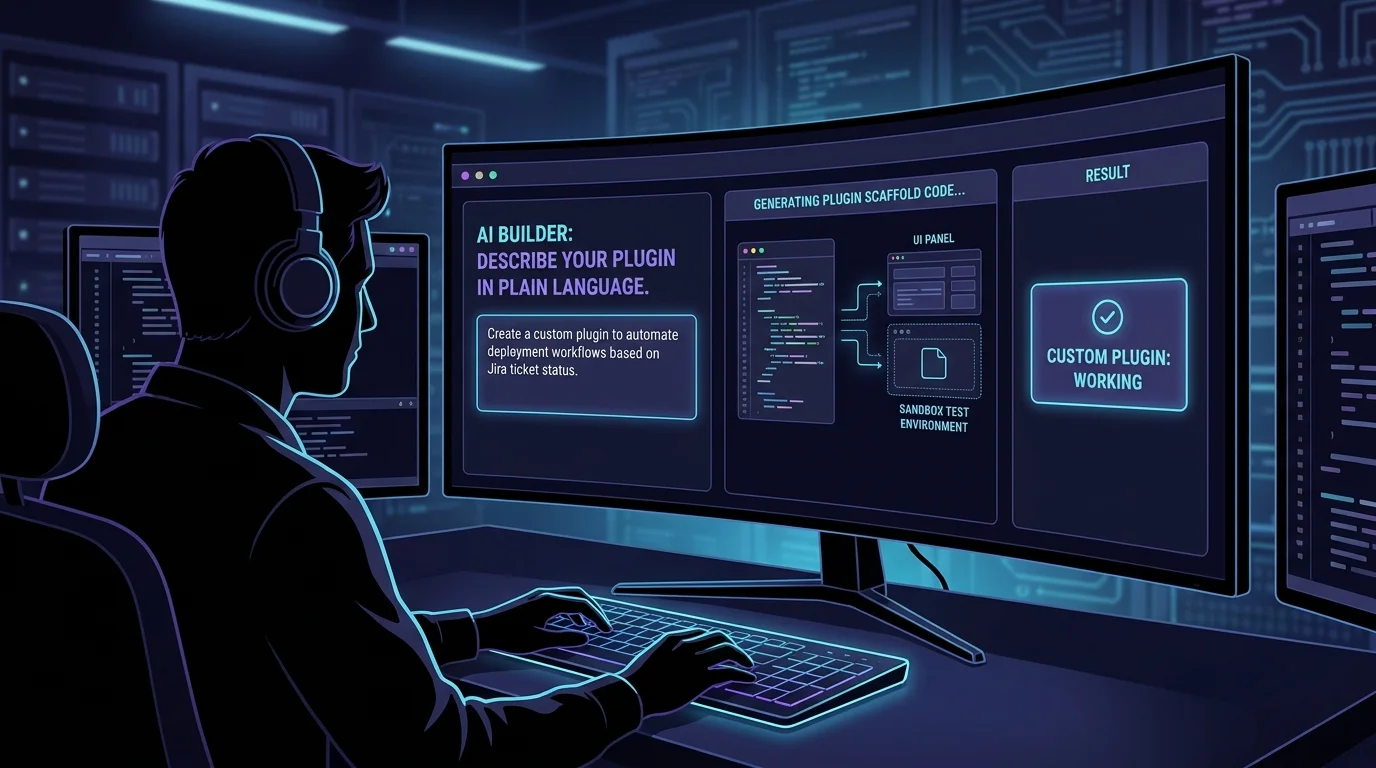 Scaffold a custom plugin from a descriptionDescribe the plugin and get a runnable skeleton to refine — with the model-written version still in progress.Read the story
 AI that proposes the fix and waits for your approvalOn the roadmap: struggling machines and idle resources become plans you approve. The approval step already exists.Read the story
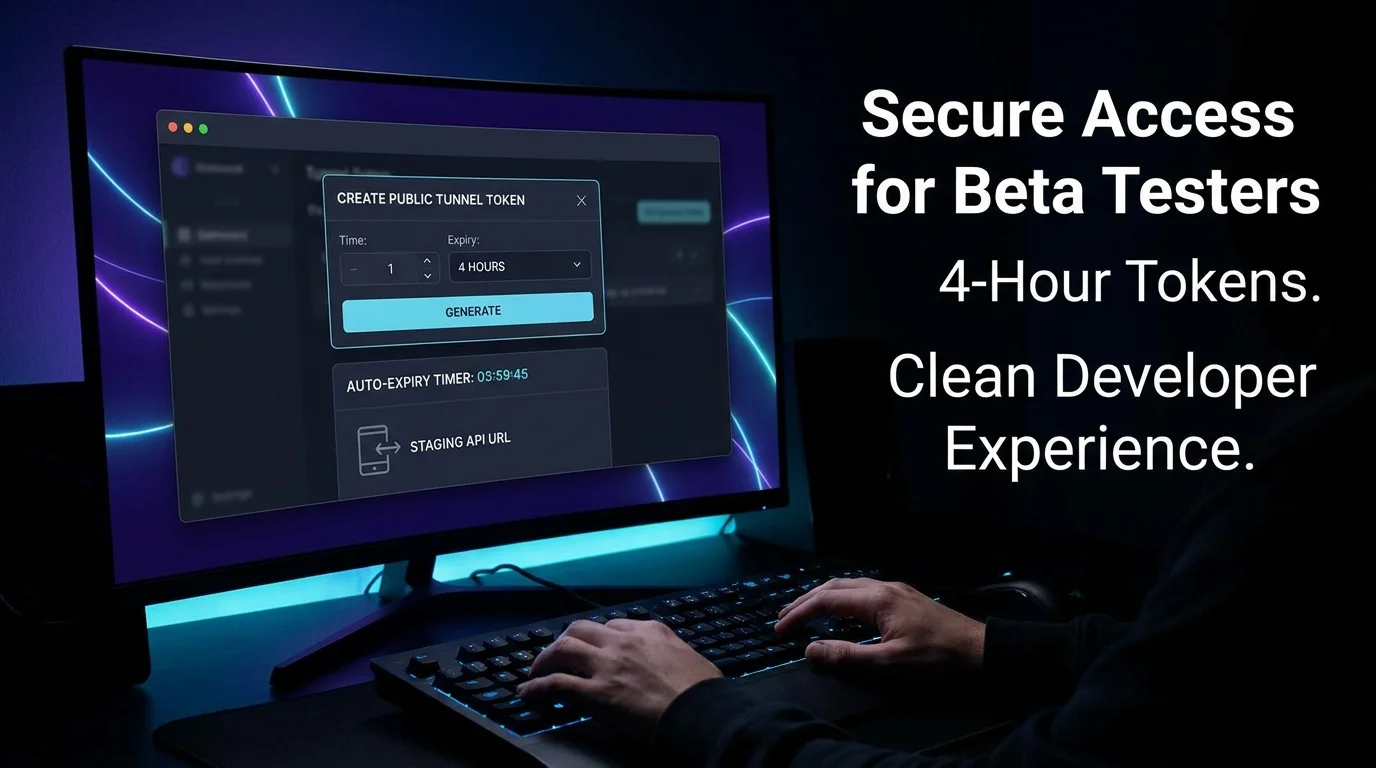 Give outside testers time-limited accessA self-expiring public link to a running service, so trying an AI-built change needs no VPN and no cleanup.Read the story
AI you can actually let near your data
An AI-native product has to be governable. Here is where Vibecontrols stands on each control — including the parts still being built.
The assistant cannot exceed you
Every action is checked against your own permissions and runs under your login — so what you cannot do, it cannot do, and the record names you, not a bot.
Every machine starts locked
A machine refuses commands, scripts and file changes that did not start locally until you unlock it — and commands and file edits unlock separately. In doubt, it refuses.
Full autonomy takes an explicit yes
Full auto cannot be chosen quietly: it asks first, and is not offered for chat-only sessions with nothing to grant. Where plan review is set up, the plan comes first.
Two trails, kept apart
One feed records what the AI coding tools did on your machines; the audit log records who changed what. Keeping them apart means neither question buries the other.
Context boundary audit
Only references leave with your question today. Still in progress: the written proof that vibe secrets, raw terminal output and access tokens never travel with a prompt.
Test set and release gate
No test set of common questions exists yet, and no gate running one before a prompt or model change, including probes for instructions hidden in notes. Planned only.
Models
Bring your own keyTwo paths, kept visibly apart. Sessions on your own machines call the model with your key, across eight providers plus any OpenAI-compatible endpoint, and are not charged here. The built-in assistant runs on workspace compute and is charged in AI credits.
- Anthropic Claude
- OpenAI / Codex
- Google Gemini
- OpenCode
- Cursor
- OpenRouter
- Minimax
- Ollama (cloud or self-hosted)
- Any OpenAI-compatible endpoint (Together, Groq, Mistral, self-hosted)
The honest answers
The split is deliberate. A session on your own machine sends the prompt to that machine, which calls the provider with a key kept there — we never need a copy. The built-in assistant is different: it runs on workspace compute, which is why it is charged in AI credits and your own sessions are not.
Put Vibecontrols’s AI to work
Claude Code, Codex, Gemini and more, running on your machines with your keys — in one console with per-session limits, an approval step, and a record of everything they did.