"Let the agent run commands" is a one-way door in most tools: a single global setting, flipped once, that quietly applies to every future session on every machine. That is a bad shape for a decision this consequential.
VibeControls makes autonomy a per-session dial with three real settings. Plan is read-only — the agent reasons and proposes, it does not edit or execute. Accept edits applies file changes automatically but still asks before risky commands. Full auto lets it run commands and edit files without asking, and selecting it requires an explicit confirmation rather than a silent toggle. The dial is provider-agnostic and only offered for CLI-mode sessions; SDK sessions are chat-only, so there is nothing to grant.
Underneath the dial sits a second, stricter layer that lives on the agent itself. The agent default-denies shell, script and file write/delete tasks whenever the request did not come from localhost — so a perfectly valid workspace token driving your machine over a tunnel still cannot execute a command until you opt that specific agent in. Two named gate keys control it: one for shell and script execution, one for file mutation, and the file gate stays off even when you enable shell. When a run is blocked you get a stable error code and an in-context dialog offering to enable the gate, not a mysterious failure.
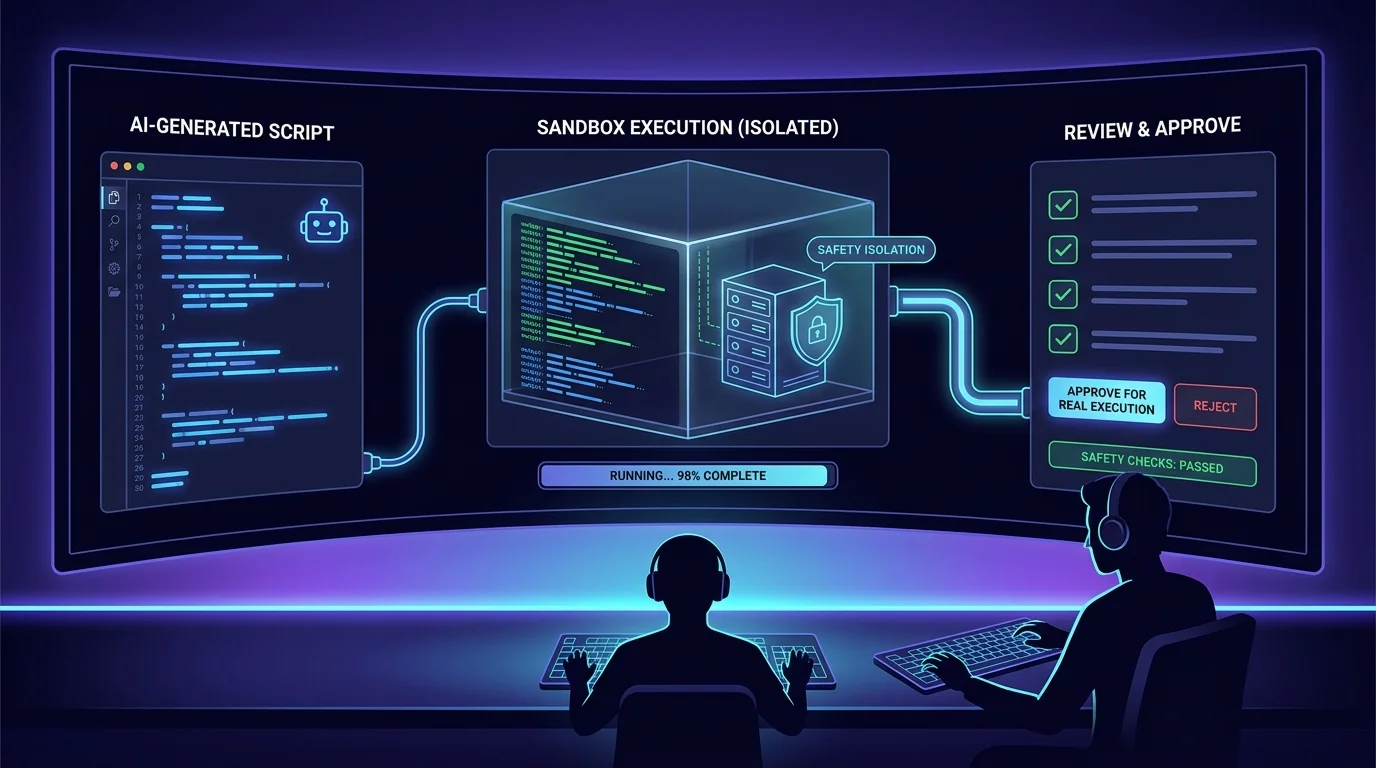
For harnesses that support it there is a third integration surface: Plan mode. VibeControls installs the Plannotator provider on the agent and walks you through configuring a hook for Claude, OpenCode, Codex, Gemini, or Pi. The selected CLI and provider then decide when a plan is created and how its review affects execution; VibeControls supplies the agent connection, hook setup, and embedded provider workspace rather than a platform-wide execution gate.
The three layers compose. A brand-new session can explore read-only on a machine that has never been opted in; a branch you trust can run accept-edits; full auto can be reserved for one dedicated agent whose gate keys you deliberately set. Because the gates are agent configuration, they are per-machine and change under the same permissions and audit trail as any other agent change — which means "who let the AI run shell here, and when" is a question with an answer.
Do it yourself
Set per-session autonomy, keep the agent refusing remote execution until you opt it in, and put Plan mode in front of anything that runs.
In the AI workbench, open a session on your agent and switch the SDK selector to CLI mode so the autonomy control becomes available.
You should see: The autonomy selector appears in the composer for that session.
Ready to make this your story?