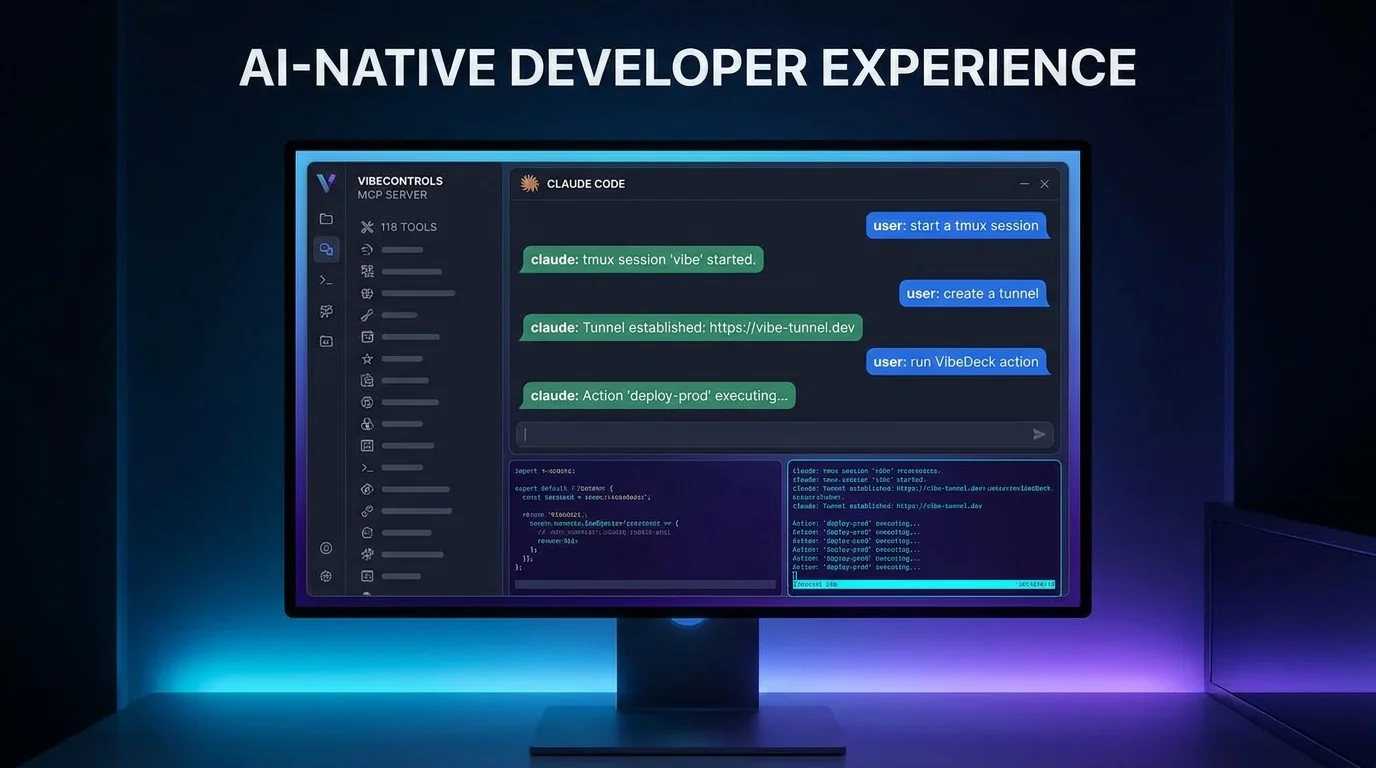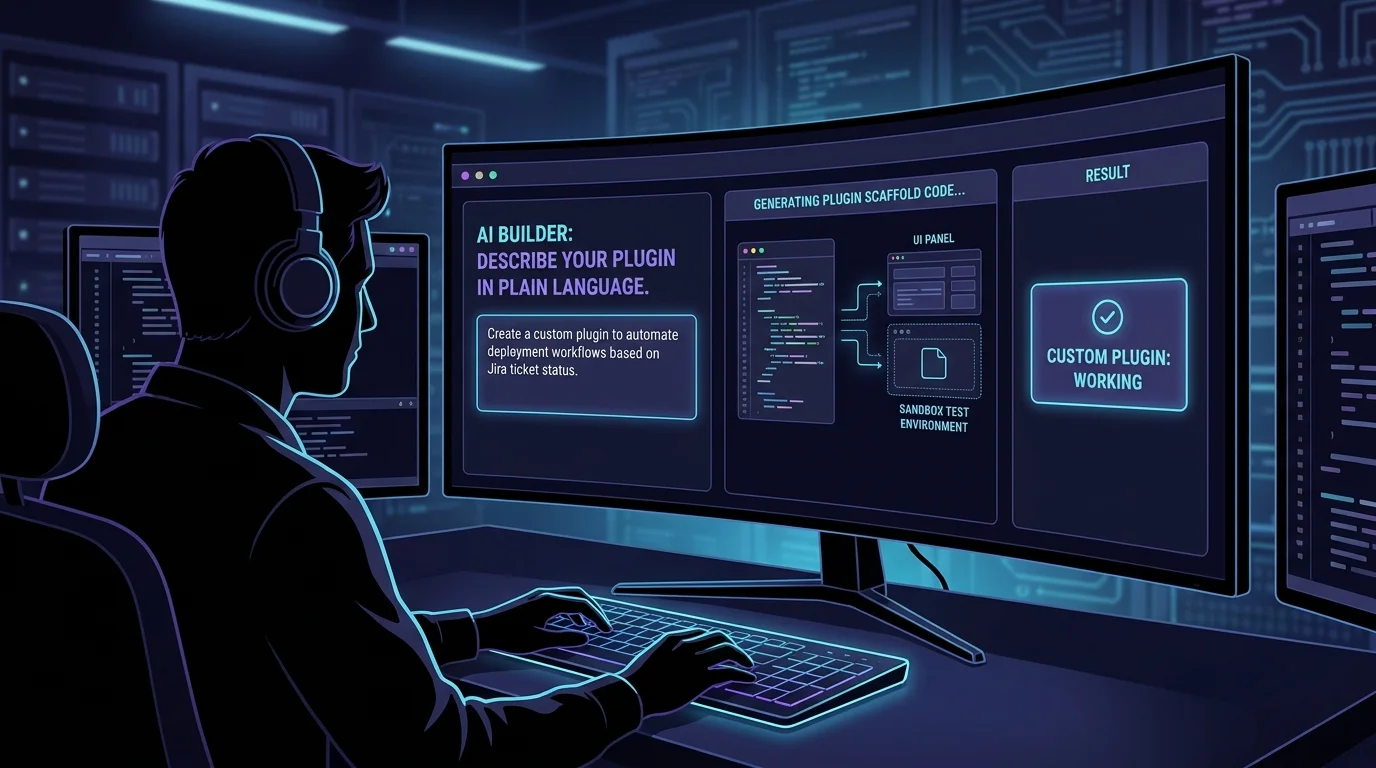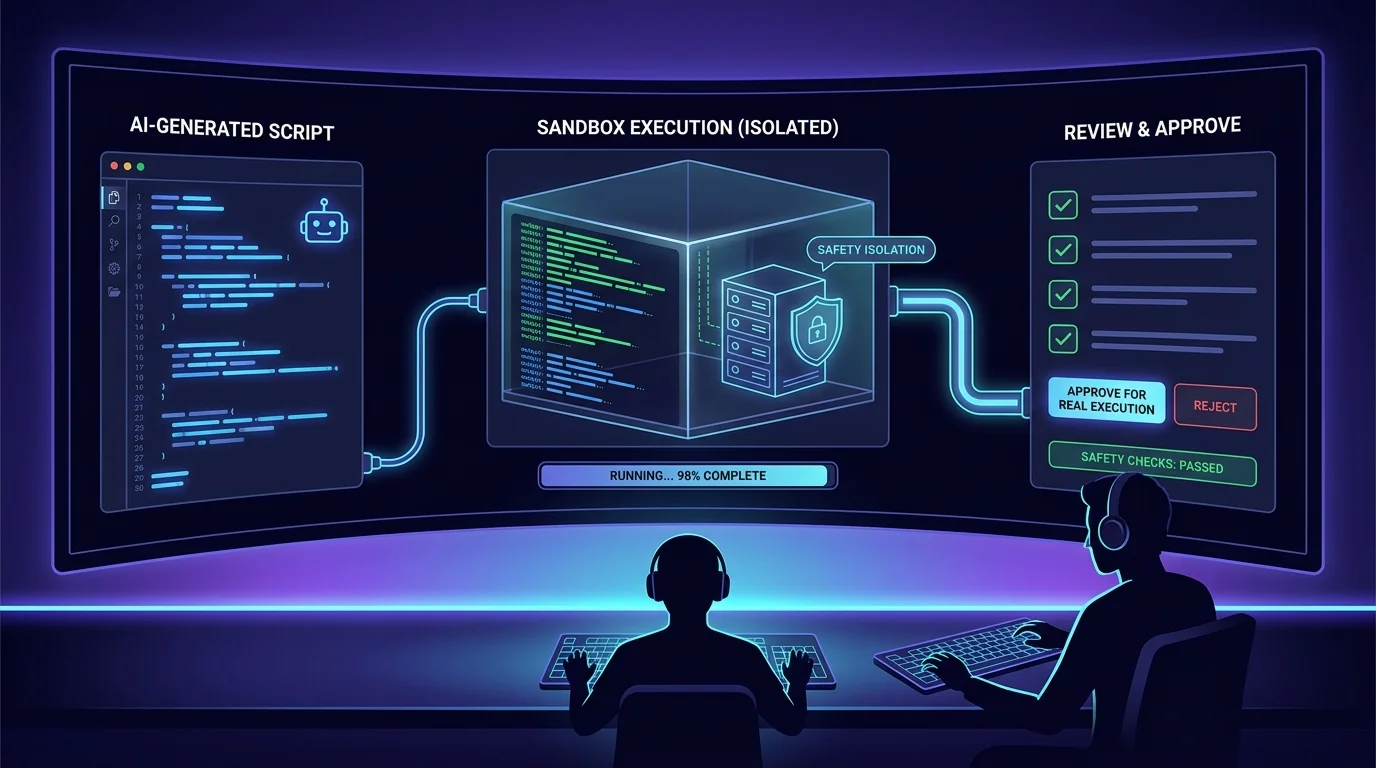
AI assistants in dev tools usually fall into one of two traps: a chatbot that can describe your problem but can't touch anything, or an over-permissioned bot wired to a god-mode service account that does whatever anyone asks. Neither belongs near production tooling.
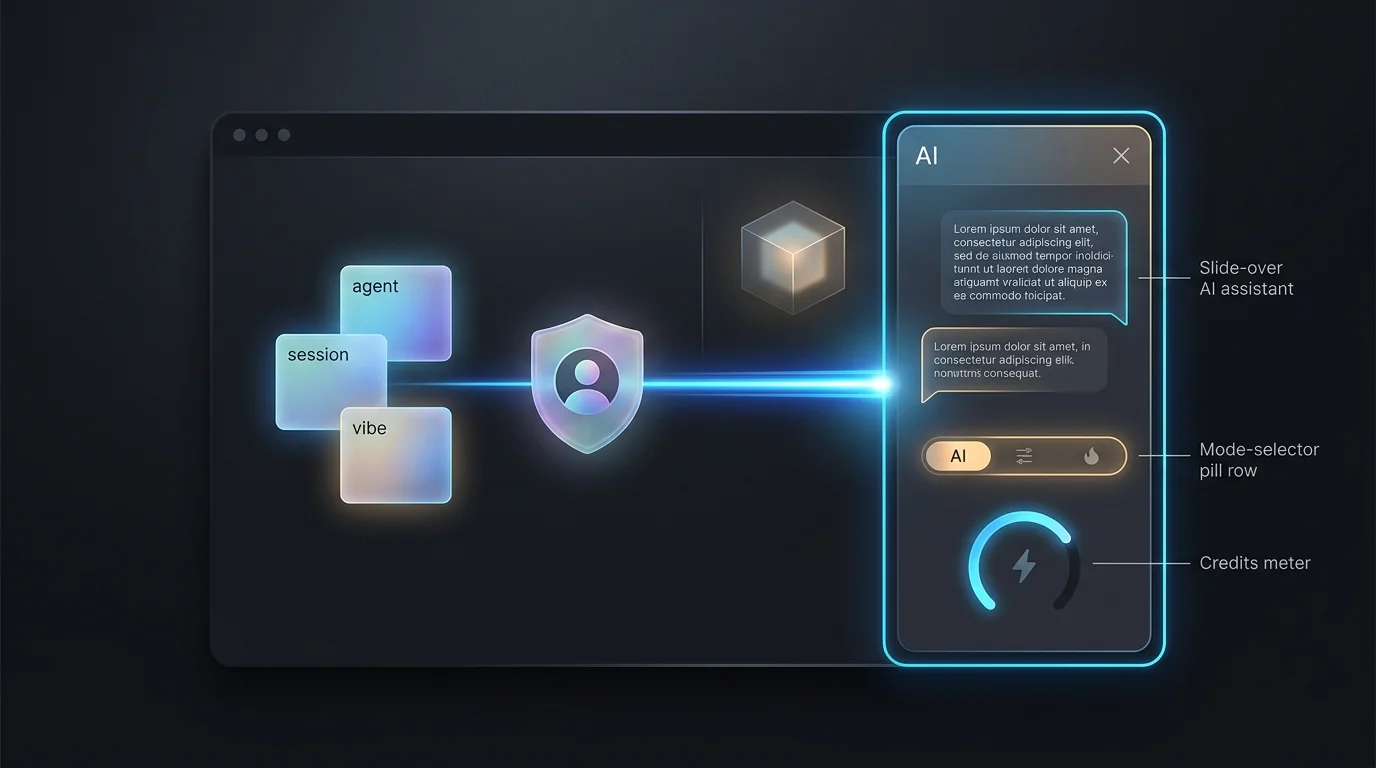
The VibeControls AI Assistant takes a third path. It's a slide-over panel available on every page of the app, and it knows where you are — open it on an agent's detail page and ask "why is this agent unhealthy?" and the question carries that page context automatically. Each conversation runs in its own isolated sandbox provisioned on workspace compute, so there's nothing to install — no agent required on your machine.
Modes select what the assistant can do. In general mode it answers questions about your environment. Switch to api-calls mode and it can act — restart a session, inspect your vibes, fix what you approve — through delegated authentication that executes every operation under your identity. If your role can't perform an action, neither can the assistant: the same RBAC that governs you returns FORBIDDEN to it. Every mutation it performs shows up in the audit log attributed to you.
Usage is metered by AI credits, visible in a meter right in the panel. Credits are checked before each message and token usage is reported after, so consumption is transparent — and running out produces a clear out-of-credits state with guidance, never a silent failure. Multi-provider fallback across Anthropic, OpenAI, and OpenRouter keeps the assistant answering through provider hiccups.
Long conversations survive — the sandbox runtime extends rather than resetting your context — and the useful ones outlive the chat: bookmark key messages or export the whole conversation for the team.
Do it yourself
Open the always-available AI Assistant on any page, let it take real actions as you within your permissions, track your AI credits, and bookmark or export the conversation.
On any page in the app, press Ctrl+Shift+A or click the AI Assistant toggle to slide the panel open.
You should see: A slide-over assistant panel appears, already aware of the page you're on.
Ready to make this your story?