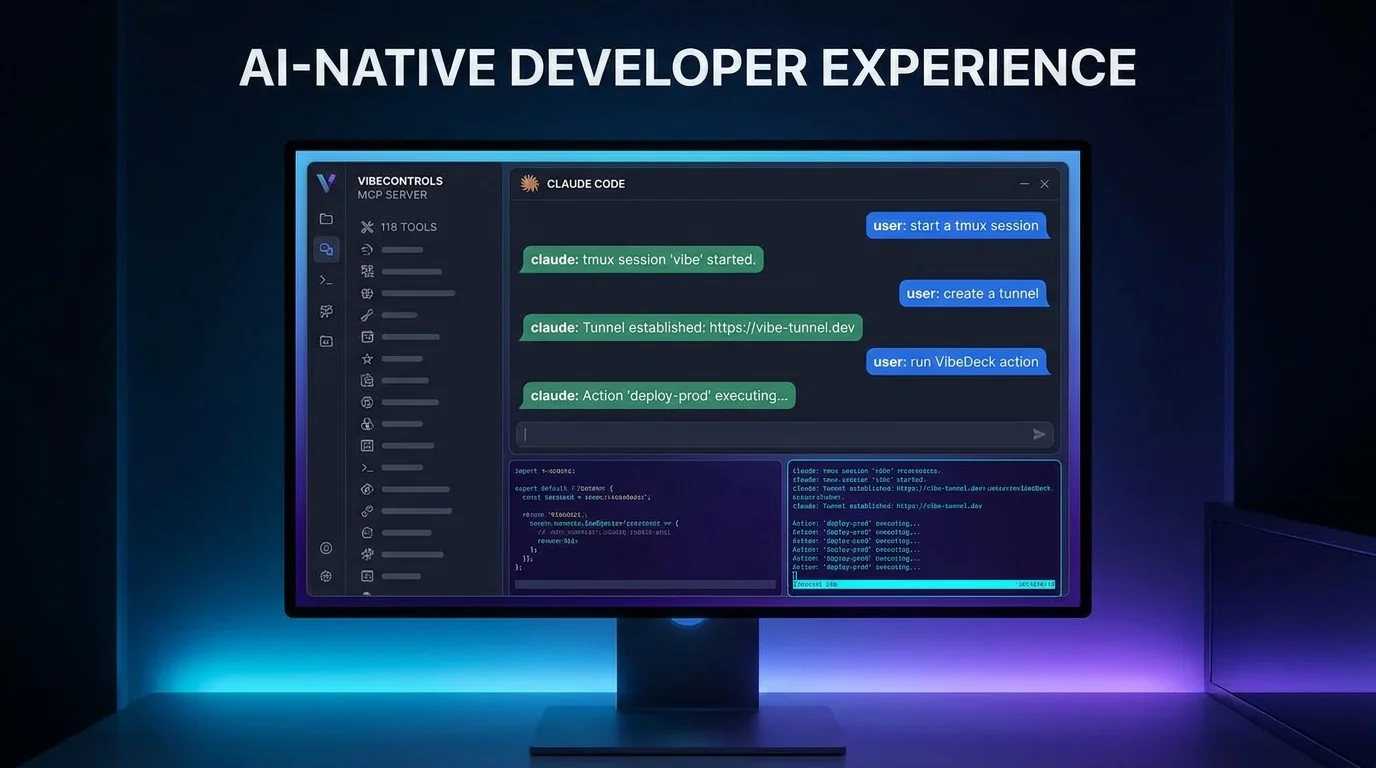
Every coding agent is its own island. Claude Code keeps its config in ~/.claude, OpenCode in ~/.config/opencode, Goose somewhere else again. Each has its own auth, its own session history, its own idea of where "the project" is. Run three of them across two machines and you are holding six mental models at once — and none of them can see the others' work.
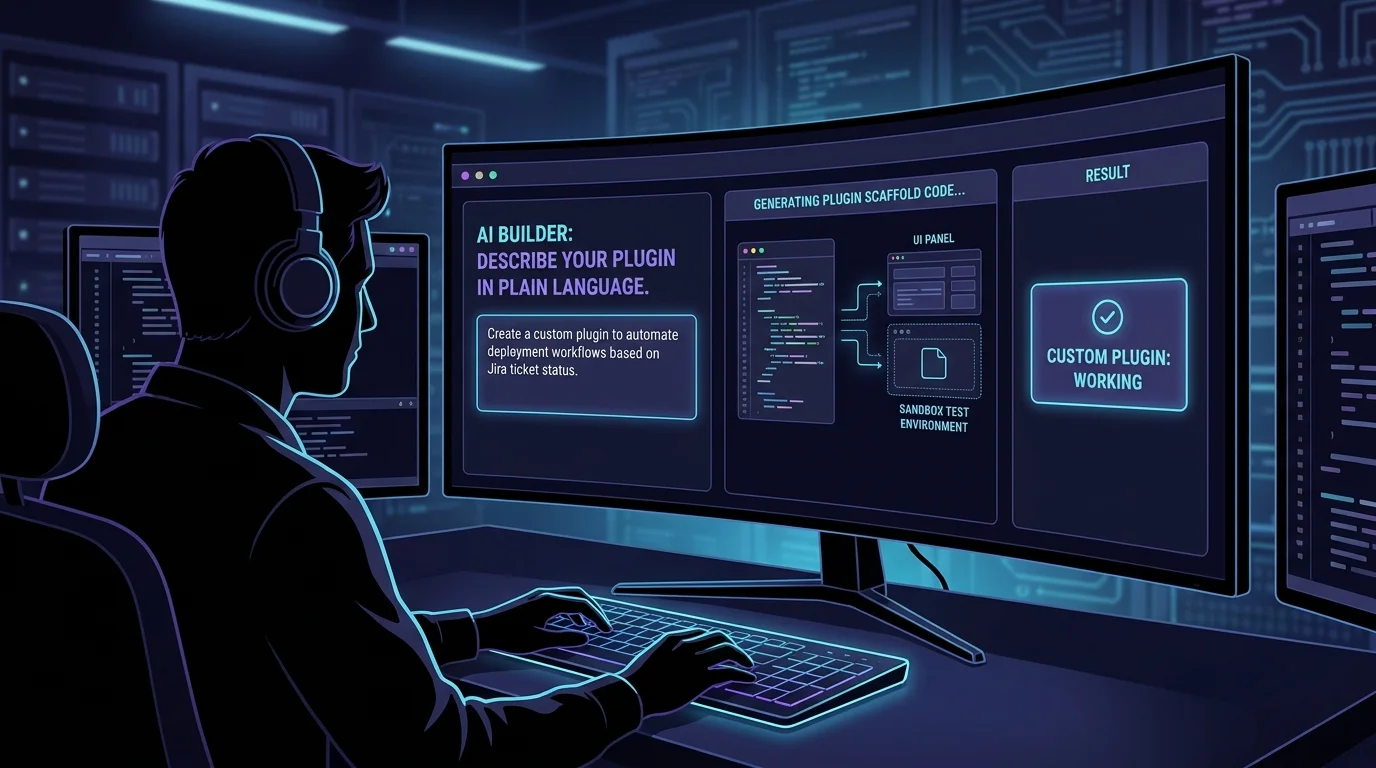
VibeControls treats a harness as a plugin on the agent rather than a tool you install by hand. Install the AI orchestrator (@vibecontrols/vibe-plugin-ai) on a registered agent, then add provider plugins for the harnesses you want — the picker offers eight that are validated end to end: Claude, Codex, Gemini, OpenCode, Cursor, OpenRouter, Minimax and Ollama. The moment the first provider is detected the AI workbench lights up; nothing reloads, nothing needs restarting.
The workbench is a three-pane console: sessions on the left, the active conversation in the middle, session detail on the right, and a tab bar across the top so several live sessions on several agents stay open at once. Sessions can be renamed, searched, bulk-deleted or terminated, and keyboard shortcuts move between tabs without touching the mouse. Because every session belongs to a real agent, the chat is talking to your actual machine — your repo, your toolchain, your network.
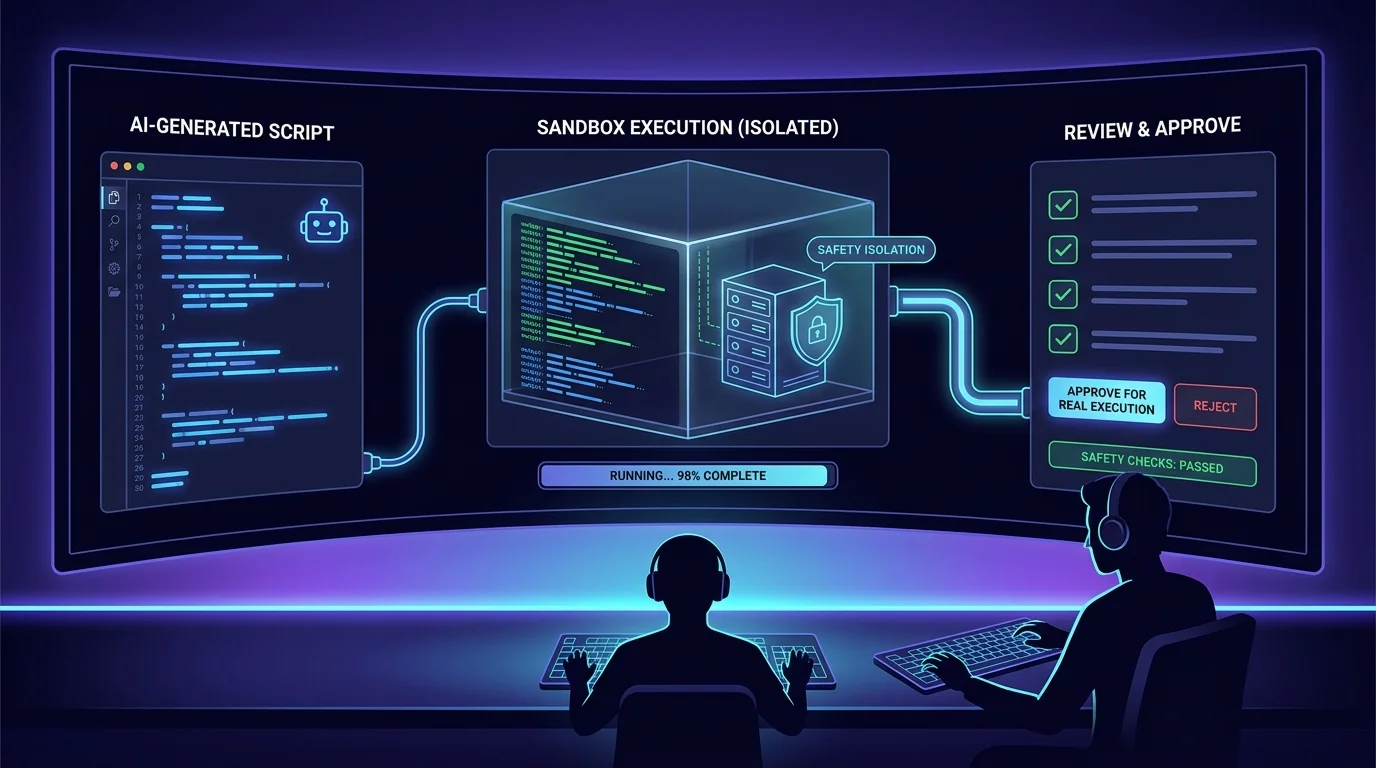
Each turn is configurable rather than fixed. Pick the model from the list the provider reports on that agent. Switch between SDK mode (chat-only) and CLI mode. Choose which MCP servers this session may reach. Point the working directory at the agent root or at a specific Vibe's path. Attach files, dictate with voice input, and set the autonomy level for the turn. These are session controls, not global settings, so a careful review session and an aggressive refactor session can run side by side.
Switching harness normally means re-teaching it your house rules. The Bridle panel manages the cross-harness configuration files and skills — Claude Code, OpenCode, Goose, Amp, Copilot and Crush — from one place, and instruction files scoped to a Vibe land in every agent's working directory. The harness changes; the standards do not.
Do it yourself
Install the AI orchestrator and the harnesses you use on an agent, then run Claude, Codex, Gemini or OpenCode sessions side by side with per-turn control over model, mode and MCP servers.
Open your agent, go to the Plugins tab, and install the AI orchestrator plus the provider plugins for the harnesses you want (Claude, Codex, Gemini, OpenCode, Cursor, OpenRouter, Minimax or Ollama).
You should see: The agent reports the AI plugins as installed and the workbench unlocks for it.
Ready to make this your story?