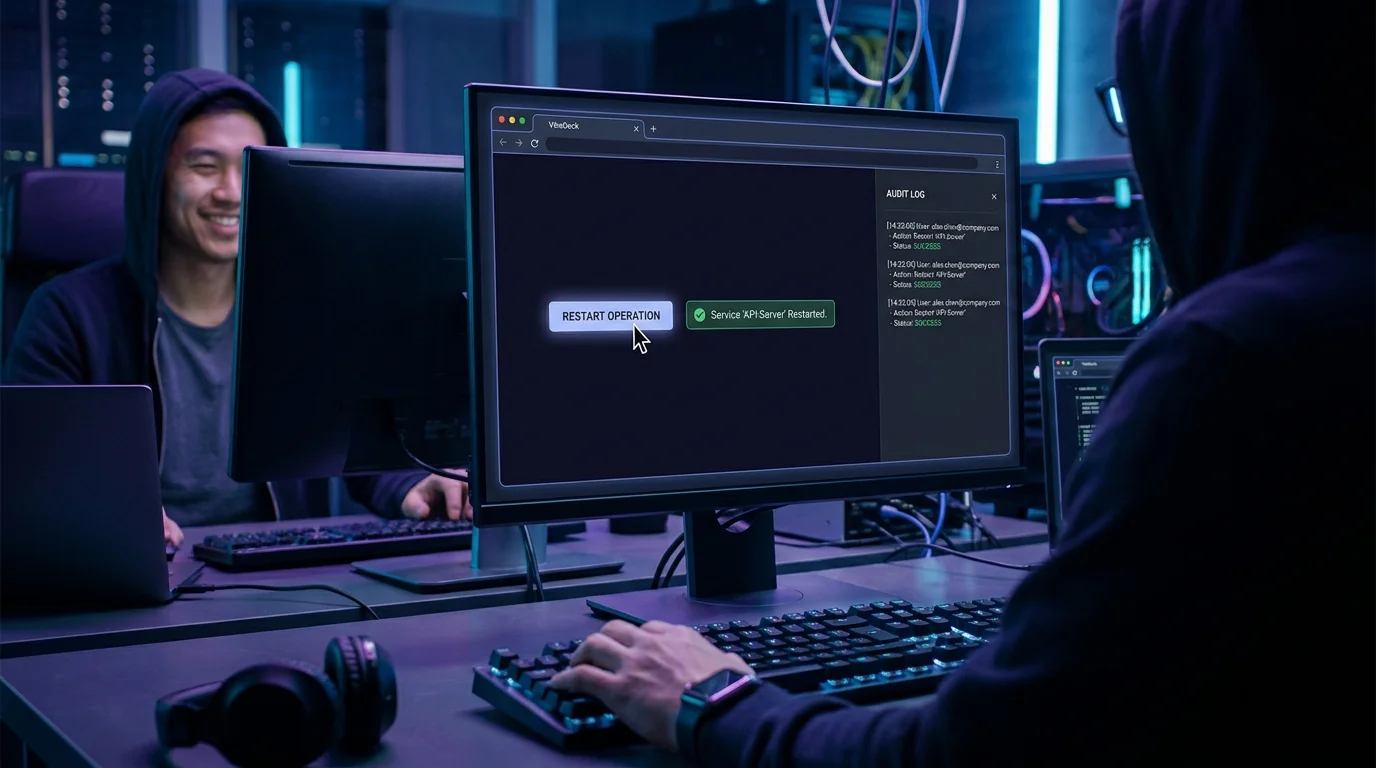
VibeDecks put one-click ops buttons on a board, but the real primitive underneath is the Action — a named, reusable operation you author once and run anywhere. Most teams never realize they can work with actions directly, so the same "restart the service" or "rotate the key" script gets rewritten in five slightly different places.
VibeControls makes Actions a first-class library. Open the Actions page and create one: pick a type, drop in the command or a script (with your chosen interpreter), set the environment variables it needs, and decide whether it requires a confirmation before it runs. Save it and it is now a durable, named building block — not a snippet buried in someone's shell history.
You do not always have to start from scratch. Install a ready-made action straight from the store by its store item and version, optionally renaming it for your workspace. It lands in your library as a real Action you can inspect, run, and adapt. Found one that is close but not exact? Duplicate it and tweak the copy without touching the original.
Running an action is parameterized: pass inputs at execution time so a single "deploy" action serves every environment instead of ten near-identical copies. Each run is recorded as an execution you can review, and a long-running one can be cancelled if it needs to be stopped.
Sharing spreads the leverage. Share an action with teammates or mint a share link, all governed by the same workspace RBAC as every other resource, and bind it to a VibeDeck button when you want a one-click surface on top. Author once, install from the store, parameterize, share — the reusable action library is how a platform team stops rewriting the same operation and starts curating a catalog of them.
Do it yourself
Author a reusable Action with typed inputs, install ready-made ones from the store, run them with parameters, and share them across the team.
Go to Actions to see your reusable action library.
You should see: You see the actions available in your workspace.
Ready to make this your story?