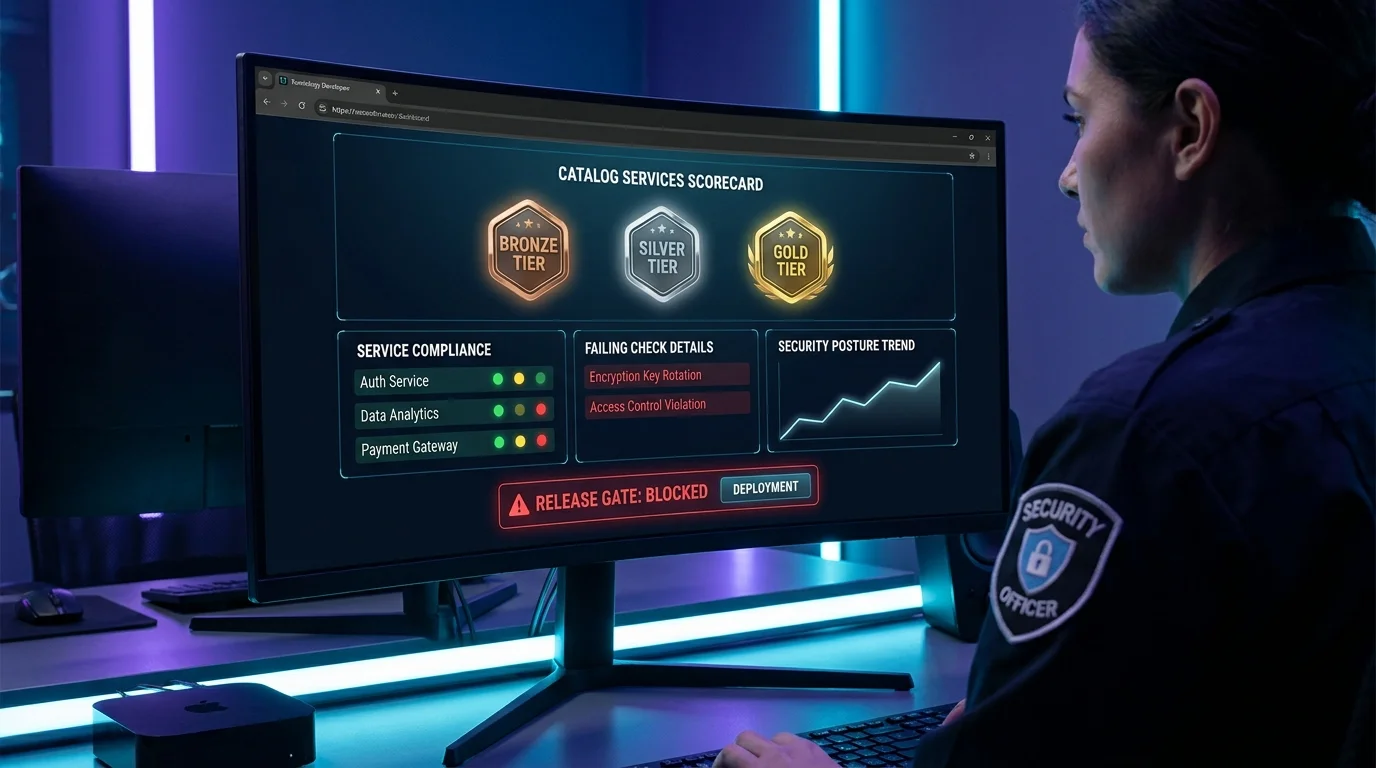
Production-readiness tiers tell you where a service stands; they do not run the scan. Security teams need the active workflow underneath: kick off a real scan, collect the findings, and drive each one to a decision. VibeControls builds that workflow into the platform.
Open the Security tab on a Vibe and run a scan for the lifecycle stage that matters — DEVELOPER_LOCAL while someone is hacking on a branch, PULL_REQUEST_FAST on a review, BUILD or MAIN_MERGE in the pipeline, PROMOTE_PROD before a release. The scan produces a run with a status and conclusion, and a list of findings categorized by type: VULN, SECRET, SAST, CONFIG, LICENSE, POLICY, or SUPPLYCHAIN. Nothing is buried in a CI log you have to go dig for — the run and its findings live in the workspace.
Agents get scanned too. Point VibeControls at an agent and scan its SSH configuration; it enumerates the configured hosts so a machine quietly trusting a host it should not becomes visible before it becomes an incident.
Then comes the part that actually closes the loop: triage. Every finding starts OPEN. Work it and set its status — FIXED once it is patched, ACCEPTED when the risk is understood and owned, FALSE_POSITIVE when the scanner is wrong, SUPPRESSED when it is noise. When you accept a risk, file a documented security exception so the decision is recorded, attributable, and reviewable later — not a Slack message someone half-remembers. A per-repository security config lets you tune how a Vibe is scanned.
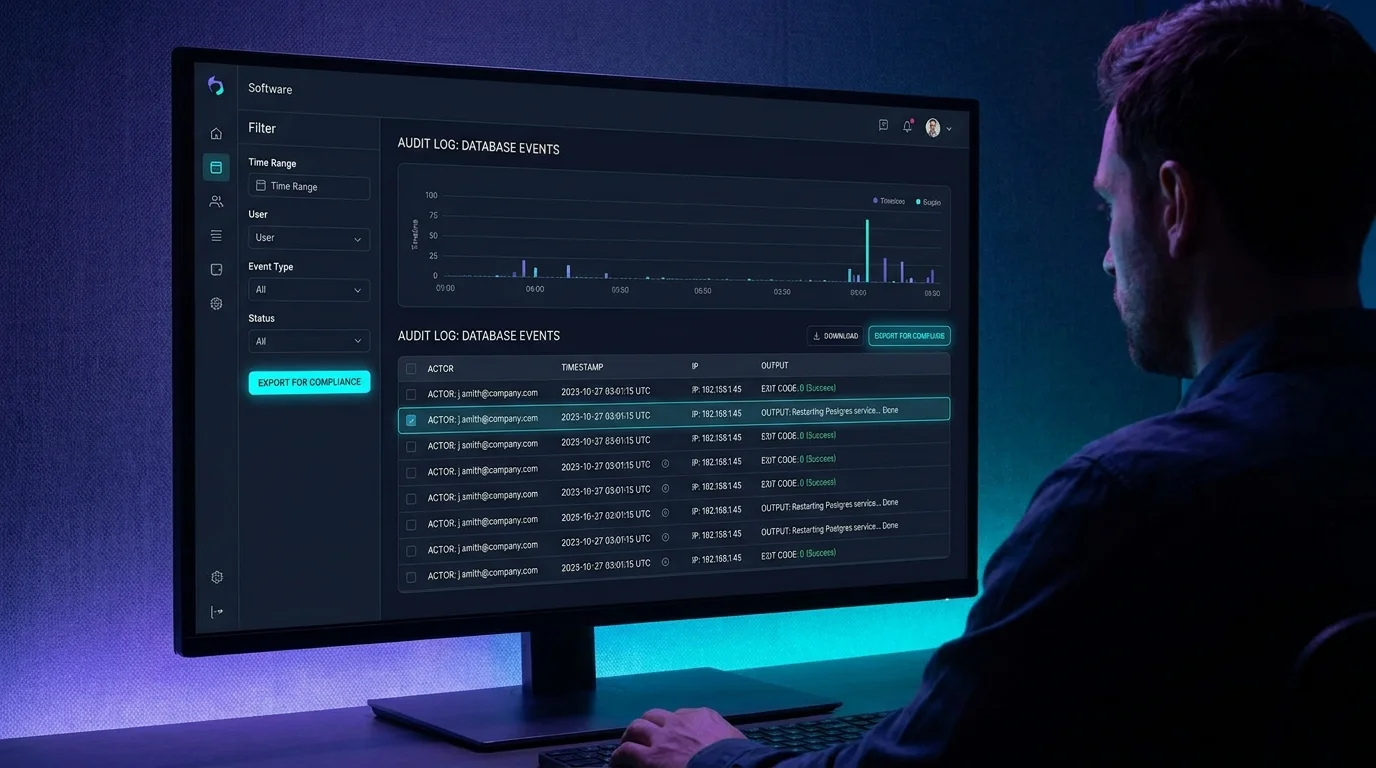
Because scans and findings are workspace resources governed by RBAC and captured in the audit trail, the whole program is auditable: you can show which scans ran, what they found, who triaged each finding, and why any exception exists. That turns ad-hoc scanning into a security posture you can actually stand behind.
Do it yourself
Run a staged security scan against a Vibe, scan an agent’s SSH config, and triage every finding to resolution with statuses and documented exceptions — all from the Security tab.
Open the project Vibe and switch to the Security tab.
You should see: You see scan history and the current findings for this Vibe.
Ready to make this your story?