
Sandboxed Script Runner
Try scripts written by coding agents in a short-lived, resource-capped sandbox and review the result before it touches a real machine.
These images are illustrations of the concept, not screenshots of the actual product.
Overview
The sandboxed script runner is the VibeControls concept for testing code you do not fully trust yet. A script written by a coding agent, a snippet lifted from a pull request or a one-off maintenance task can run inside an isolated, short-lived sandbox with fixed CPU and memory limits, instead of on a developer laptop or a shared server.
Coding agents now produce scripts faster than people can read them, and the quickest way to learn what a script does is to run it. Running it directly on a real target risks side effects that are hard to undo. The design separates the trial run from the real one: the script executes in a sandbox first, its output is reviewed, and only then is it promoted to the machine it was meant for.
The illustration shows a single sandbox page. A header card gives the sandbox name with a running status, a copyable identifier, a copyable sandbox URL and a countdown of the time remaining, with an Extend link, a Refresh button and a menu to extend the time to live, stop or delete the sandbox. Three cards summarize its resources (CPU and memory in use against their limits, and the number of containers), its lifecycle (time to live, time until expiry and creation time) and its details (the runtime template, the run mode and who created it). Below, the Script Runner section offers an interpreter picker, a name for the run and a code editor, shown holding a short Python command that runs a test suite.
Sandboxes sit in the Infrastructure section beside managed tunnels and are designed to pair with the AI Workbench, giving scripts proposed by coding agents a safe place to prove themselves. Because each sandbox belongs to the workspace and expires on its own schedule, experiments do not pile up as forgotten machines, and the time limit can be extended when a run needs longer.
What this concept shows
- Isolated sandbox with a running status, a copyable identifier and a copyable sandbox URL
- Time-to-live countdown with a one-click Extend link
- Overflow menu to extend the TTL, stop or delete the sandbox
- Resources card showing CPU and memory use against limits and the container count
- Lifecycle card with TTL, time until expiry and creation time
- Details card naming the runtime template, the run mode and the creator
- Script Runner with an interpreter picker, a named run and a code editor
- Review-before-promote flow for moving a script to its real target
How it works
- Open a sandbox from Infrastructure and confirm it is running and how much time it has left.
- Check the Resources, Lifecycle and Details cards for the CPU and memory limits, the expiry and the template in use.
- In the Script Runner, choose an interpreter, name the run and write or paste the script.
- Run the script and review its output inside the sandbox.
- Promote the script to the real target once the output looks right, or extend the TTL to keep experimenting.
- Stop or delete the sandbox from the overflow menu when you are done.
Who it's for
- Developers who review scripts written by coding agents
- Platform engineers who need a safe place to run untrusted automation
- QA engineers running smoke tests in isolated environments
- Team leads who want agent-written changes checked before they reach real machines
Illustrations
1 illustration of this concept. Select one to view it full size.
Sandbox Page with Script Runner
This illustration shows a single sandbox opened from Infrastructure and Sandbox. The header card carries a back button, the sandbox name with a Running badge, a copyable sandbox identifier, a copyable sandbox URL and a pill counting down the time remaining, with an Extend link. A Refresh button and an open overflow menu offer Extend TTL, Stop and Delete. Three cards follow: Resources shows CPU and memory in use against their limits and the number of containers; Lifecycle shows the time to live, the time until expiry and the creation date; Details shows the runtime template, the run mode and the person who created the sandbox. The Script Runner section below explains that a script written by an assistant runs here for review before being promoted to the real target, and provides an interpreter dropdown set to Python, a run name and a code editor holding a short test command. Values and names are sample data.
Topics
- sandbox for agent-written code
- run untrusted scripts safely
- isolated script runner
- ephemeral sandbox environment
- sandbox with TTL
- resource-limited code execution
- test scripts before production
- Python sandbox runner
- safe code execution for developers
Related concepts
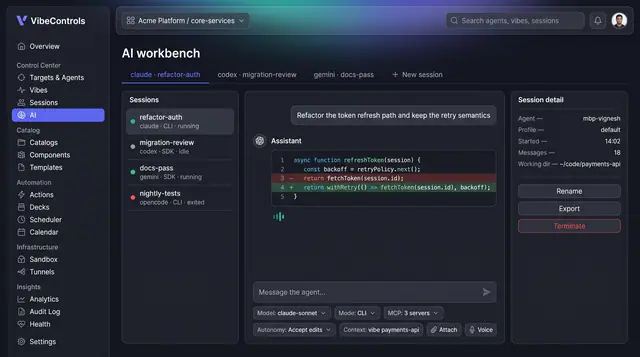
AI Workbench for Coding Agents
Run Claude Code, Codex, Gemini and other coding agents side by side, with governed actions, full run logs and saved answers.
4 illustrations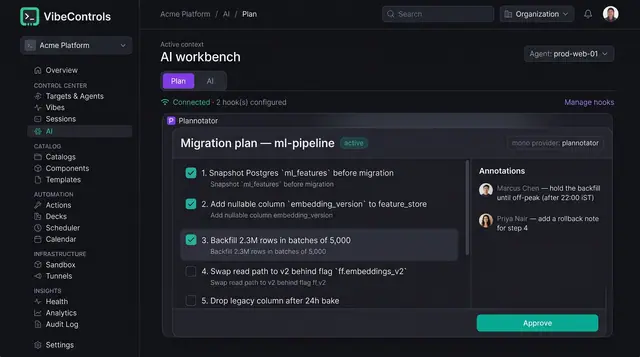
Human-Approved AI Plans
Coding agents propose numbered plans that people review, annotate and approve before a single step runs.
2 illustrations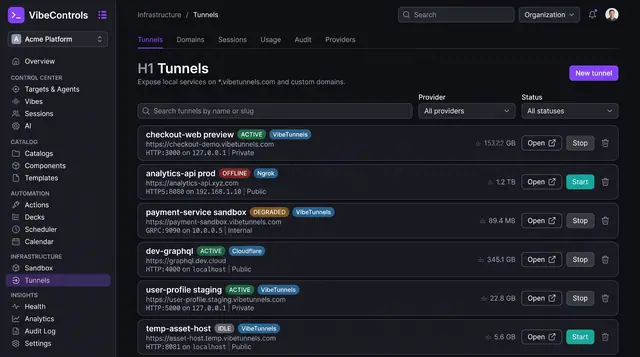
Managed Tunnels for Local Services
Publish a service running on any agent's machine at a managed URL, decide who can reach it and watch its traffic live.
3 illustrations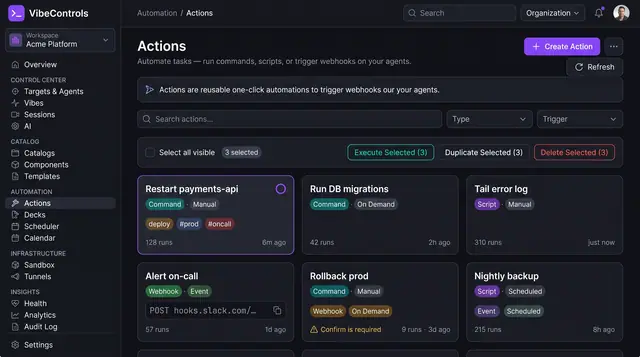
Actions and One-Click Ops Decks
Turn commands, scripts and webhooks into reusable actions, then pin them to one-click decks your team and on-call rotation can run.
3 illustrations