
Choosing the Right Developer Plugins for VibeControls
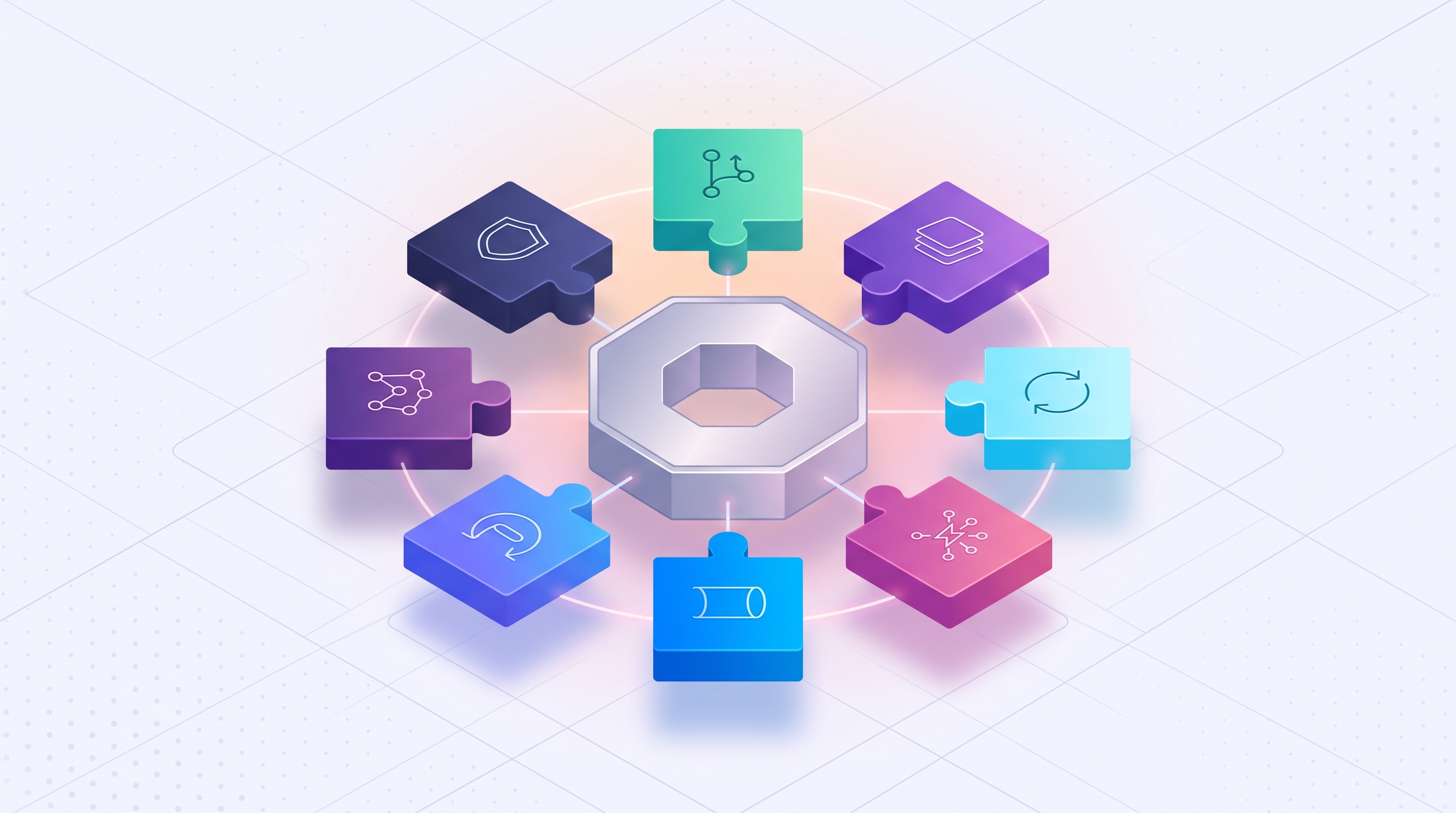
VibeControls plugins turn one lightweight agent into exactly the toolkit your team needs, and nothing you don't. Instead of shipping a bloated all-in-one binary, VibeControls keeps its core agent small and lets you install only the AI providers, security checks, terminals, storage backends, and network tools your workflow actually calls for.
This guide walks through every plugin category that ships today, explains what each one really does, and gives you a practical way to decide which ones belong on your machines.
What Are VibeControls Plugins?
A VibeControls plugin is a small, installable module that extends the vibe agent — the background process that runs on your laptop, a remote server, a container, or a cloud VM. Instead of bundling every possible integration into the core binary, the agent ships thin and you add capability with a single command:
vibe plugin install @vibecontrols/vibe-plugin-ai
The plugin ecosystem is over 50 packages and growing, and every one of them is MIT licensed and published on GitHub — you can read the source, fork it, or ship your own alongside it. The agent runtime that loads the plugins is closed source, but the plugins themselves are not. That split matters: it means the parts of the system most likely to need a fix, an update, or a community contribution are the parts anyone can inspect.
In short: the best VibeControls plugins are the ones that match your stack. AI orchestration plugins if you switch between coding agents, security plugins if you need lifecycle-stage checks, session plugins if you live in a terminal, and storage or tunnel plugins depending on how you share state and expose services.
The Three Plugin Tiers, Explained
Plugins aren't a flat list — they're organized into three tiers, and understanding the difference makes the catalogue much easier to navigate.
| Tier | What it does | Example |
|---|---|---|
| Meta | Defines one interface, then routes to whichever provider you install | vibe-plugin-ai, vibe-plugin-security |
| Provider | Implements a meta plugin's interface for one specific backend | vibe-plugin-ai-claude, vibe-plugin-storage-postgres |
| Tool | Stands alone — no meta interface needed | vibe-plugin-tool-ssh, vibe-plugin-tool-code-server |
There are seven meta plugins today: AI, Security, GitOps, Plan, Storage, Session Manager, and Tunnel. Each one owns a single contract so that switching providers — say, moving from tmux to Zellij, or from Cloudflare Tunnel to a self-hosted relay — never touches the rest of your setup. You install a different provider, and the meta plugin routes to it.
AI Provider Plugins: Run Any Coding Agent You Want
The AI meta plugin is the one most developers install first. It gives VibeControls one consistent interface for talking to AI coding agents, and you decide which providers sit behind it.
At last count, more than a dozen provider plugins are published, covering names most developers already recognize: Claude (Anthropic), Codex (OpenAI), Gemini (Google), GitHub Copilot, Cursor, Aider, Sourcegraph Amp, Block Goose, OpenRouter, Ollama, and any OpenAI-compatible endpoint for self-hosted or proxied models. Each one is bring-your-own-key (BYOK), so your API credentials and your prompts stay under your control rather than routed through a third party.
Why does this matter more than it sounds? Teams rarely settle on a single AI provider forever. Pricing changes, a new model ships, or a client mandates a specific vendor. Because the AI plugin is a meta interface, you can install a second or third provider and pick per session which one drives a given task — without rewriting how your agent, your scripts, or your team's habits work.
Session and Terminal Plugins for a Browser-Native Workflow
VibeControls' interface layer is built around one idea: you should be able to drive a real terminal, a real editor, and a real Git client from a browser tab, with the session staying alive even if you close the laptop.
The Session Manager meta plugin handles capability discovery and provider routing across three multiplexers:
- tmux — the default, paired with
ttydfor persistent, shareable terminal sessions - WezTerm — a GPU-accelerated multiplexer for heavier terminal workloads
- Zellij — a terminal workspace built around floating panes
On top of sessions, a set of standalone tool plugins add specific browser-based capabilities without needing a meta interface at all:
- code-server — a full VS Code instance in the browser, reverse-proxied through the agent
- Git client (Ungit) — a visual Git interface for teams that want to see history and diffs without a local GUI app
- GraphiQL — an in-browser API playground for exploring any GraphQL endpoint
- SSH — connection management, remote terminals, port forwarding, and remote agent installation, all from the dashboard
Together, these plugins are what let a session started on a work laptop get picked back up, unchanged, from a phone browser or a teammate's machine — the session lives on the agent, not the client.
Storage Plugins: Choosing Where Agent State Lives
Every agent needs somewhere to keep its state — session history, plugin configuration, credentials. The Storage meta plugin owns a single AgentDatabase contract, and two providers implement it today:
- Skalex — an embedded, document-oriented, file-backed store. Good for a single machine that doesn't need to share state with anything else.
- Postgres — a shared backend with full feature parity to Skalex, used when multiple agents need to read and write the same state (for example, a team sharing session history across several remote machines).
Both providers encrypt data at rest with AES-256-GCM, so the choice between them is really about topology, not security: one machine, one agent, embedded storage is simplest; several agents sharing state, Postgres is the provider built for that.
Security and Tunnel Plugins: Governed Remote Access
Two categories exist specifically because remote development multiplies the ways things can go wrong: the Security meta plugin and the Tunnel meta plugin.
Security, mapped to your actual pipeline
Rather than one generic "security" toggle, VibeControls' Security plugin dispatches to a different provider at each lifecycle stage — from a developer's local pre-commit hook through pull request, build, release, and runtime monitoring. Today that includes providers for local secrets scanning (gitleaks protect), fast and deep SAST/SCA on pull requests (Semgrep, osv-scanner), SBOM generation and vulnerability scanning at build time (Syft, Grype), dynamic scanning against preview environments using OWASP ZAP, OpenSSF Scorecard checks, signing and provenance at package publish (Cosign, SLSA), an OPA-backed release gate before production, and continuous runtime checks against live workloads.
This stage-by-stage design isn't just a nice-to-have. Software bills of materials (SBOMs) in particular have gone from a niche practice to something procurement teams now expect: in Linux Foundation research on SBOM adoption, roughly nine in ten surveyed organizations said they had already started or were actively planning SBOM adoption (Linux Foundation, "The State of Software Bill of Materials (SBOM) and Cybersecurity Readiness"). Treating security as one plugin per stage, rather than one blanket scan, is what makes it possible to meet that expectation without slowing every commit down with every check.
Tunnels, without the manual ssh -L juggling
The Tunnel meta plugin routes traffic across whichever provider you register:
- Cloudflare Tunnel — exposes a localhost endpoint through
cloudflaredwith named tunnels, useful when you need a public HTTPS URL for a demo or webhook receiver - VibeTunnels — an frp-based provider for self-hostable, air-gapped relays where you can't or won't route traffic through a third-party edge
Both are governed the same way as everything else on the platform: RBAC-checked and audited, so a tunnel opened for a demo doesn't turn into a forgotten, unmonitored door left open on a server.
How to Choose the Right Plugins for Your Team
With more than 50 plugins across seven categories, the temptation is to install everything. Don't. A few questions narrow the list quickly:
- Which AI providers does your team actually pay for? Install those AI provider plugins first — Claude, Codex, Gemini, Copilot, whatever's already in your budget — and add more only when a project genuinely needs a second option.
- Do you work solo or does state need to be shared? One developer, one machine: Skalex. A team sharing session history or credentials across agents: Postgres.
- What does your security pipeline already require? Match provider plugins to stages you already gate on — secrets scanning and PR-time SAST are usually the first two most teams want, with SBOM and release-gate providers added as compliance needs grow.
- Do you need to expose anything publicly? Only install a tunnel provider if you actually need to share a local service; it's one less thing to audit if you don't.
- Which terminal do you already use? Pick the session provider that matches your muscle memory (tmux is the most common starting point) rather than switching multiplexers just because a plugin exists.
Building Your Own Plugin
If none of the published plugins fit — a niche AI provider, an internal security scanner, a proprietary storage backend — the Plugin SDK is published and MIT licensed on GitHub, the same as the plugins it powers. Plugins declare a manifest, implement lifecycle hooks, and can expose their own REST routes and UI panels. You can keep a custom plugin private to your organization or publish it for others to install.
Frequently Asked Questions
What is VibeControls? VibeControls is an Agentic Engineering IDP (Internal Developer Platform) for AI-native teams. It runs a lightweight agent on every machine you work on — laptop, remote server, container, or cloud VM — and connects them into one control plane for sessions, tunnels, AI orchestration, and automation.
Are VibeControls plugins open source? Yes. The plugin ecosystem — over 50 packages spanning AI, security, GitOps, session, storage, and tunnel providers — is MIT licensed and published on GitHub. The core agent, backend, CLI, and web app are closed source.
Do I need to install every plugin? No. The agent ships small on purpose. Install the AI providers you actually use, the session multiplexer you already work in, and the security or tunnel providers your workflow requires — skip the rest.
Can I run more than one AI provider at once?
Yes. Install multiple vibe-plugin-ai-* provider plugins and choose which one drives a given session. This is useful for teams that want to compare models or that are contractually required to use a specific vendor on certain projects.
What's the difference between a meta plugin and a provider plugin? A meta plugin (like AI or Security) defines a single interface. A provider plugin (like the Claude or GitHub provider) implements that interface for one specific backend. Installing a new provider never requires changing how you interact with the meta plugin.
Can I build a plugin that isn't in the catalogue? Yes. The Plugin SDK is open source, and plugins declare a manifest, lifecycle hooks, and optional UI panels. Publish it for others to use or keep it private to your team.
Next Steps
The full, searchable catalogue — every meta, provider, and tool plugin, filterable by category — lives on the VibeControls plugins page. To see how plugins fit into the rest of the platform, from agents and tunnels to team RBAC, visit VibeControls features, or browse real use cases to see which plugin combinations fit workflows like yours. Have a question this guide didn't cover? Check the full FAQ.
VibeControls is generally available. Sign up for VibeControls to install your first plugin.